We are sharing pregnancy news
See baby-shoe and baby-outfit portrait settings, then add your exact message and due date in your own editor.
Plan a pregnancy announcementChoose your photos, plan a setting, or check the image you already have. The planning tools work without signup, whether you use AI portraits or your own photographs.
See baby-shoe and baby-outfit portrait settings, then add your exact message and due date in your own editor.
Plan a pregnancy announcementStart with clear references for each person. Learn what AI can combine, which photos work best, and what to check in the preview.
Choose your reference photosCompare a tree farm, a fireplace and a classic studio. Choose the image first, then add your greeting and check the crop before printing.
Choose the photo and card layoutUse existing, clear baby photos from a consistent age. Compare home and studio settings, then review small facial details.
Prepare newborn referencesBirthday and engagement portraits need room for text and careful detail checks. Add names, ages and dates in your card designer afterward.
Plan engagement photosChoose references, plan a setting, or prepare the photo you already have for a card. These guides and tools are free.
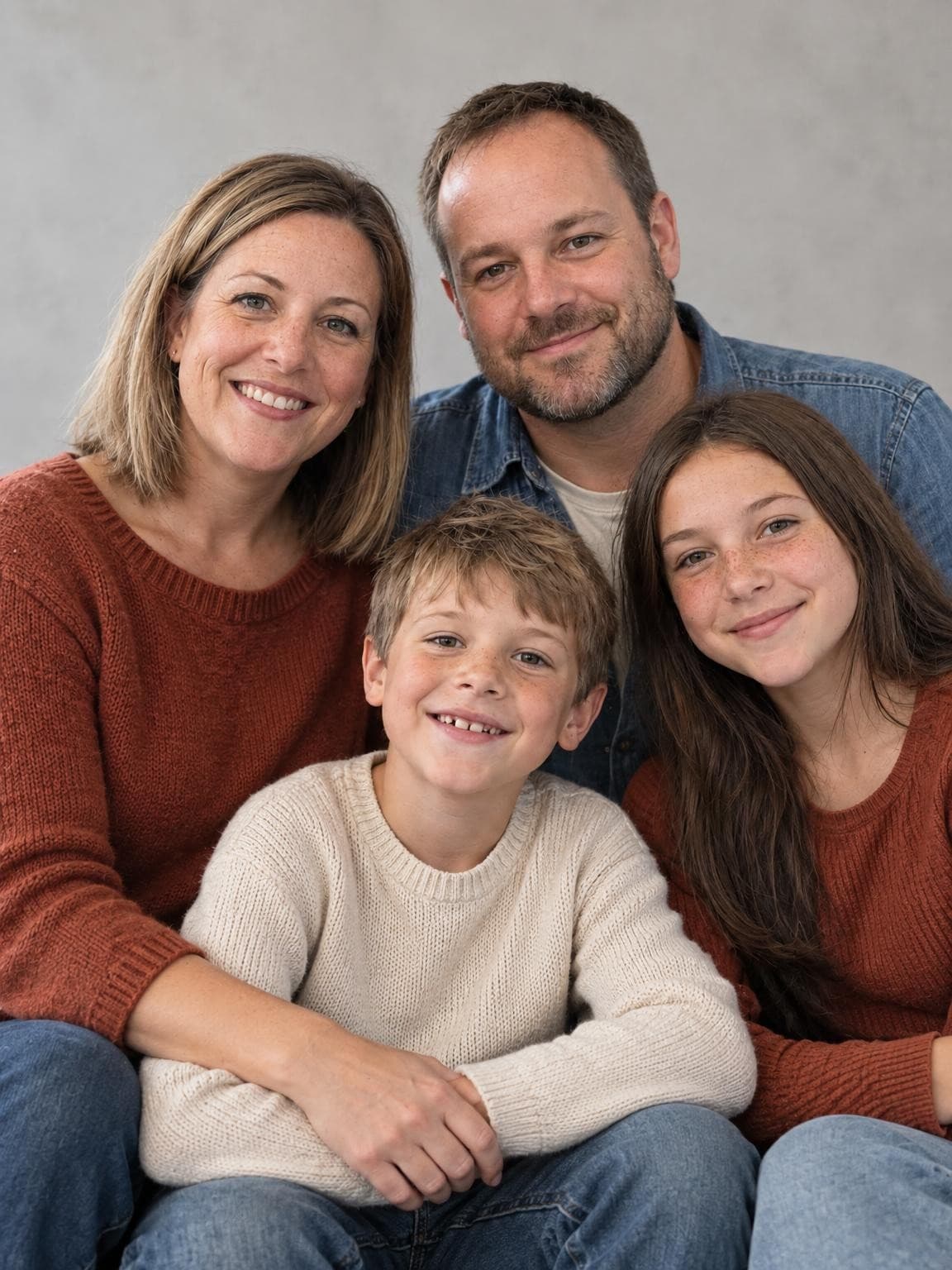
Outfits & free planner
Three illustrated palettes, assignable outfits for 2–6 people and a plan you can share.
Open guide
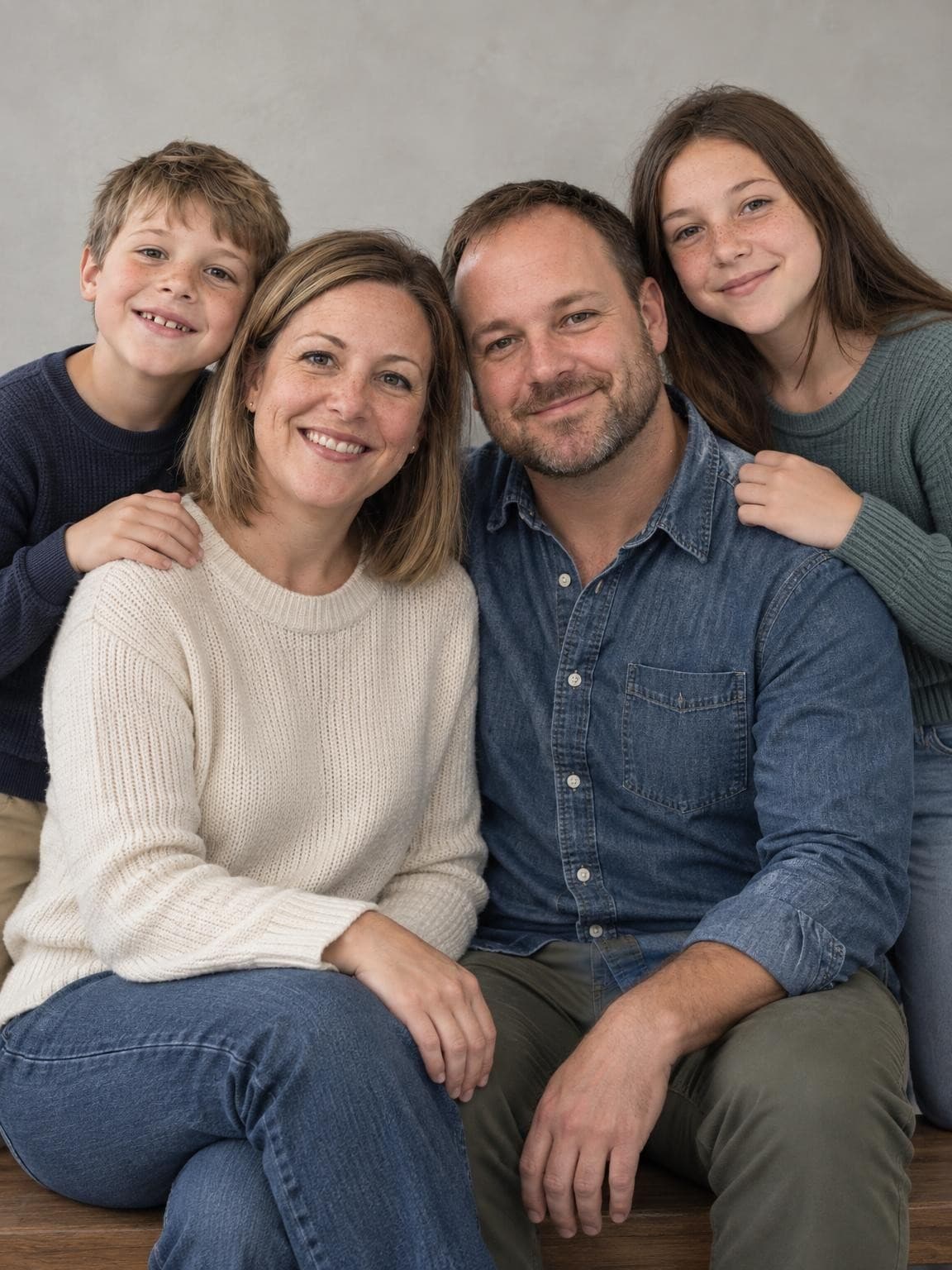
Family posing guide
Illustrated arrangements for three, four, parents and children, and grandparents.
Open guide
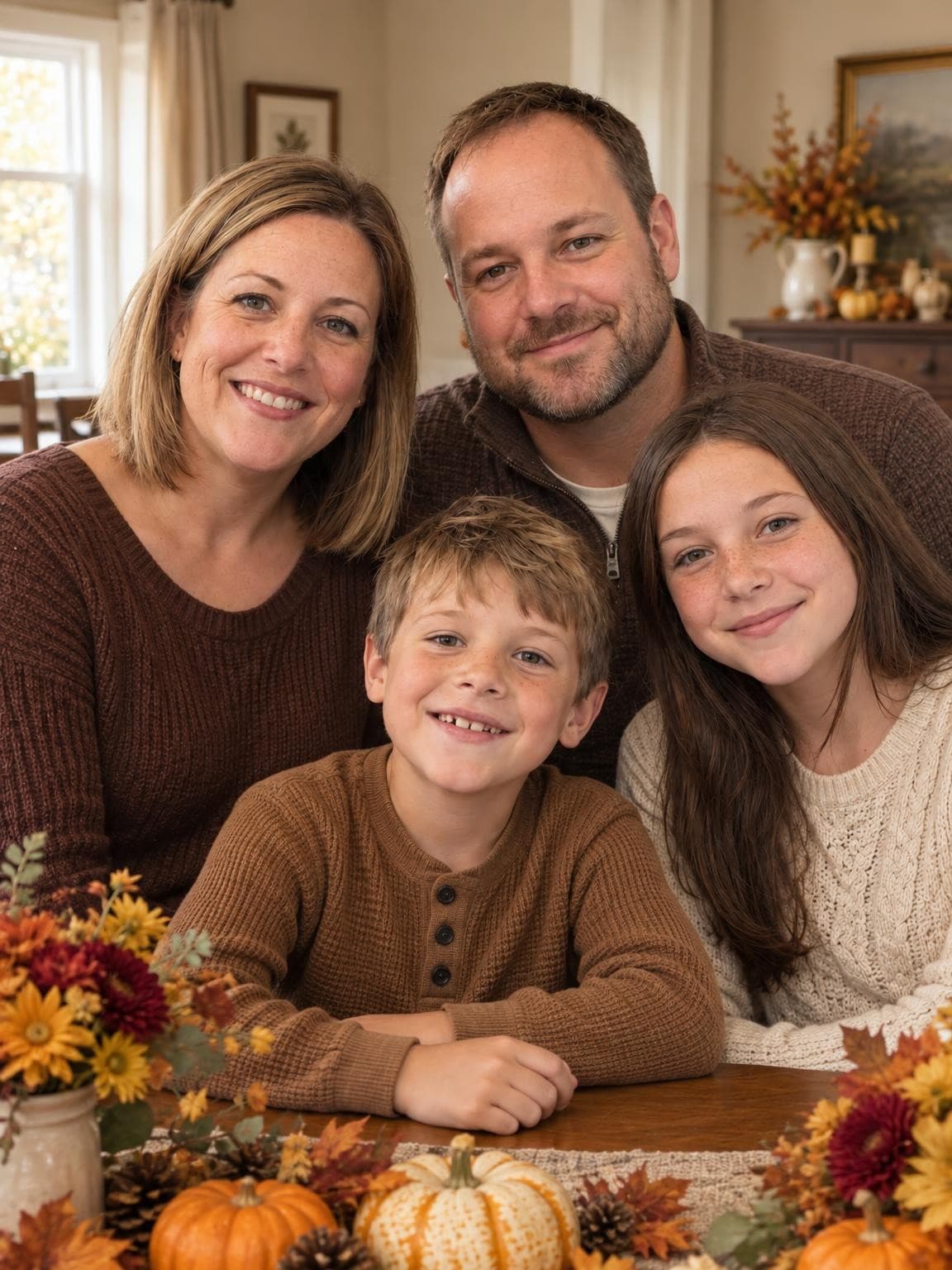
Free print-size calculator
Calculate resolution, adjust a crop and download a JPG. Your file stays in your browser.
Open guide
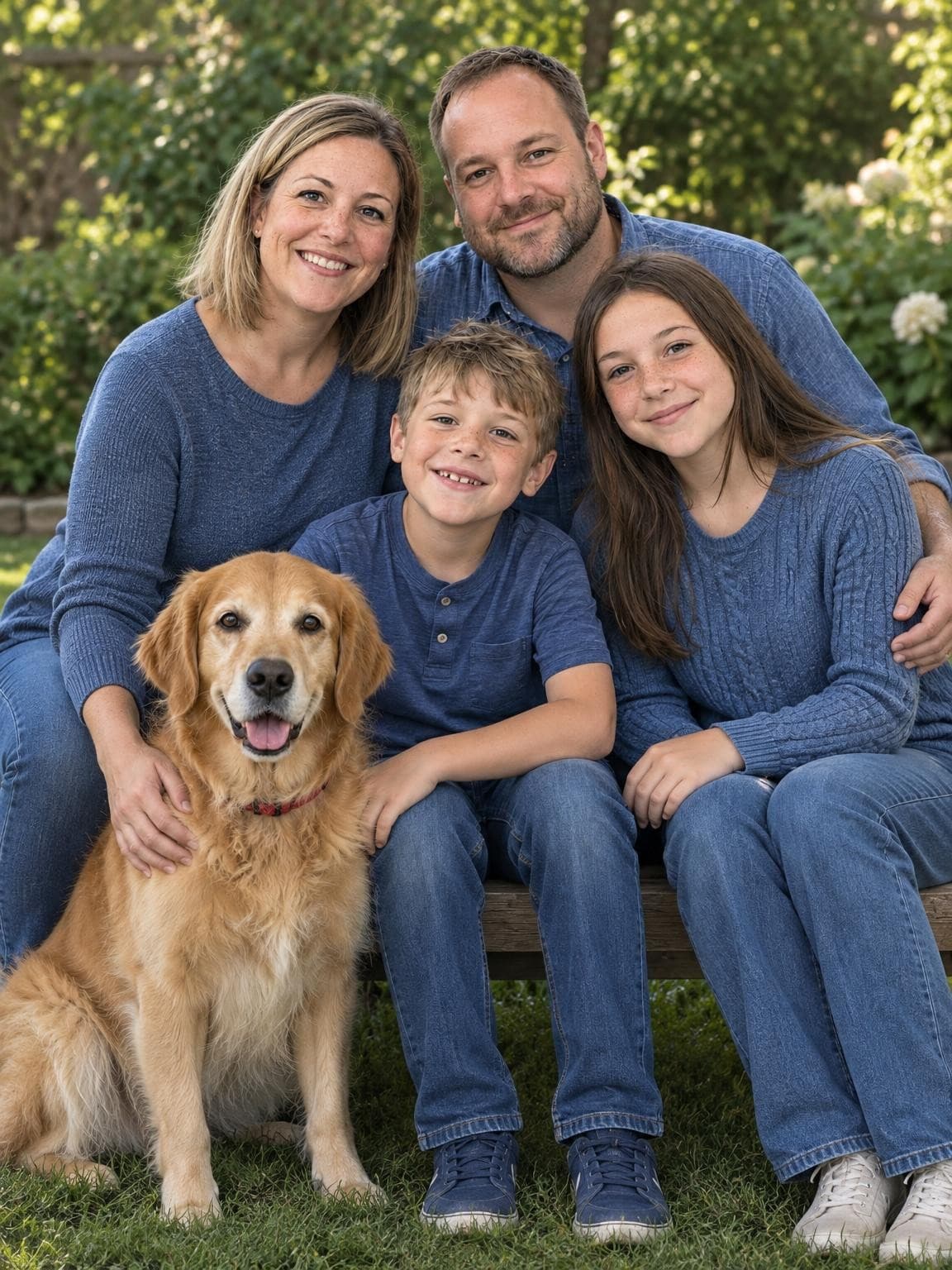
Matched examples
Original inputs and AI portraits across our collections, with close-up comparisons.
Open guide
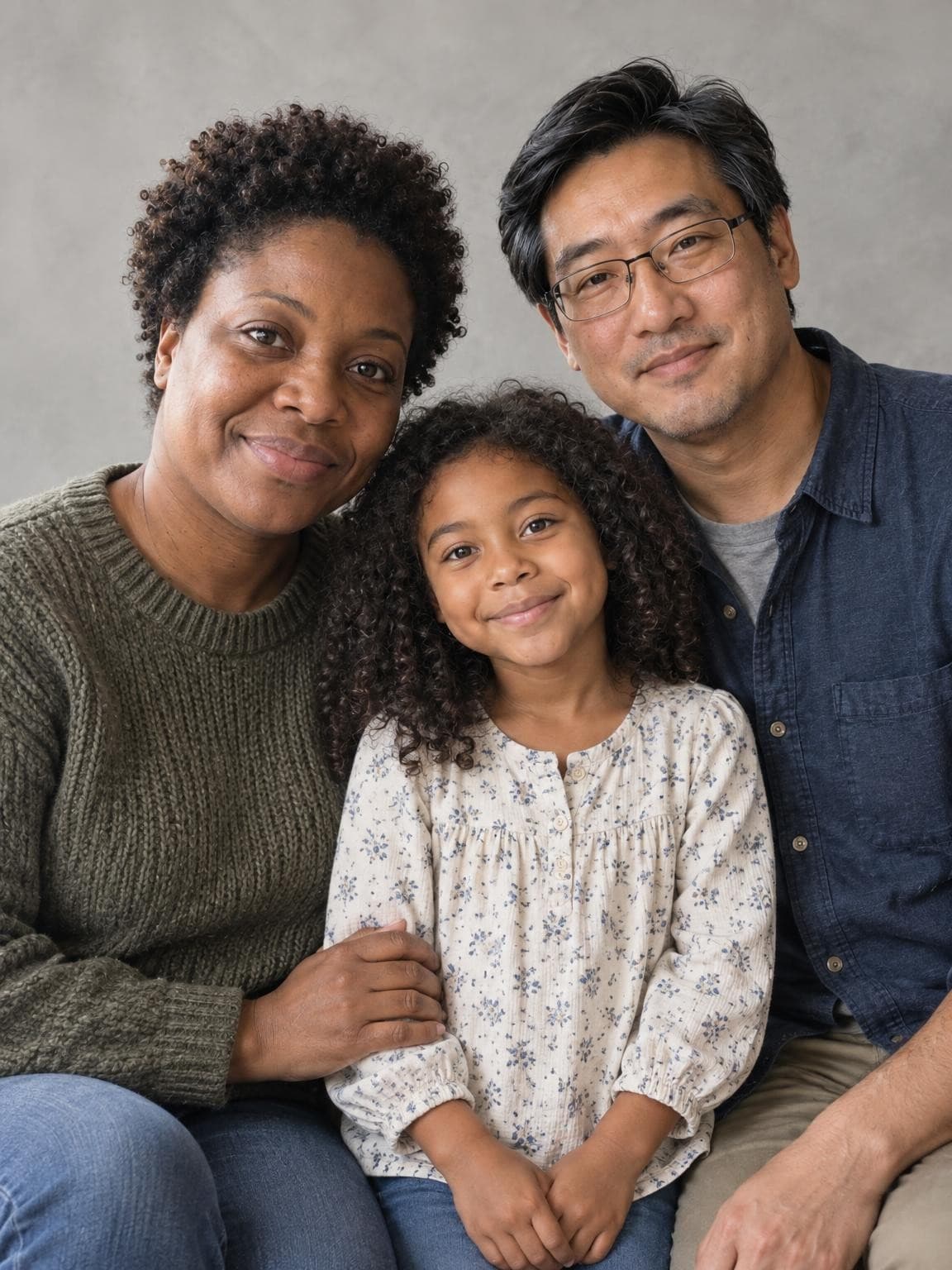
Practical comparison
Compare AI portraits, your own camera and a booked session by the task.
Open guide
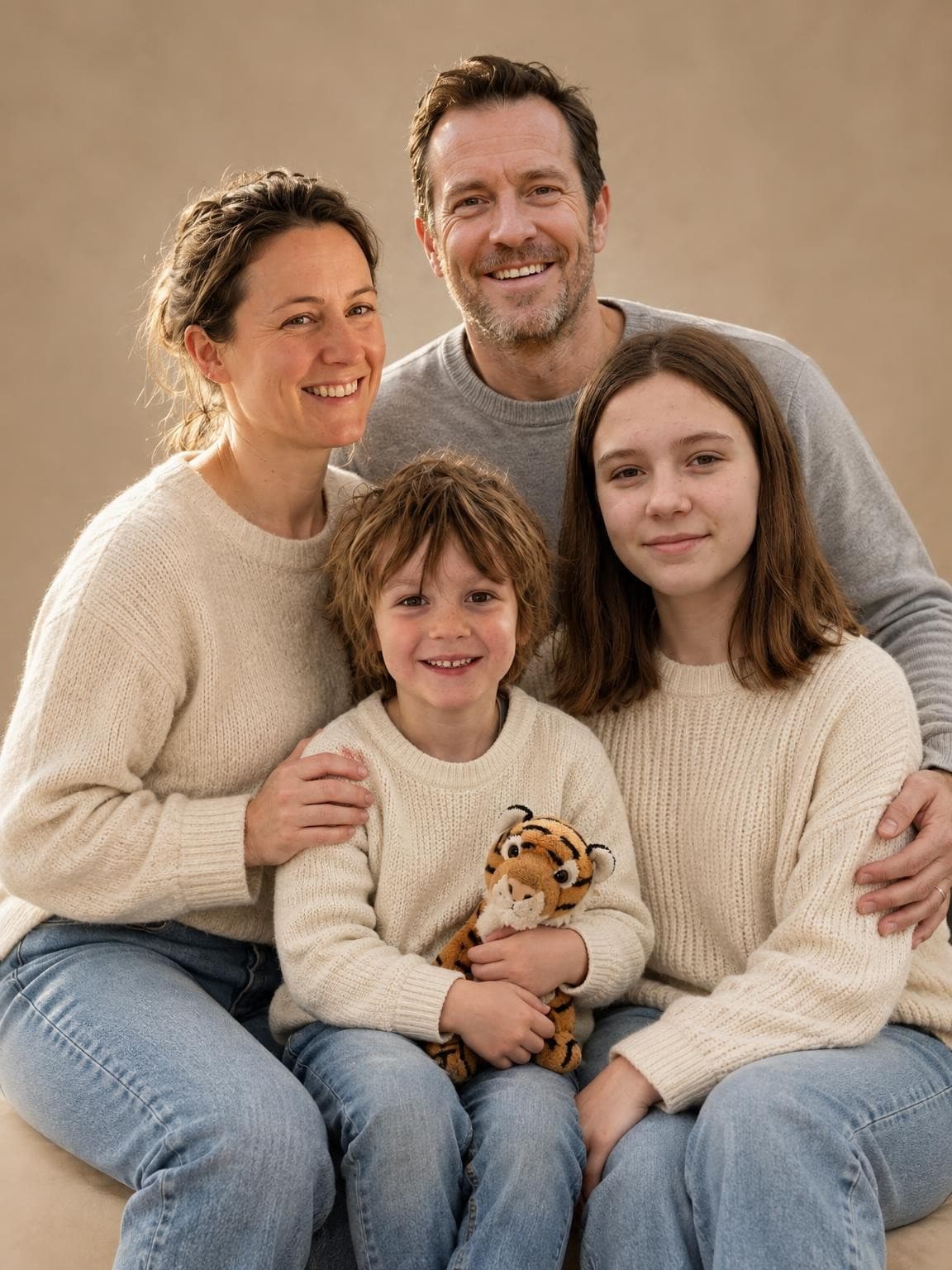
Reference-photo guide
See the actual reference photos behind our demo portraits, then use the face-by-face checklist for your own family.
Open guide
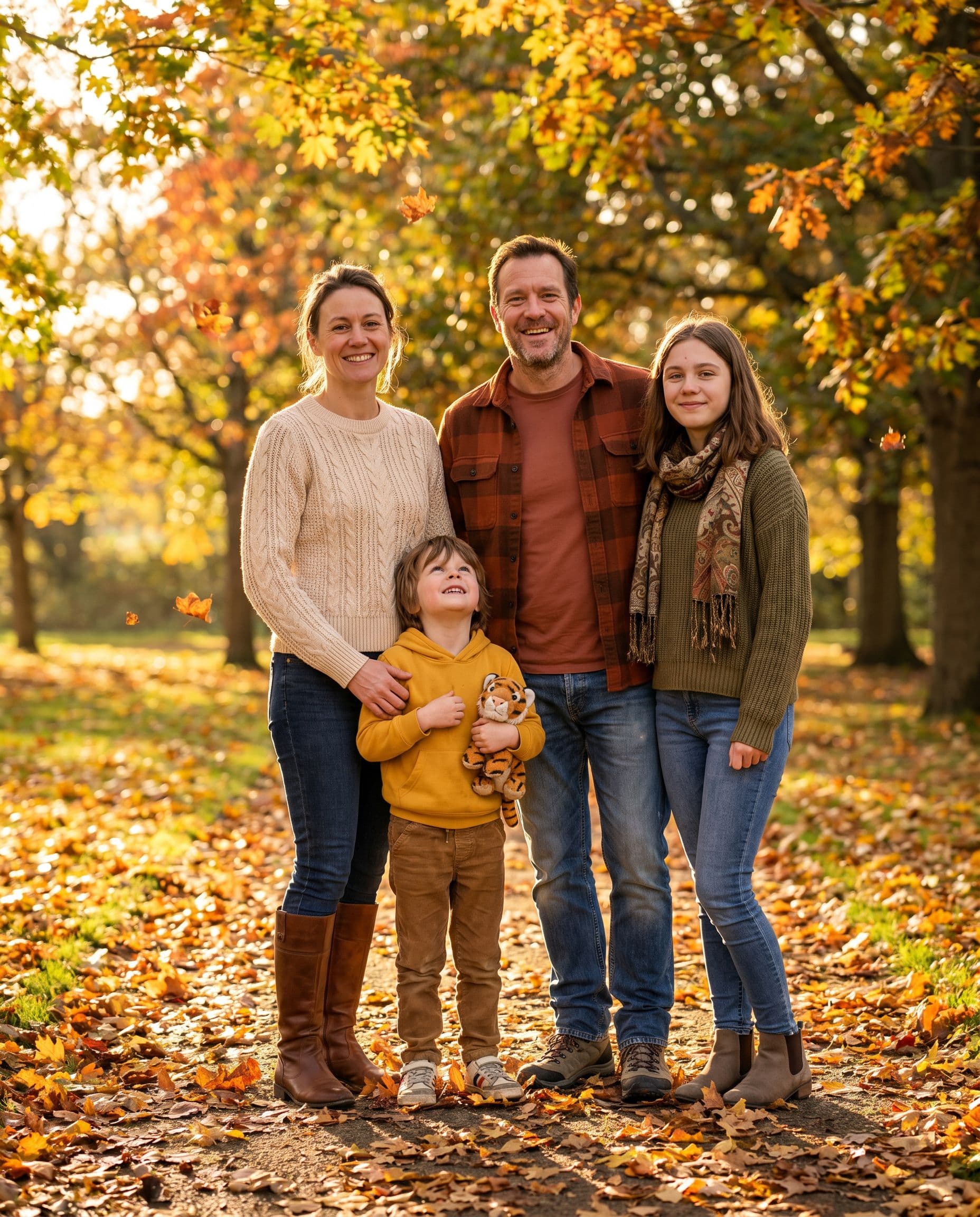
Free outfit planner
Six color palettes, outfit assignments for your family, and a plan you can share.
Open guide
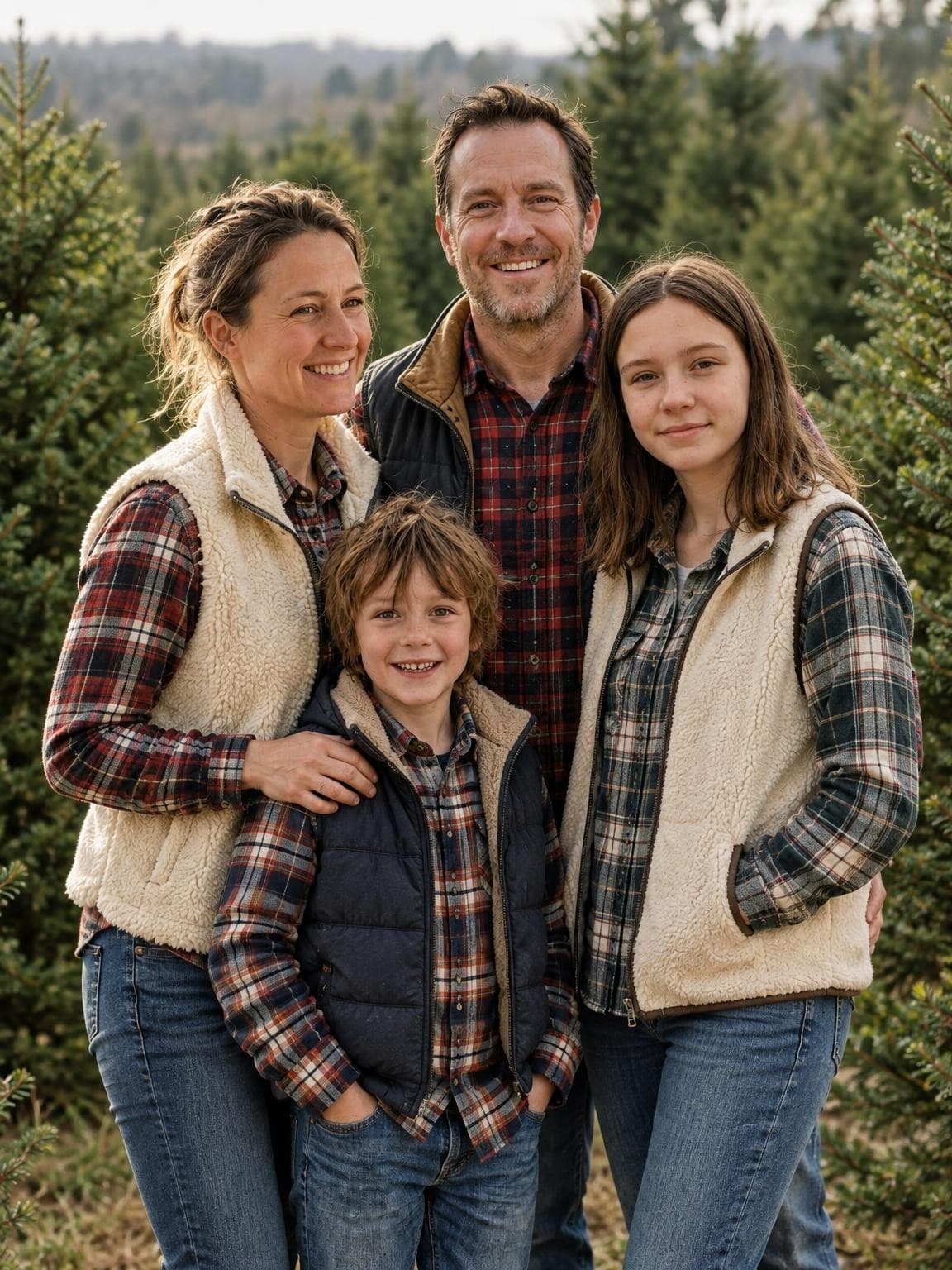
Free crop & download
Move the crop, check print resolution and download a JPG for standard or custom photo windows. Your photo stays in your browser.
Open guide
Copy & use
Eight original scene prompts, with outfit and composition tips for families, couples, kids, and pets.
Open guide
Choose recent, well-lit photos with a consistent appearance for each person. Include everyone you want shown, leave out extra people, and avoid filters or sunglasses that hide facial detail. Our creator accepts 1–6 reference photos total. See the reference-photo checklist.
AI makes a new composition, including poses, outfits and surroundings. It can change likeness and small details. Keep your originals to document real events and review every face before paying for a generated gallery.
A screenshot or messaging-app copy may lose detail. Use the original file, check its pixel dimensions and leave enough space for the card crop. Your printer’s proof and requirements take precedence over a general size recommendation. Adjust the crop and check its resolution.
For an imagined holiday portrait, explore pictures with Santa. For invitations and milestones, start with birthday portrait ideas. Each collection opens the matching scenes in the creator.
No account or card. Paid digital galleries from $19.