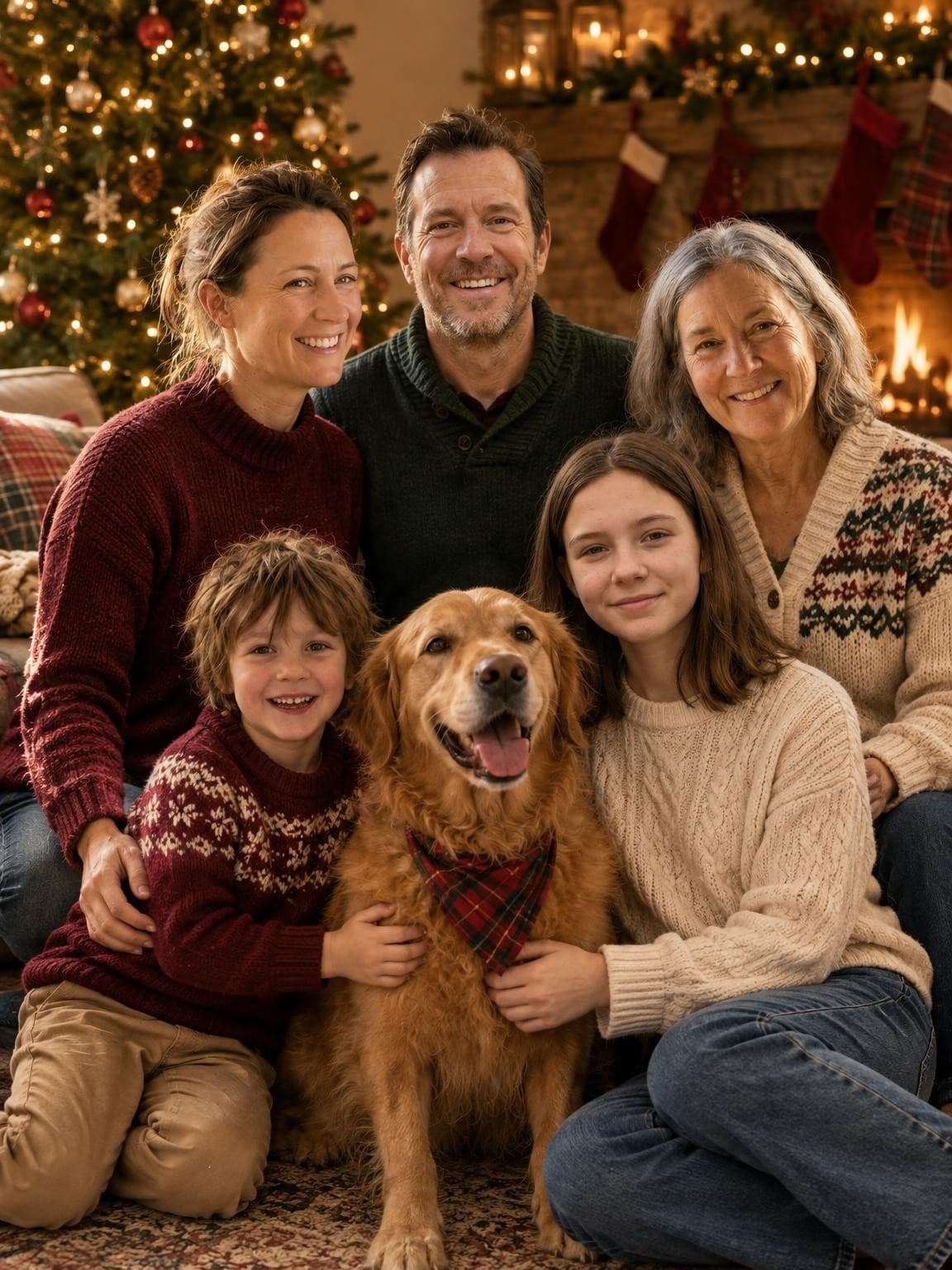
Beside the tree
Place the group beside the decorations rather than directly against them. Find light that reaches every face; tree lights alone may leave faces too dark. Leave space around heads for a card crop.
Choose the setting, light and a short shot list before getting everyone dressed. These ideas work for phone pictures or a session with a photographer.
The images below are AI illustrations of possible compositions. They are not customer sessions or location photographs.
Go to the preparation checklistPlace the group beside the decorations rather than directly against them. Find light that reaches every face; tree lights alone may leave faces too dark. Leave space around heads for a card crop.
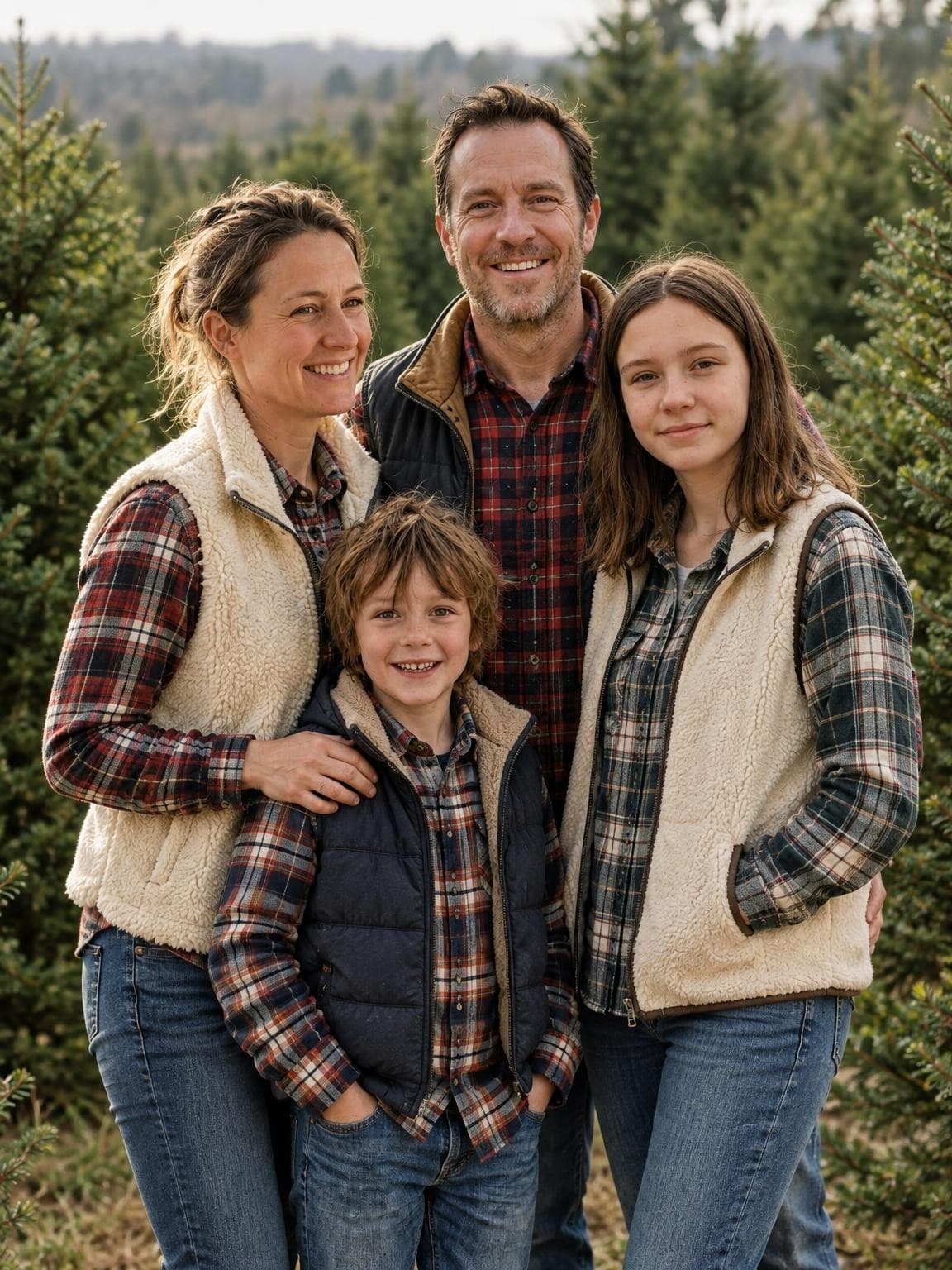
Check access and photography rules before visiting. Choose a clear gap between trees, keep the group close together and bring warm layers. A simple background helps small faces stay visible.
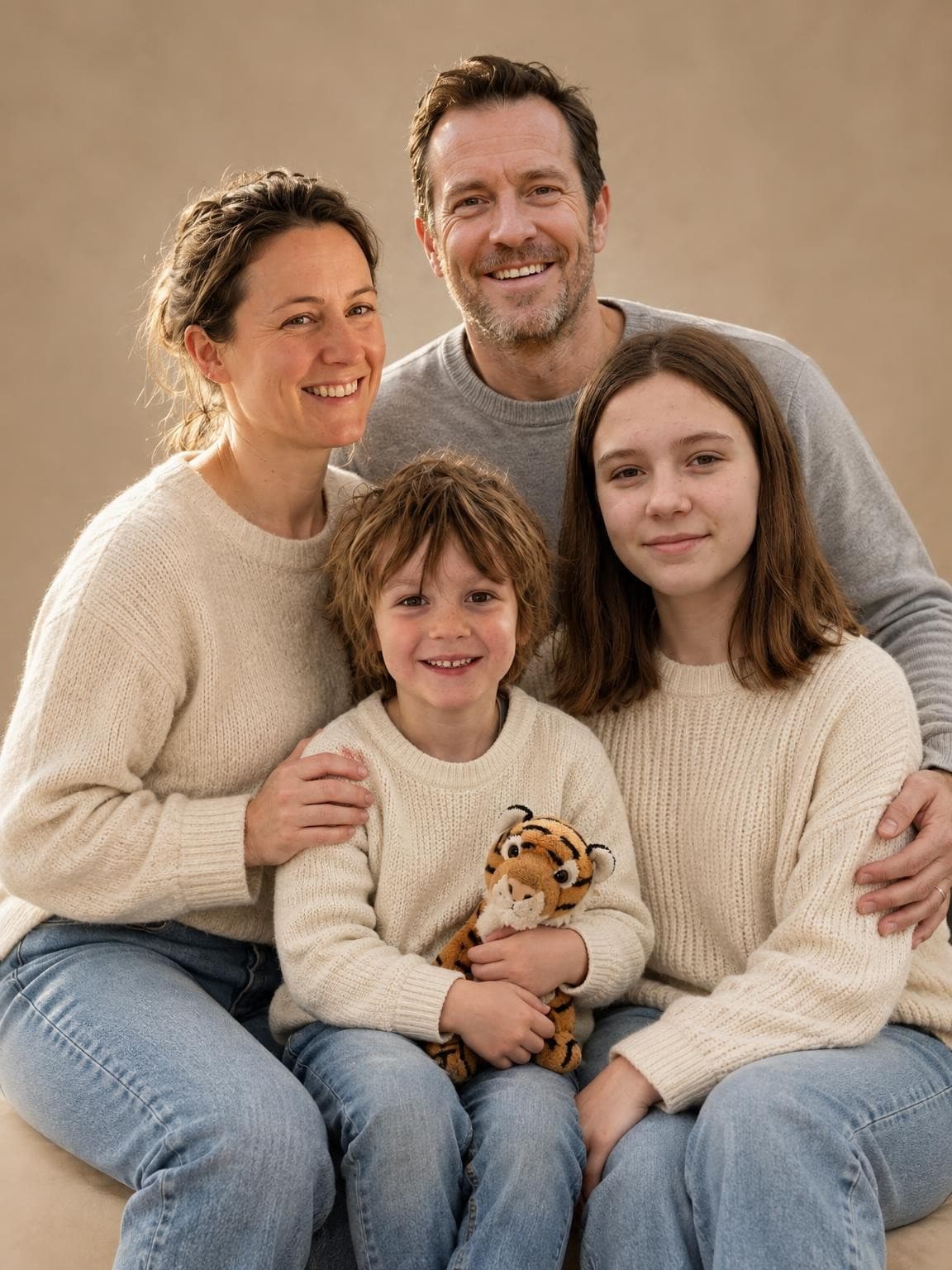
A plain background, one seasonal detail and coordinated clothes can be enough. Try a standing picture and a seated arrangement. Keep decorations away from faces and check the whole group in a test shot.
Decide what the photo needs to do: record a gathering, fit a card, or become a framed portrait. That choice determines how much space to leave around the group.
Plan everyone’s outfit colorsStart with the picture you most need. Arrange taller people behind seated or smaller family members, with every face visible. Give children a comfortable place and keep a pet beside someone who can manage it.
See illustrated family arrangementsTake one slightly wider picture with space above and beside everyone. A close portrait can be difficult to fit into a different shape without clipping heads. Keep the original file and check it in the chosen card template.
Compare Christmas card photo layoutsAn AI portrait can create an imagined gathering from separate photos. It does not document a real session, and faces, ages, clothes and small details may change.
Compare AI, your camera and a photographerList every intended person and pet. Choose clear references within the six-file upload limit, then inspect each face in the free preview. Our published examples use fictional demo families and include the actual input photos.
Choose a Christmas setting and see one free watermarked preview. Digital galleries start at $19; printed cards and shipping are separate.