Family photo poses that keep every face in the picture.
Start with a comfortable group, clear faces and a few changes in height. These original AI illustrations show practical arrangements for three and four people, plus parent–child and grandparent variations.
The people and scenes below are fictional AI demonstrations. Use them as composition ideas for a real session or as a starting request for an AI portrait. A generated pose is not a guarantee of exact placement or likeness.
Poses for a family of three or four
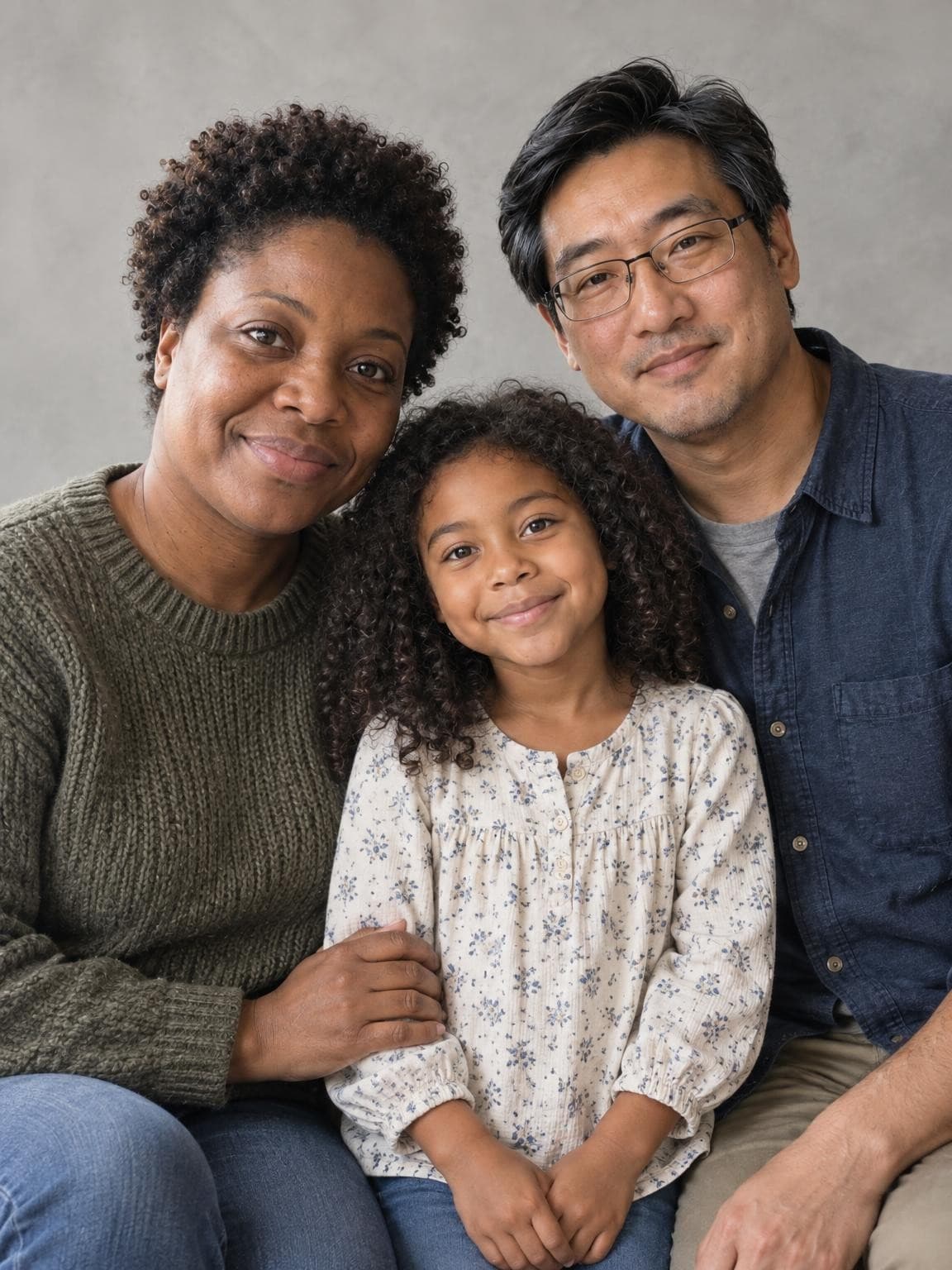
For three: a close triangle
Keep the child between the adults, with faces at slightly different heights. Turn shoulders gently toward the center without hiding anyone’s face. The example uses a close crop; it shows the arrangement of faces rather than a full-body posing prescription.
Check the space between faces and where hands meet a shoulder. For a real photo, move your camera until no face is tucked behind another person.
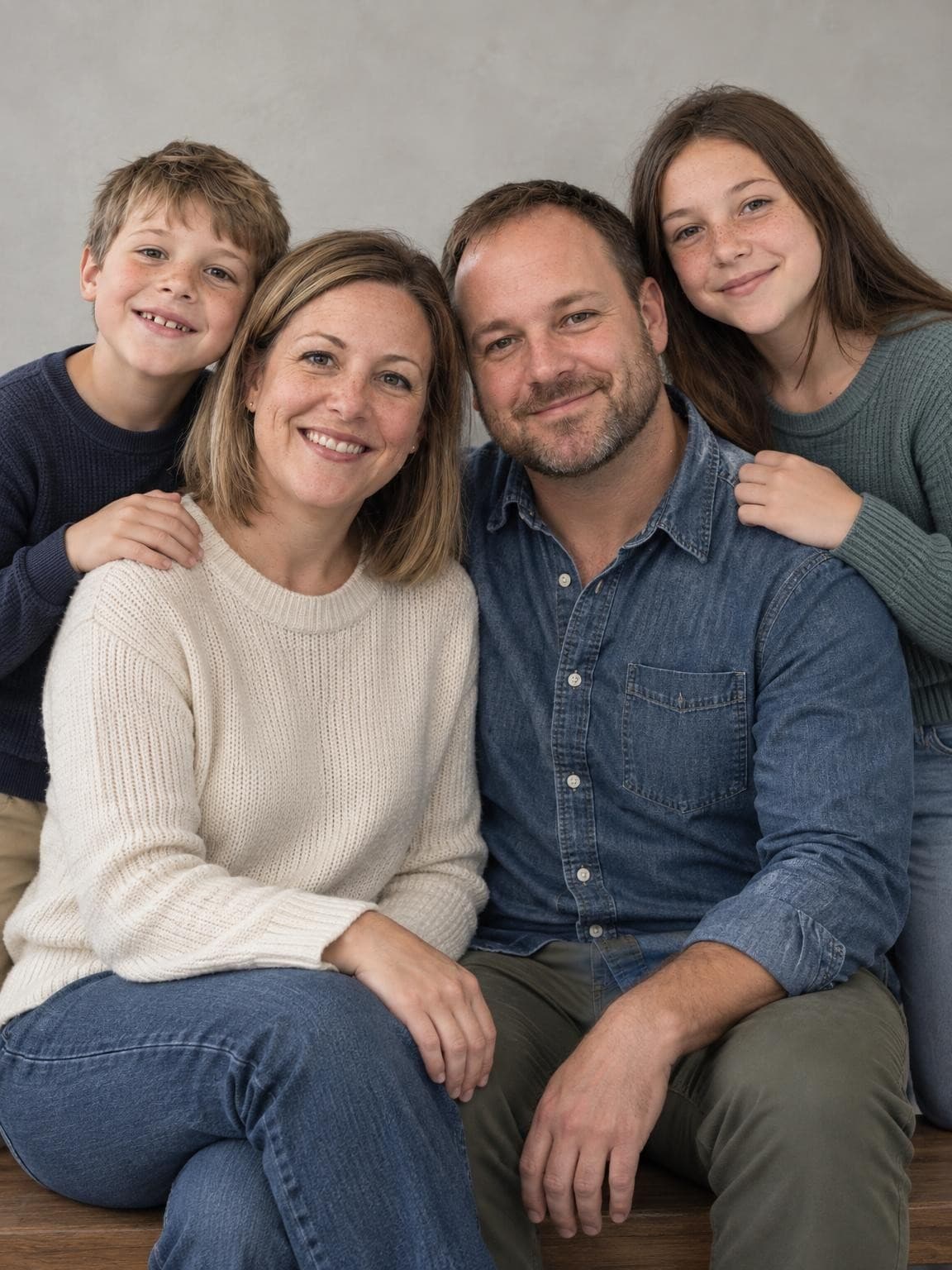
Seat two people on a wide bench and place the other two close beside or just behind them. The different heights keep the group compact. Resting a hand lightly on a shoulder can connect the group without covering a face.
Check the outer edges for cropped heads and hands, then inspect each person’s posture. Leave more room around the group if the image will become a card or square print.
Request used: “Pose: two adults seated on a wide bench, two children standing close beside them. All faces visible at different heights, hands resting naturally.”
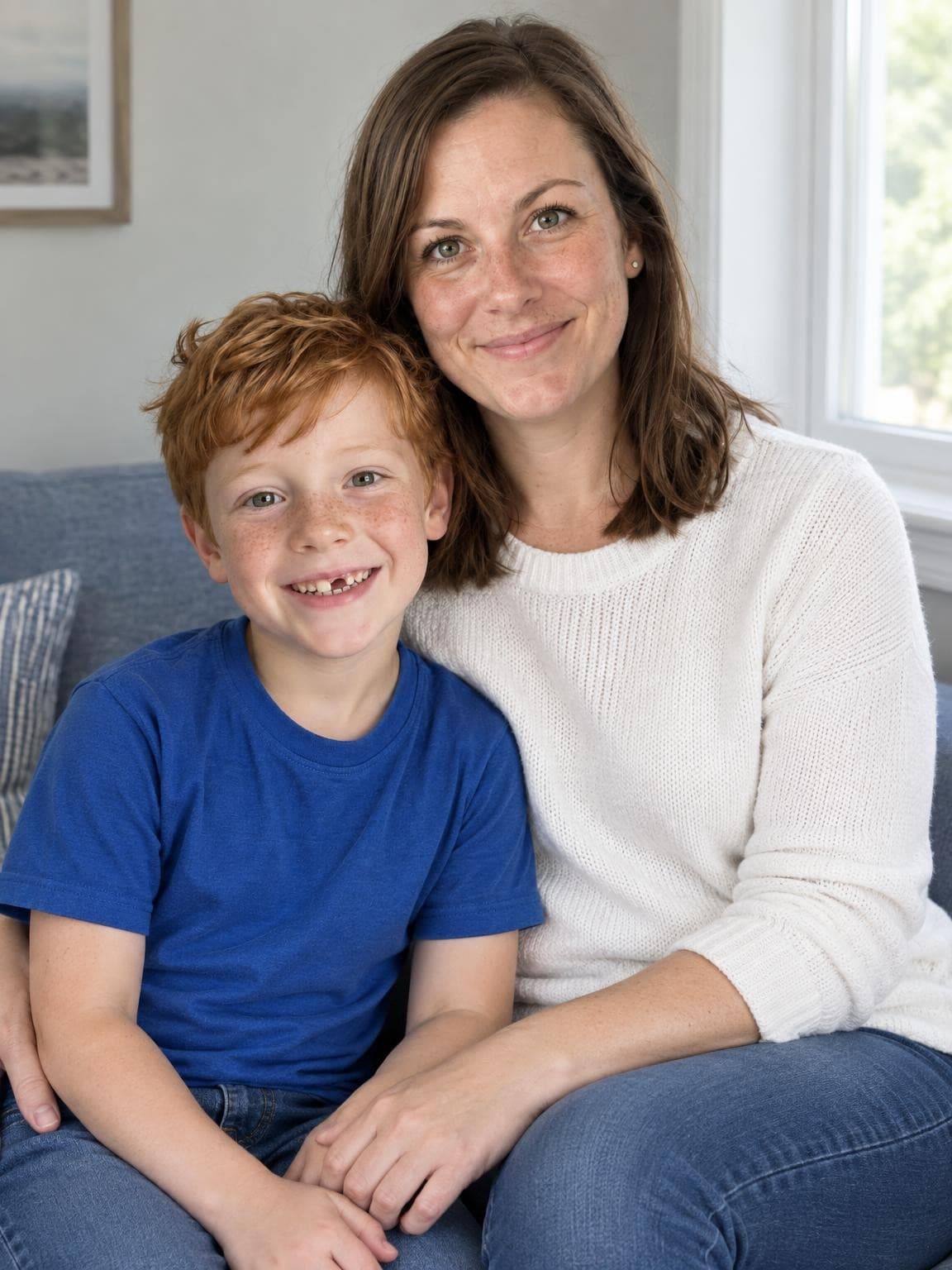
Sitting brings the adult closer to the child’s height. Keep both faces turned toward the light and let hands rest on a lap or shoulder. For older children, a side-by-side standing arrangement can feel more natural than a lap pose.
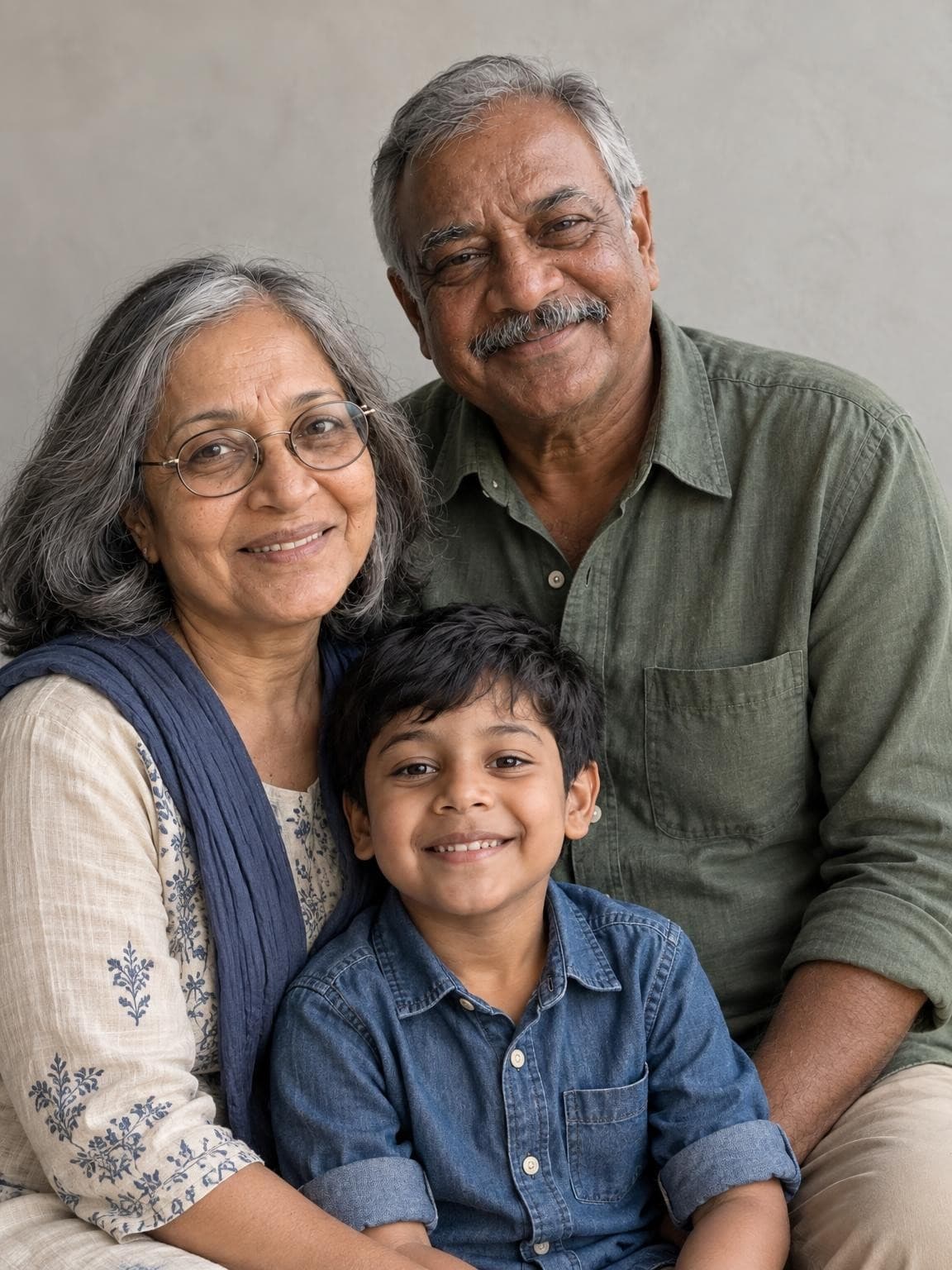
Start with a comfortable seated position and bring the child close to them. Let the grandparents choose how they sit. A smaller group makes each expression easier to see than a broad lineup, and nobody needs to lean at an awkward angle.
Place people comfortably, with a little space for shoulders and elbows.
Check that every face is visible from the camera position.
Use simple prompts such as “lean toward each other” instead of directing every finger.
Take several frames and check eyes and expressions between them.
For larger groups of five or six, use two comfortable rows and check that nobody’s face lines up directly behind another. Ask your photographer to adapt the arrangement to the group and location.
For an AI family portrait
Supply a clear reference for every person; do not ask the model to invent a relative.
Use one short pose direction. The links above carry the illustrated request into the creator.
Check face shape, age and expressions before judging the pose.
Count visible hands and limbs, and inspect contact between people.
Do my reference photos need to show the final pose?
No. The AI creates a new composition from the identities in your references. Clear faces matter more than matching the example pose. The result may interpret a pose request loosely, so inspect the actual preview.
What should we do with our hands?
For a real portrait, relaxed hands on a lap, at a side or lightly on a shoulder are simple options. Avoid gripping tightly or covering faces. In an AI result, look closely at fingers and any place hands overlap clothing or another person.
Can these poses work outdoors?
Yes. Adapt a seated arrangement to a bench, or keep the same close grouping while standing. Choose a comfortable surface and leave room around the group. Our outfit guide can help you coordinate the colors with the setting.
See what your own photos can make.
One free watermarked AI preview. No account or card. Paid galleries from $19.