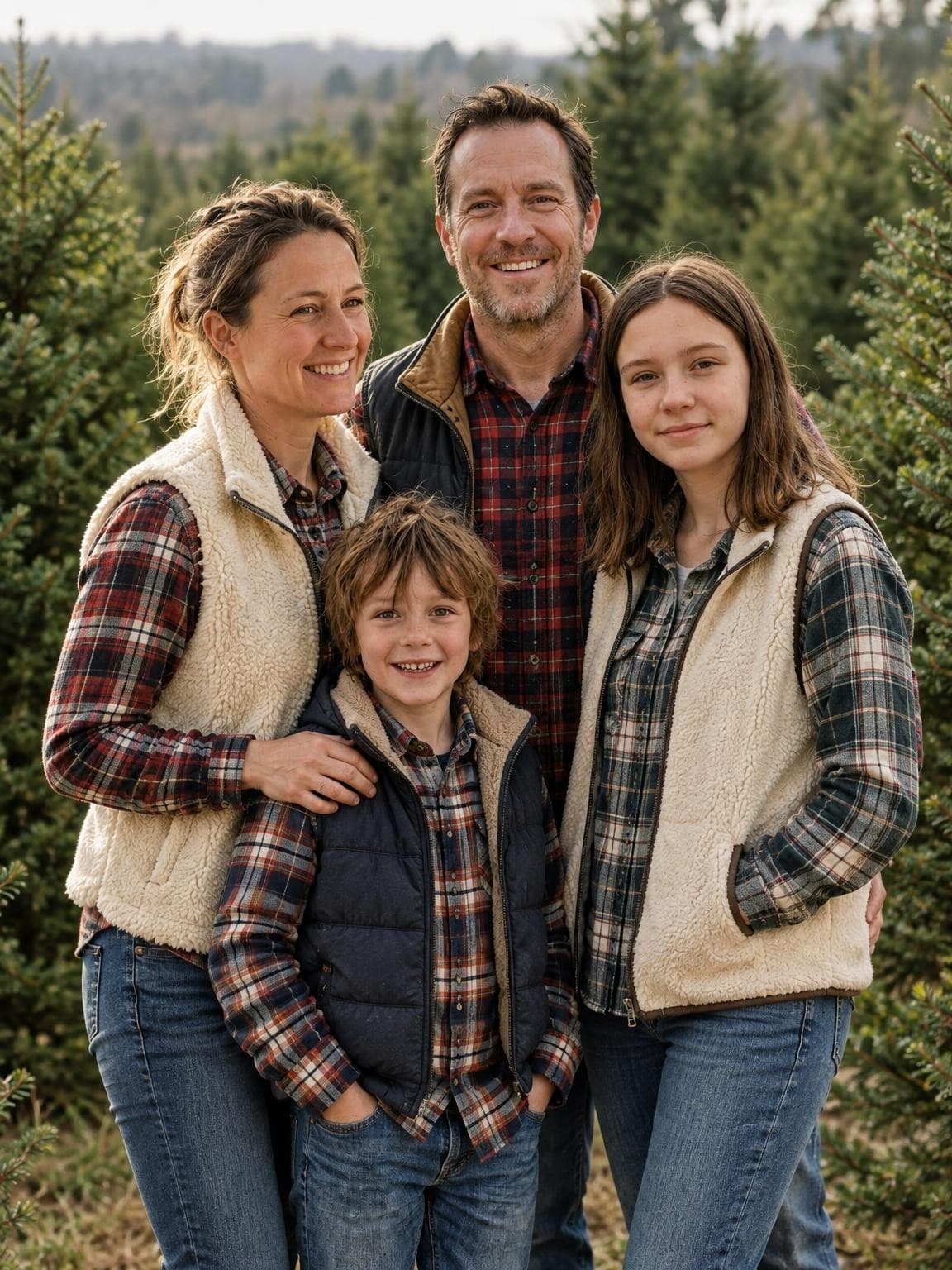
Christmas tree farm
Evergreen rows and a simple outdoor setting. Leave room around the family if your card design fills the whole front.
Try this setting freeBring your family together in an AI portrait, even from separate pictures. Choose the faces you love first. Then find the card layout that fits.
One free preview. No account or card. Digital galleries from $19; printed cards are separate.
Merry Christmas
WITH LOVE, FROM ALL OF USExample layout with an actual generated demo portrait. Card design and printing are not included.
AI-generated examples from our September 28 product tests. Your result depends on your reference photos.
Evergreen rows and a simple outdoor setting. Leave room around the family if your card design fills the whole front.
Try this setting free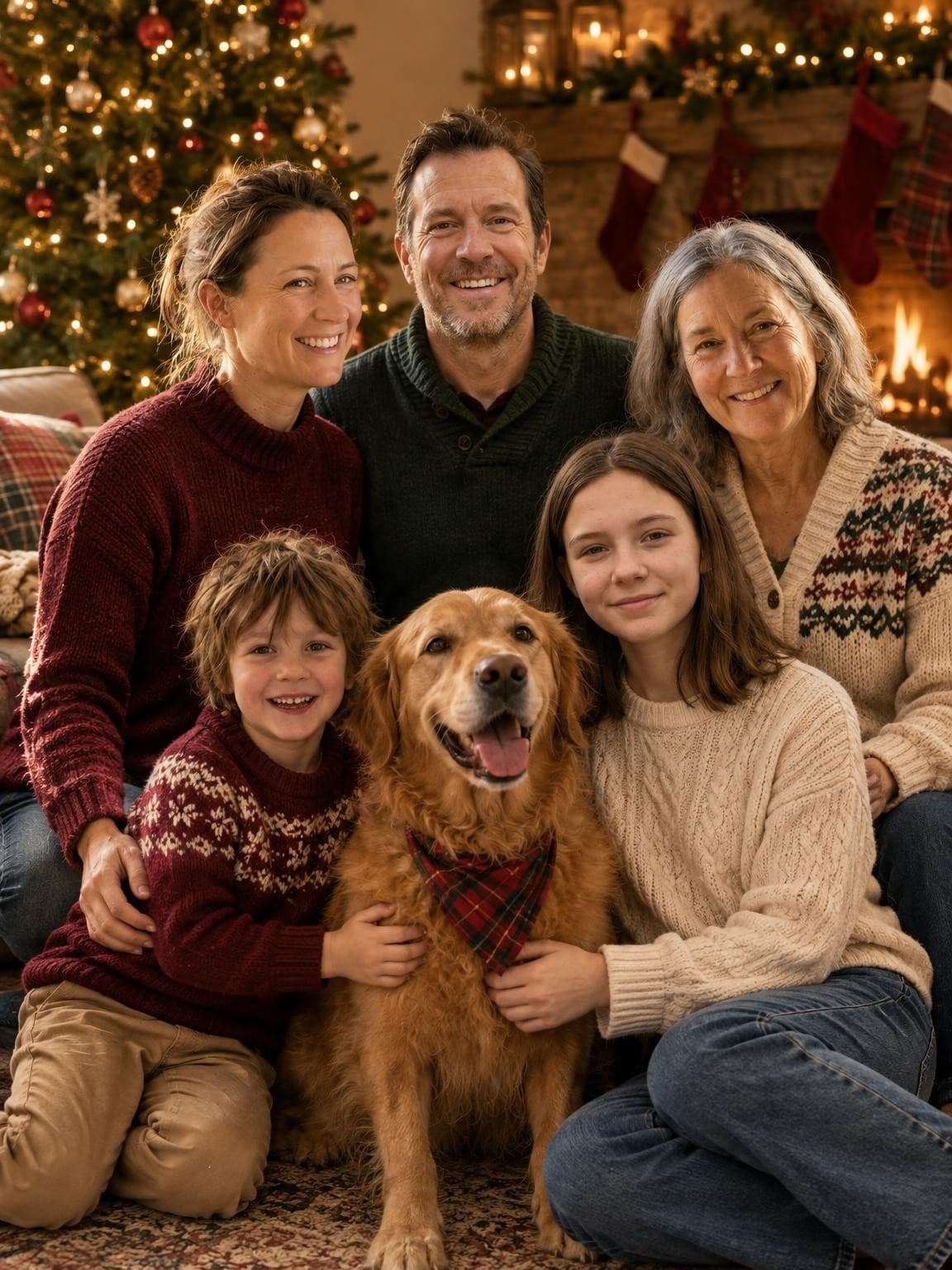
A seated group with warm light and familiar holiday details. Check every face, and keep the card’s greeting outside the busy background.
Try this setting free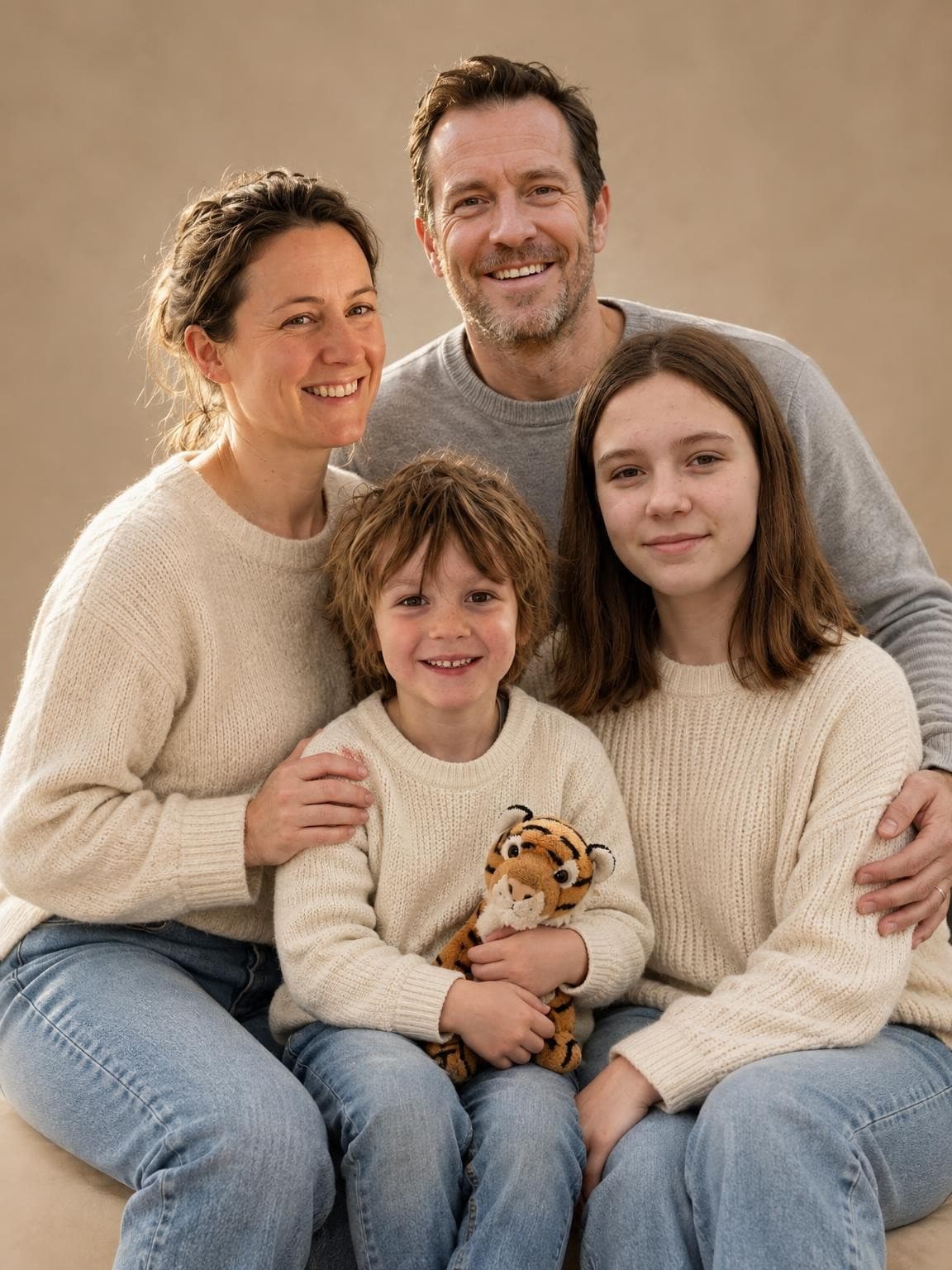
A quiet background that can work beyond Christmas. Add a holiday greeting in the card designer while keeping the portrait itself simple.
Try this setting freeA photo-window design gives the picture a smaller space, with room for a greeting. A full-photo design fills the card and needs more pixels for the same print resolution.
A 3 × 4 inch photo window needs 900 × 1200 pixels at 300 PPI. A full 5 × 7 inch photo needs 1500 × 2100. Both can live on a 5 × 7 card; the difference is the area occupied by the image.
Move the crop and check your file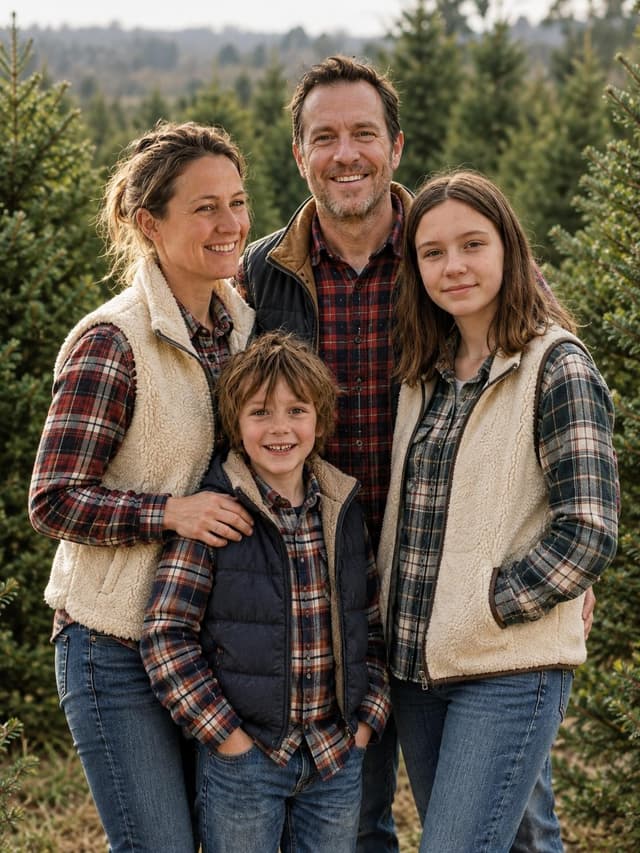
Merry Christmas
Start with clear reference photos. Check every person in the free preview before choosing a paid gallery. Different people can be in different photos.
In your finished gallery, save favorites and download the original you want to use. The free card crop checker lets you position that photo and save the selected crop.
Yes. Upload 1–6 reference photos total, with each intended person or pet clearly visible in at least one. AI creates a new portrait from the references. Check your own free preview because likeness, age and small details can change.
It depends on the file you download and how you crop it. A full 5 × 7 inch photo at 300 PPI needs 1500 × 2100 pixels before bleed. A 3 × 4 inch photo window needs 900 × 1200. Use the free checker and your printer’s proof to choose the layout.
No. The purchase is a digital photo gallery. Download your chosen original, crop it if needed, and use it in your preferred card designer. Printed cards, envelopes, delivery and the greeting layout are separate.
Add those in your card designer after choosing the portrait. You can then check spelling, choose the font and move the greeting without generating the family again. AI-generated text can contain mistakes.
We generate your gallery using your references and selected scenes. You can inspect the portraits, mark favorites in your browser and download individual originals or a ZIP. Each photo is a new variation; review the finished images before ordering prints.
Choose a Christmas scene and see your family’s free preview before paying.