Take the essentials first
Start with one full-length portrait of each person, one couple or friend-group photo, and one close view of the real corsage and outfit. Agree on one camera to look toward.
Start with a short shot list and space for the whole group. Use a camera to preserve the real dress and occasion, or explore an optional AI-styled portrait from your photos.
Create Homecoming PhotosExplore the portraitsStart with one full-length portrait of each person, one couple or friend-group photo, and one close view of the real corsage and outfit. Agree on one camera to look toward.
Find an uncluttered spot in even light. Arrange friends so every face is visible, keep bags out of the foreground and step back enough to include shoes. Check a test picture before the group leaves.
The illustrations below are invented scenes. An AI portrait may change the dress, jewelry, faces and background; it cannot document who attended or what happened at the dance.
A real homecoming photo records the people, clothes and occasion. Plan a few simple pictures before leaving, with room for full-length portraits and a group shot.
The optional AI creator uses your references to invent a new portrait. It can be a creative keepsake, but it may change facial features, clothing and the location. It is not a photographer booking or a record of the dance.
How it works
Upload 1–6 photos with faces visible. Phone pictures work great — no editing needed.
Choose a scene and see one watermarked portrait before paying. Check every face and the small details.
Pay once for 30, 60 or 120 portraits, then download your gallery as the images become ready.
Portrait examples
AI-created scene illustrations, not customer photographs or measured likeness tests. Your results depend on your reference photos.
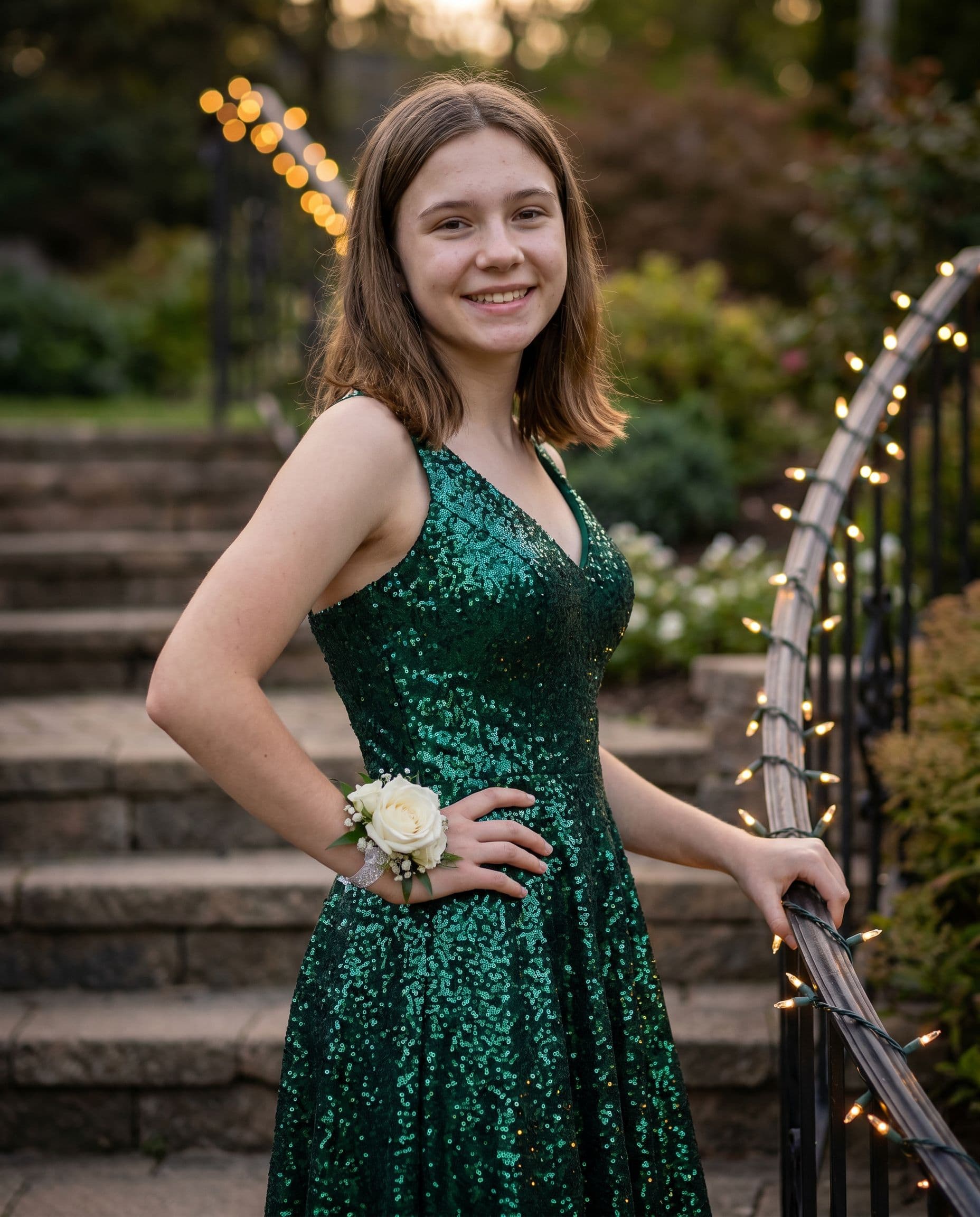
String lights, soft dusk, dressed to the nines — the shot that becomes the profile picture.
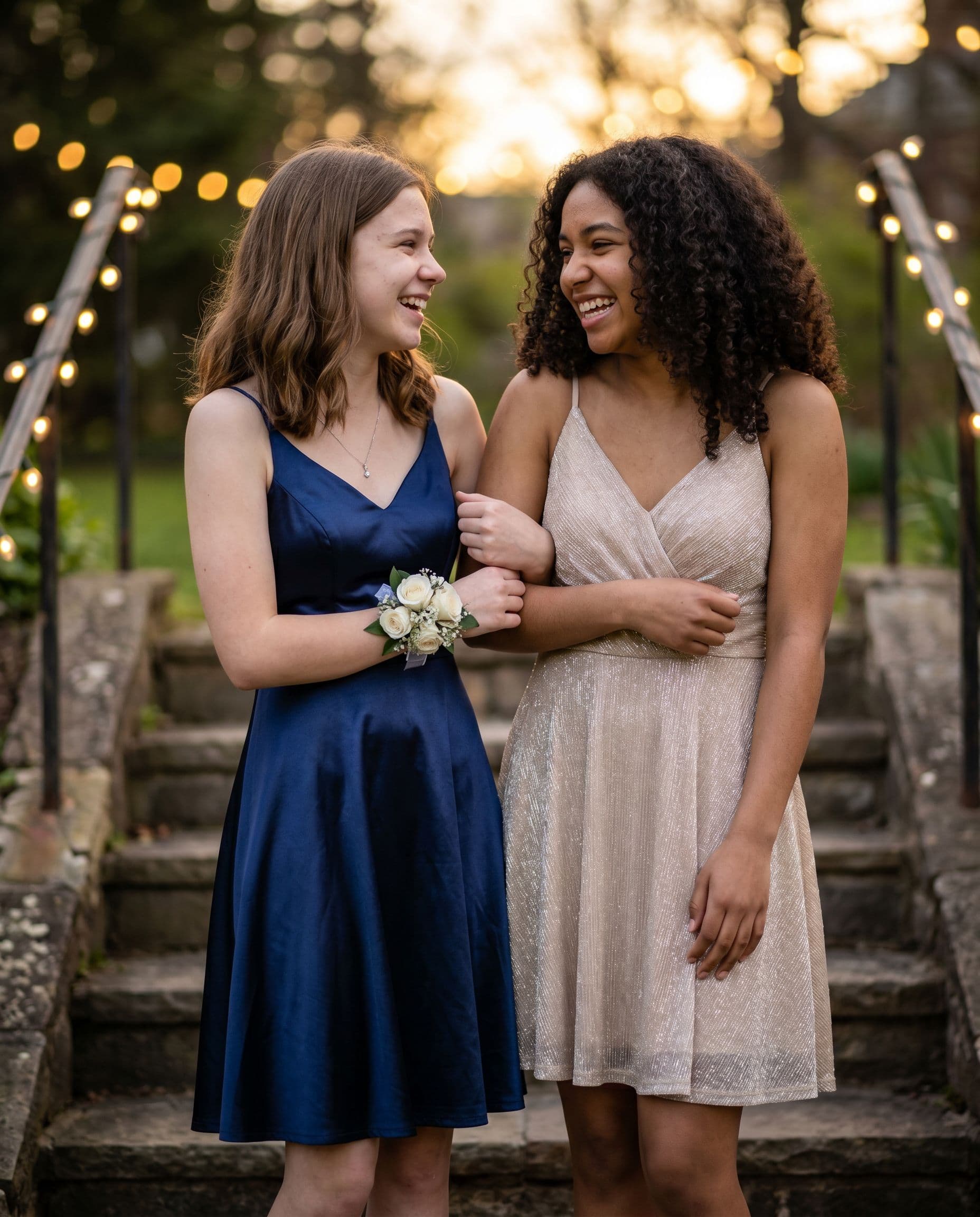
The classic pre-dance photos — warm light, genuine smiles, no parent paparazzi wall.
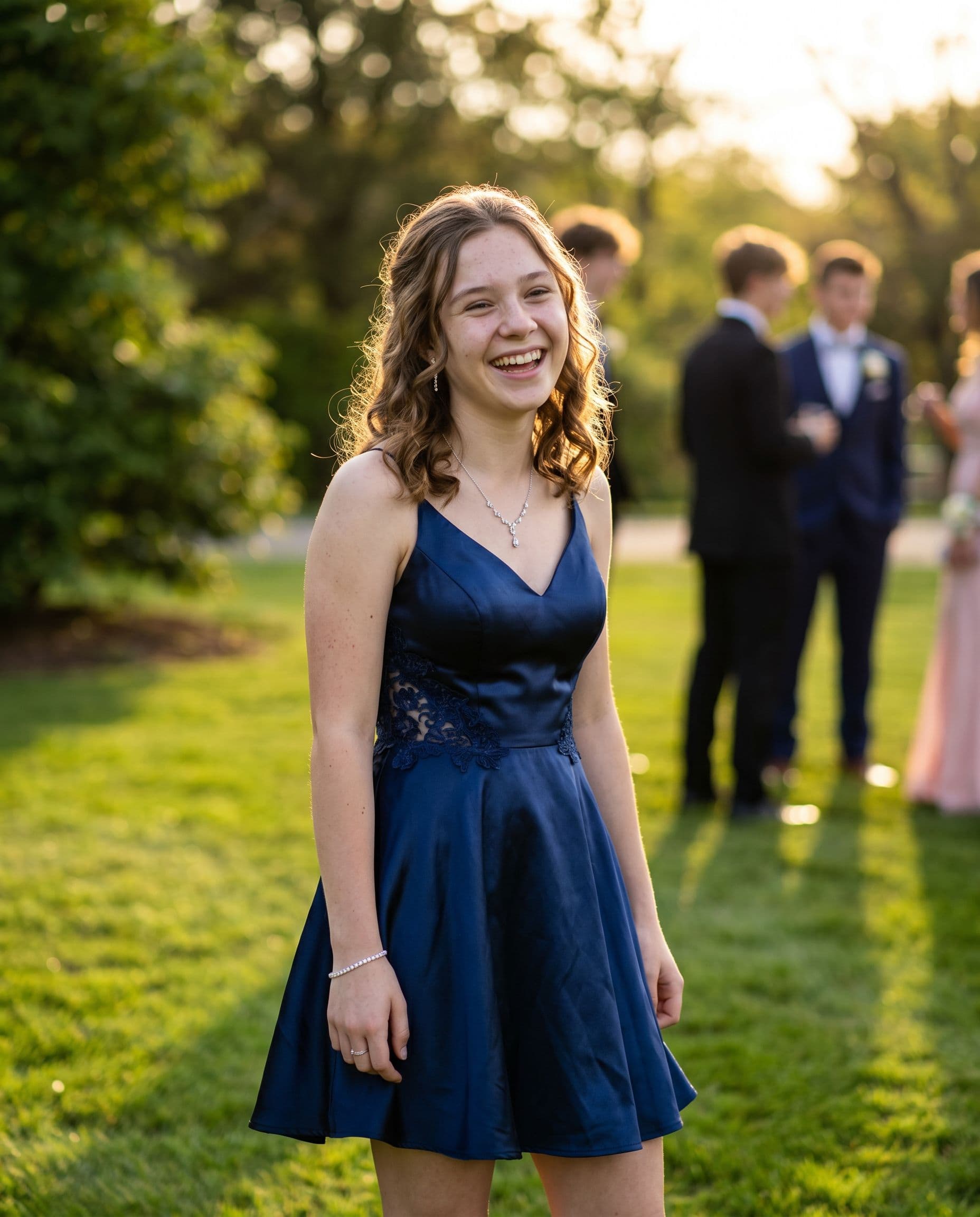
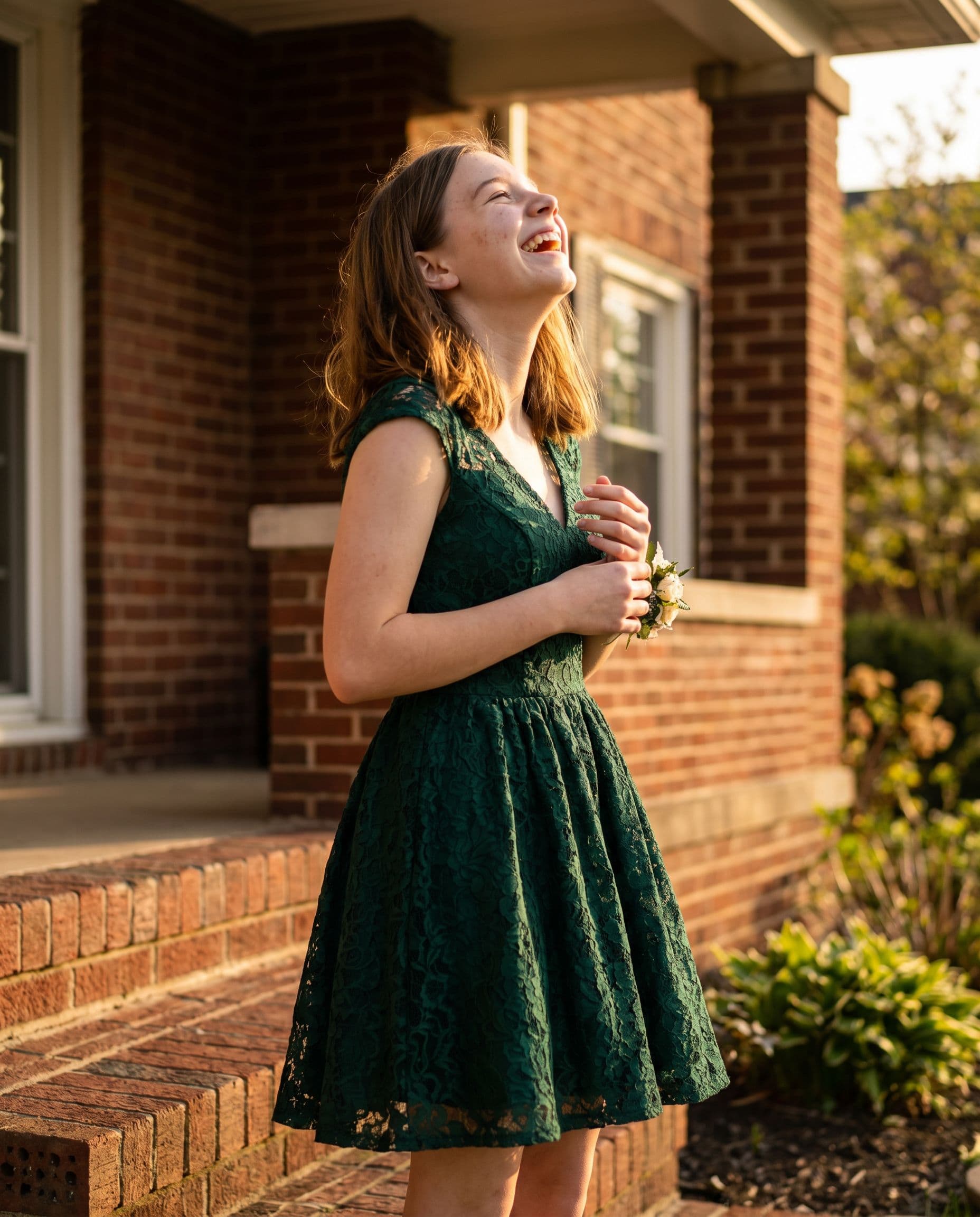
Check your free preview before choosing a paid gallery.
AI creates a new portrait. A camera or photographer records the actual event.
Keep the exact portrait you approve, plus your chosen number of new variations. Every gallery includes original-size downloads without watermarks, your selected scenes, and support for eligible quality issues under our refund policy.
Start with a free preview and one correction. No account, no subscription.
Help with your galleryFAQ
Style notes can request colors and details, but AI makes new clothing and may change the cut, embellishments or corsage. Use real photographs if preserving the actual outfit is essential.
Yes. Upload photos of each person — dates and friend groups don't need to be photographed together beforehand.
Leave time to inspect a free preview and the finished gallery. No generation deadline is guaranteed. Take real photos at the event if you want a record of the actual evening.
Your photos are used to create and deliver your gallery. Our privacy policy explains storage, processing and how to request deletion.
Start with a short shot list and space for the whole group. Use a camera to preserve the real dress and occasion, or explore an optional AI-styled portrait from your photos.