FamilyPhotographer.ai

Plan the whole family’s Christmas portrait.

Start with the people and pets you want to include, then choose photos that show everyone clearly. This guide plans an AI group portrait for relatives who cannot all be together; our recorded five-person-and-dog example shows what to inspect.

See my free preview

No account or card.
Keep your approved portrait + new variations from $19.

Build the family group from your camera rolls.

The upload limit is six files, not six people. A file can show one person or a group. Use the space for clear views of everyone you want in the portrait.

See the original references and group-photo checklist

Make a list of who belongs in the picture

Count the people and pets separately. In the creator, give each one a short label and select every reference photo they appear in. The same group photo can belong to several people. Choose clear views and identify any people in the references who should not be included.

Use recent photos with visible faces

Ask relatives for a clear original photo, with their permission to use it. Similar ages across the references give the AI a more consistent starting point. Keep children’s faces unobstructed and choose a pet photo that shows its markings.

Check the group before choosing a gallery

Compare each face and apparent age with the references. Count everyone again, then inspect hands, overlapping arms and the pet’s face. Your free portrait includes one preview and one correction using the same references. Describe a specific change, then compare both finished versions. If neither is right, ask us for help before buying. A gallery contains new variations, so it cannot promise an exact correction.

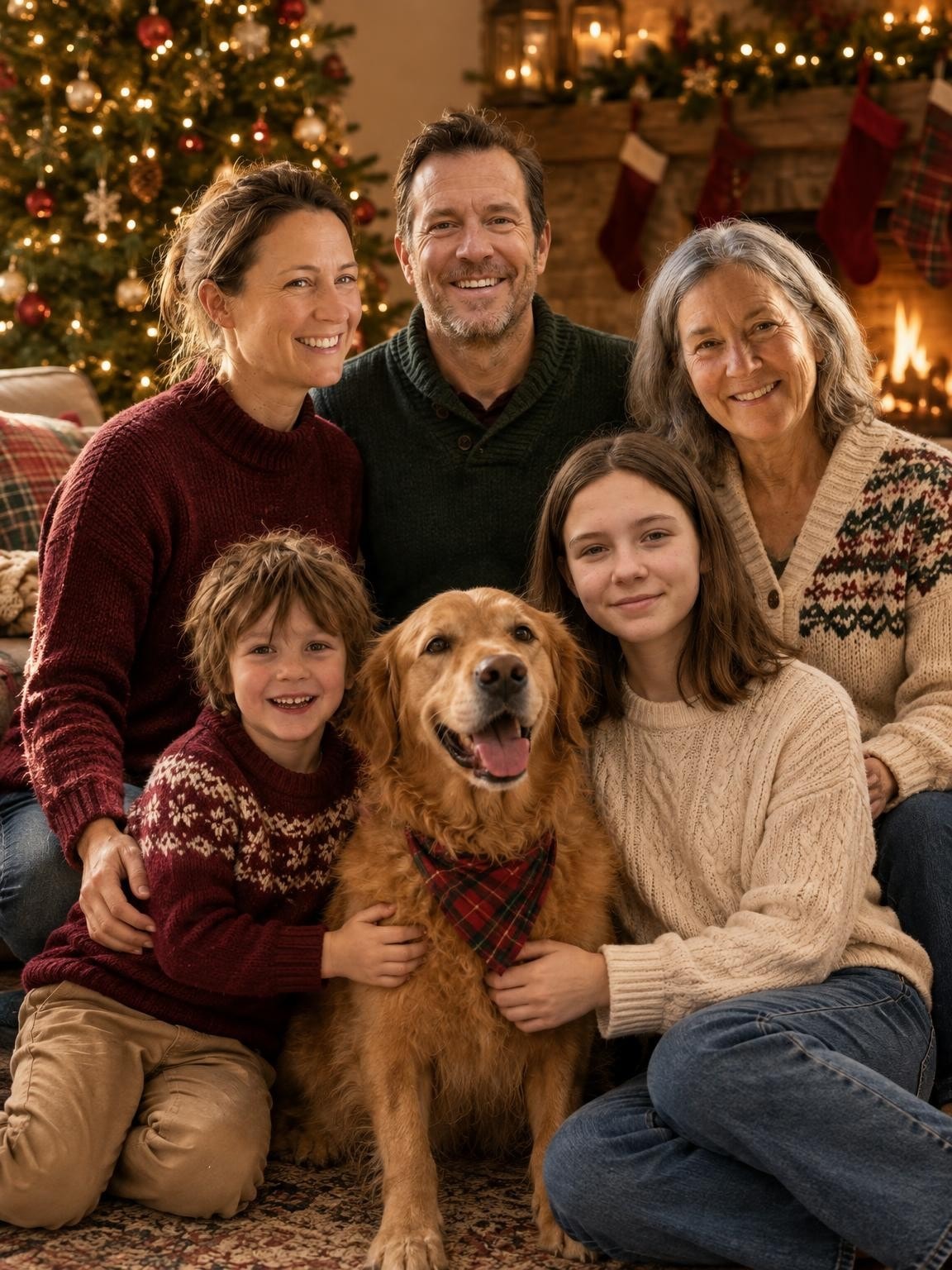
Five people. One family dog.

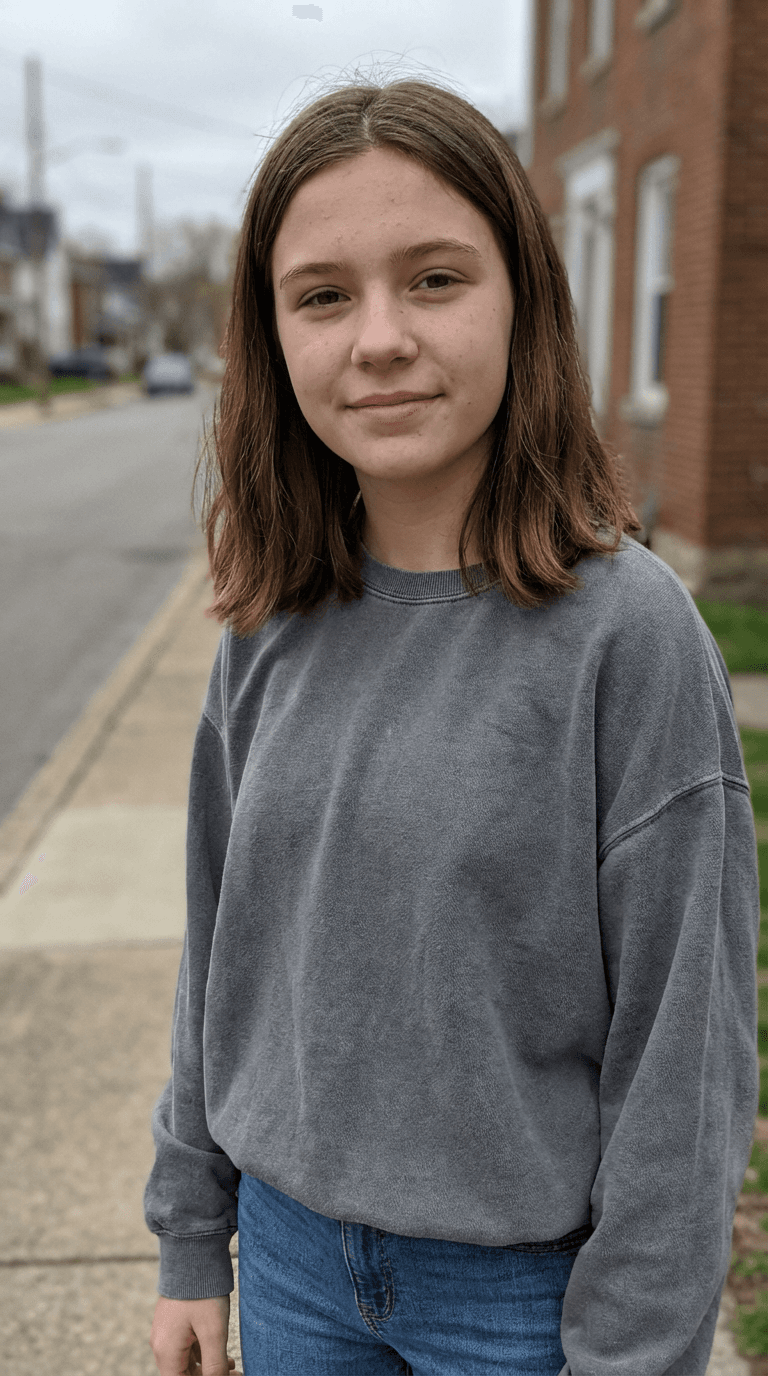
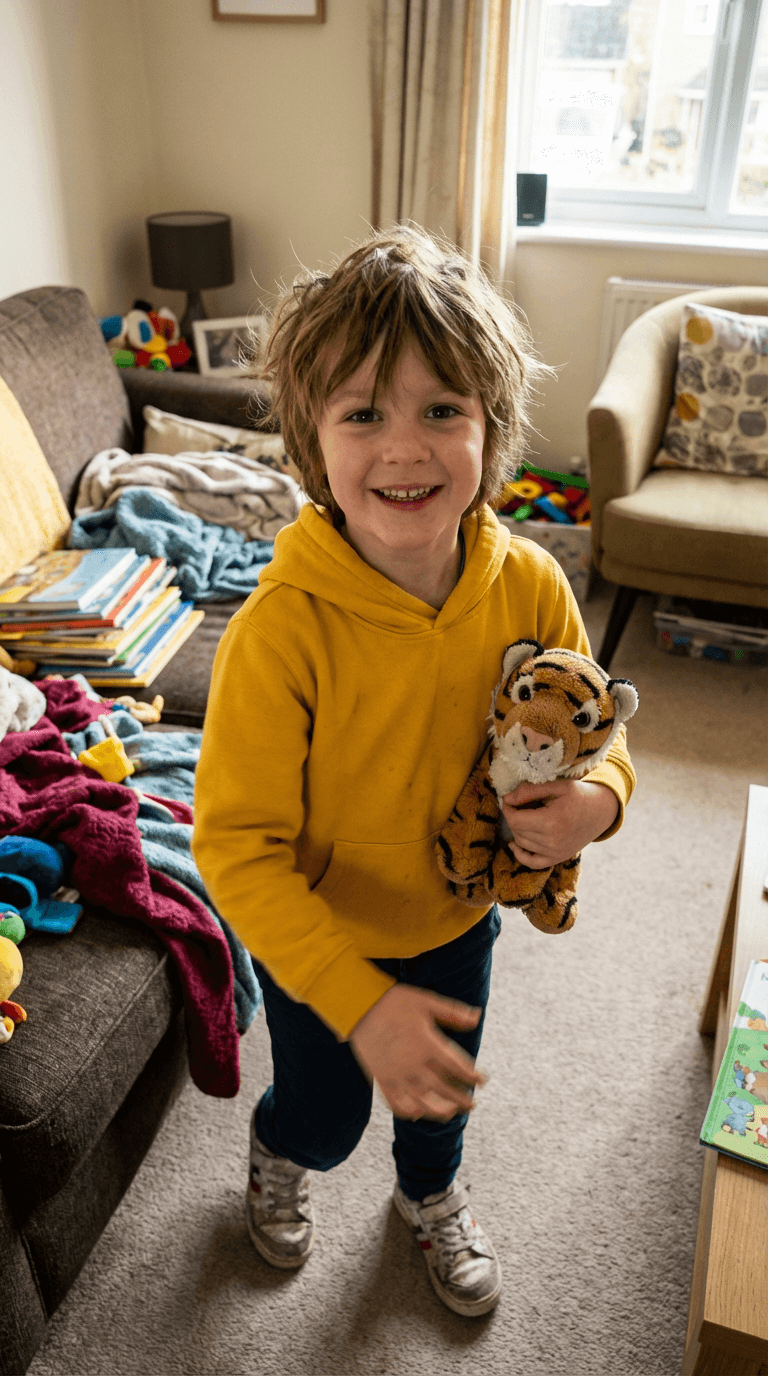
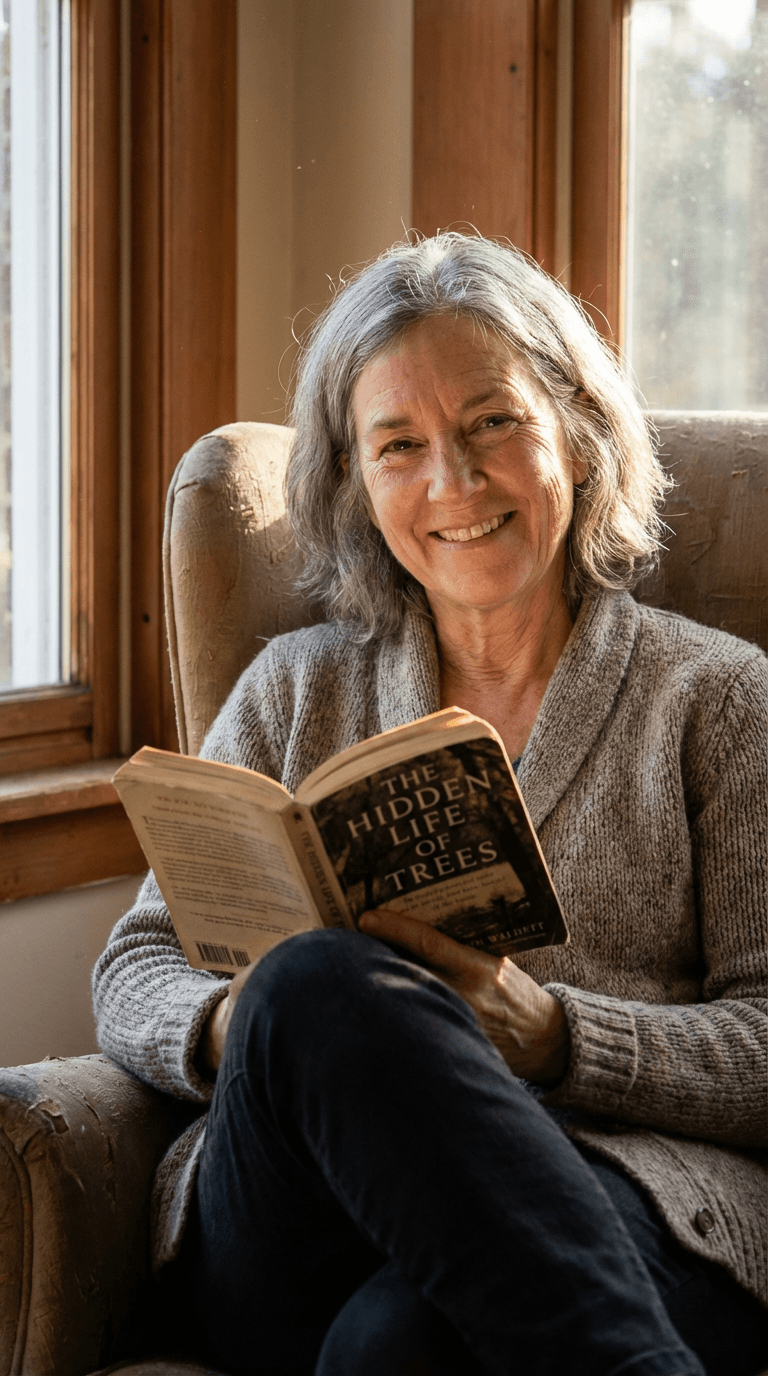
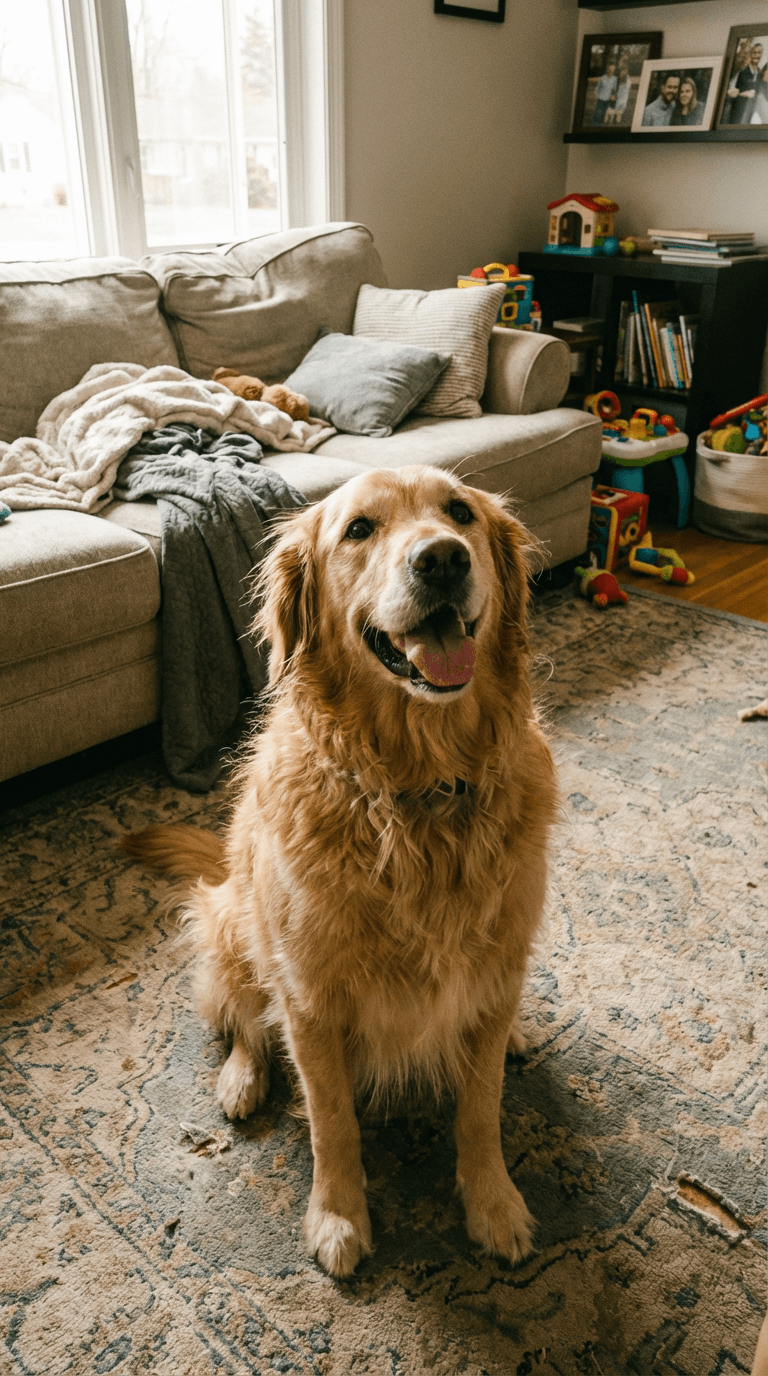
Mother’s individual reference photoFather’s individual reference photoDaughter’s individual reference photoSon’s individual reference photoGrandmother’s individual reference photoDog’s individual reference photo

The actual inputs for the portrait shown.

See the references and test notes
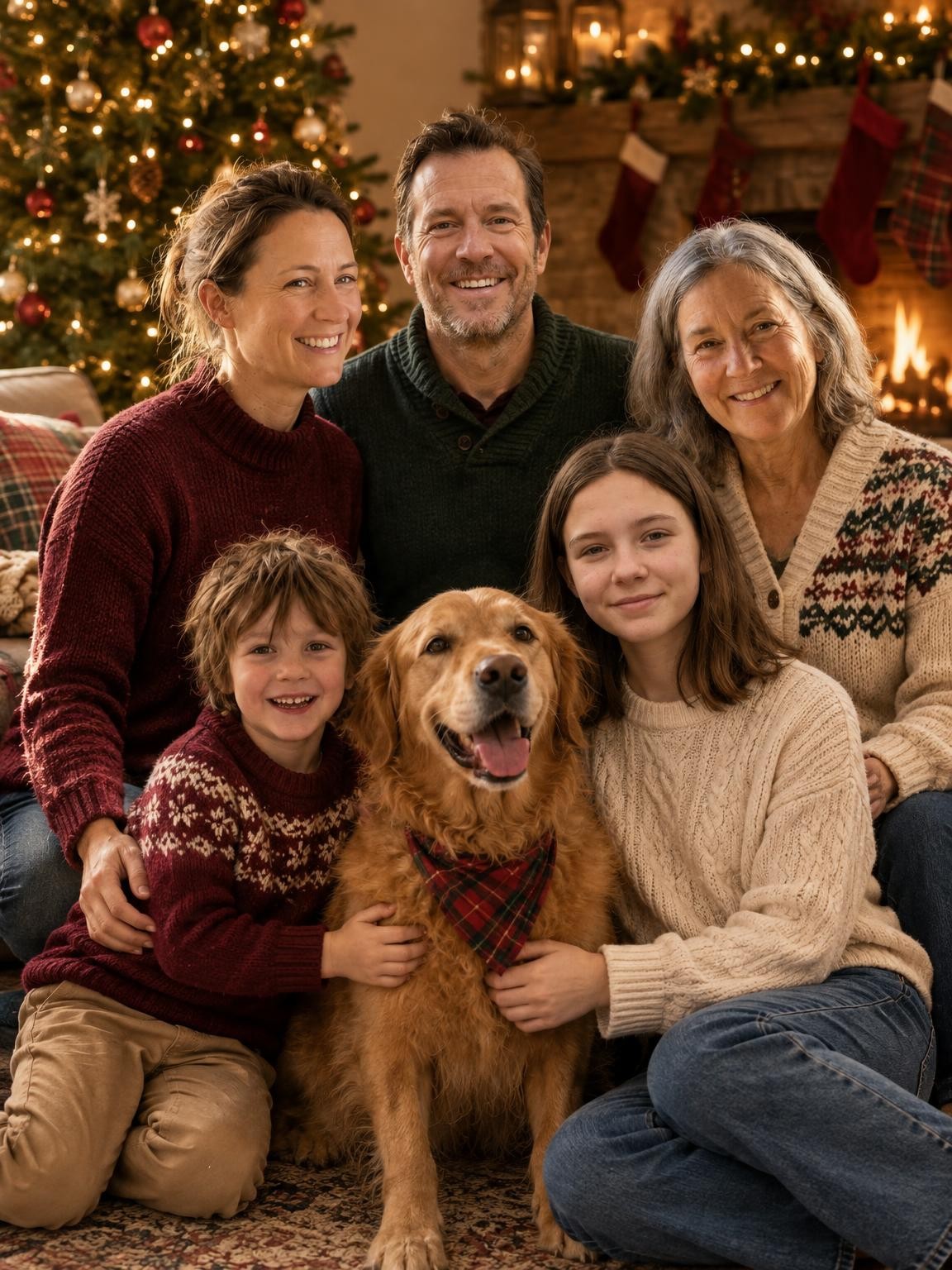
By the fireplace · Selected demo portrait

Selected output from our six-reference test: five fictional family members and one dog. This demo shows one result; it does not establish a success rate for larger groups. Download this sample JPG

Your portrait setting.

By the fireplace

Three generations and the family dog.

Likeness and details can vary. See your own result before you decide to buy.

Try by the fireplace free

Picture it on
this year’s card.

The same portrait can work in different card designs. Compare a smaller photo window with a full-photo layout before choosing your print size.

384 PPI with this demo file

Meets a 300 PPI target at this photo size. Check the faces and your printer’s proof too.

1152 × 1536 px original · 1152 × 1536 px crop

Adjust this example’s cropChoose a Christmas card photo layout

Your gallery includes digital portraits. Card design, printing and shipping are separate. Add names and greetings in your card designer, where you can check the spelling.

By the fireplace AI portrait shown in a 3 by 4 inch photo window
5 × 7 inch card illustration · By the fireplace AI example.
Check your own downloaded file and the printer’s trim and bleed requirements.

See the starting photo.
Then the Christmas portrait.

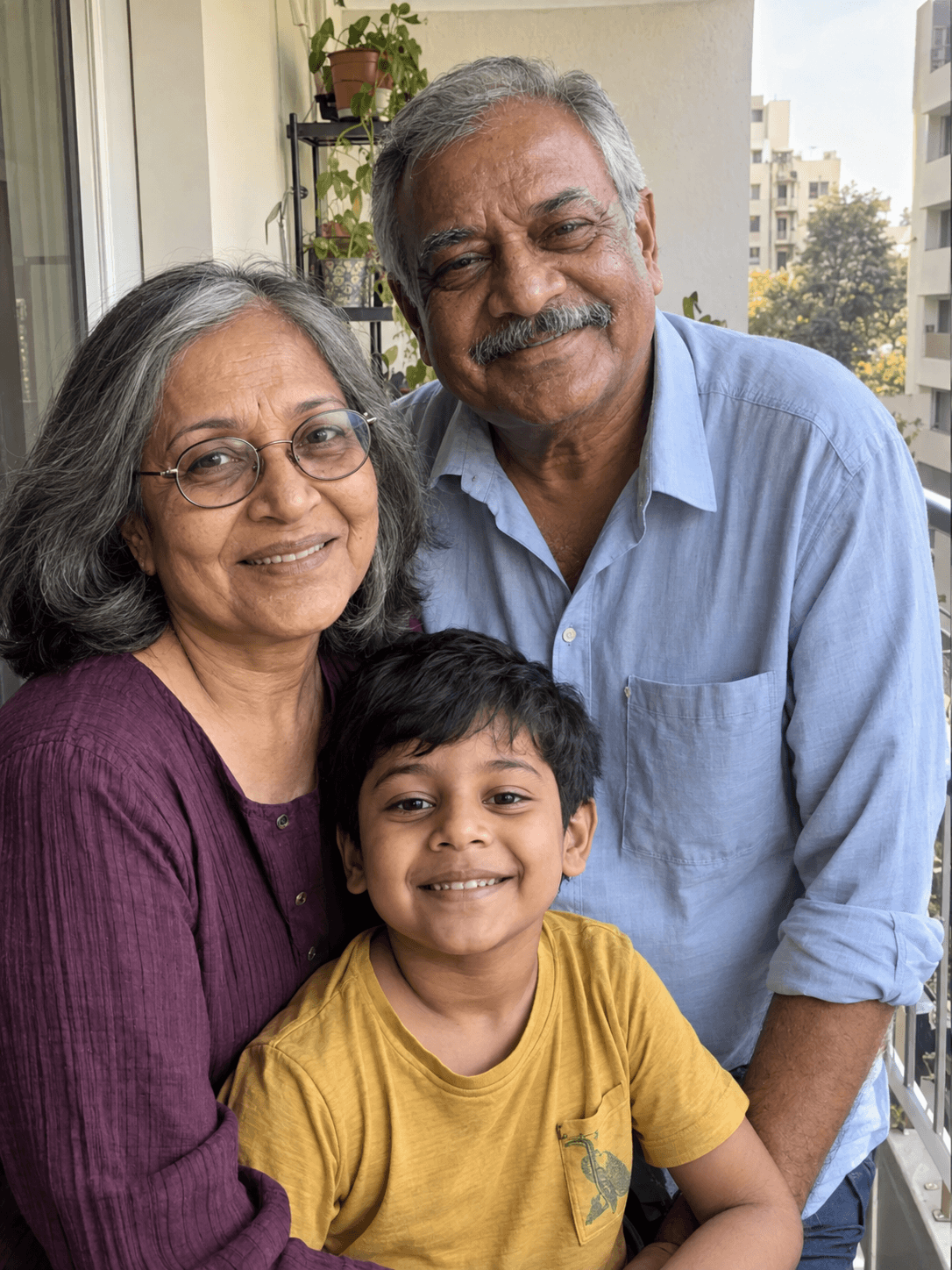
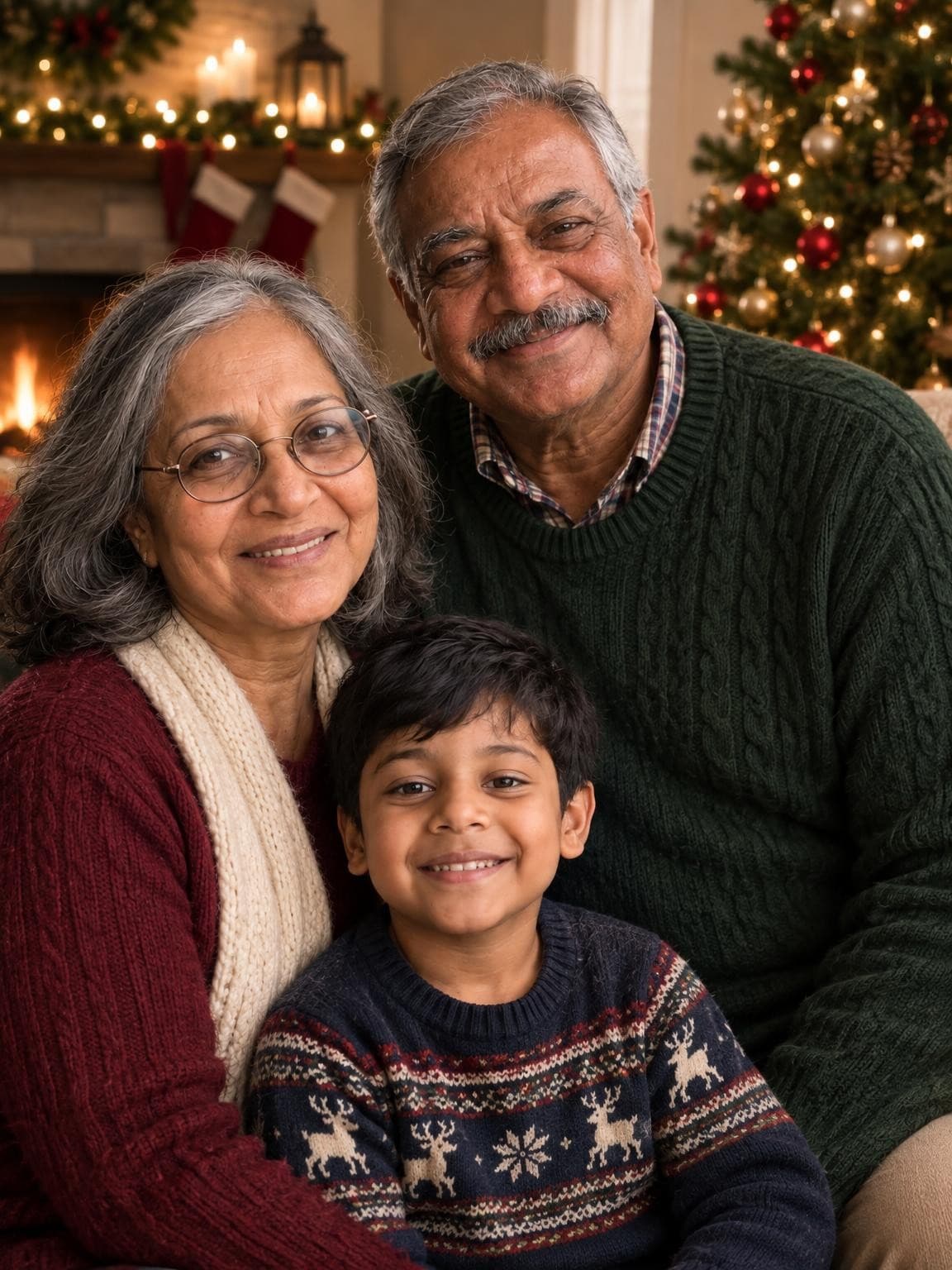
These are two actual outputs from our October 1 test, using the same model, quality and dimensions as a free preview: 1152 × 1536 pixels.

The families and starting photos are AI-generated demos. They show how the workflow changes a setting; they aren’t customer photos or a guarantee of real-family likeness.

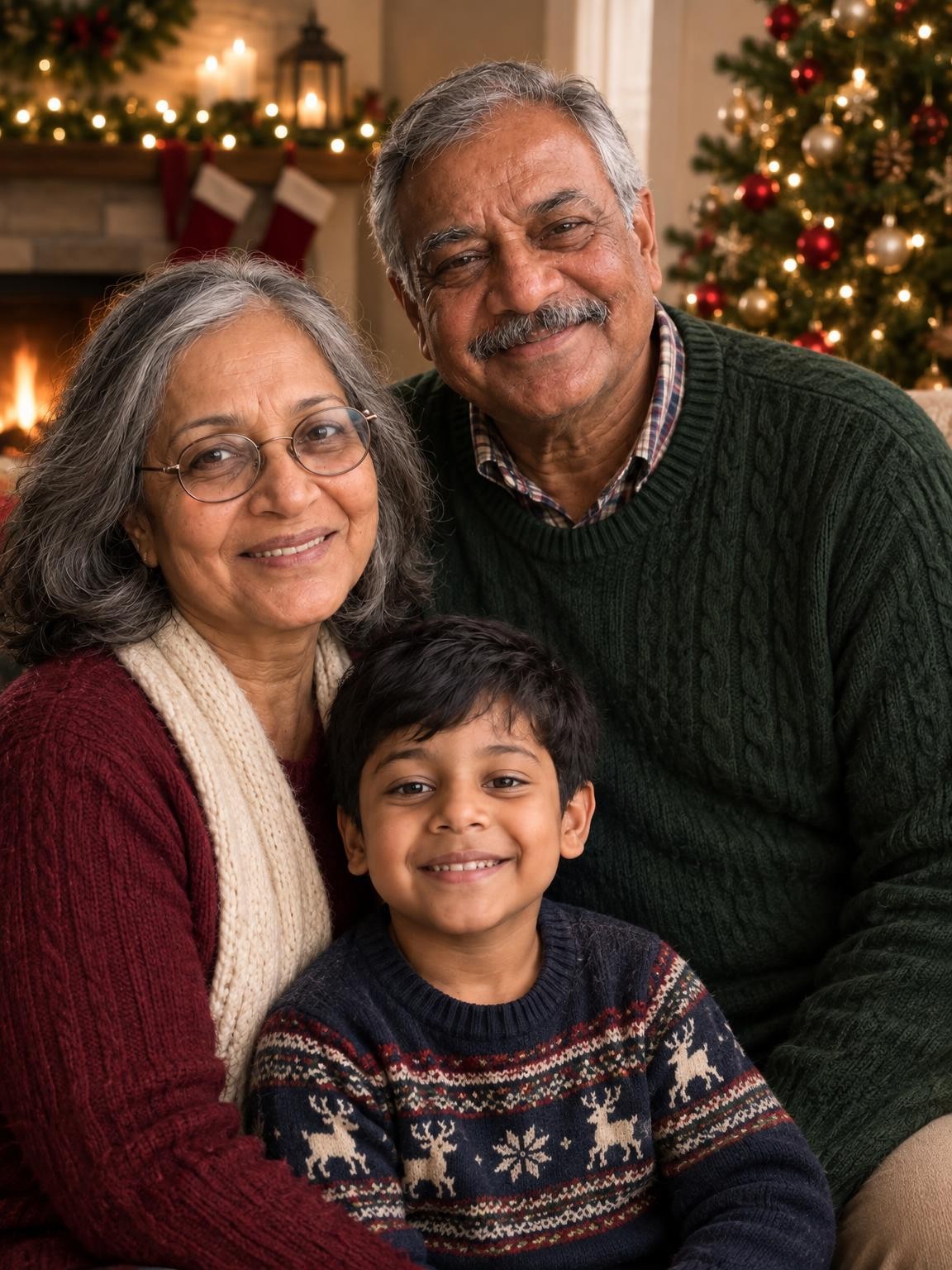
Grandparents and grandson

AI-generated reference of fictional grandparents and grandson
AI-generated reference
Fireplace portrait generated from the fictional group reference beside it
Fireplace portrait · AI result

Three people appear in the result, with the grandmother’s glasses and the grandfather’s gray hair and moustache. Their expressions and clothing change.

Selected examples, one per fictional family. AI can change faces and small details. See how to fix an unclear reference, then check your finished photo’s card crop and print size.

Make it feel like your Christmas.

A winter afternoon together. A visit with Santa. Explore the setting that feels right for your family.

Generated extended-family Christmas portrait for a card layout

Choose a card layout

Check the crop and image dimensions before you order prints.

Christmas card photo guide
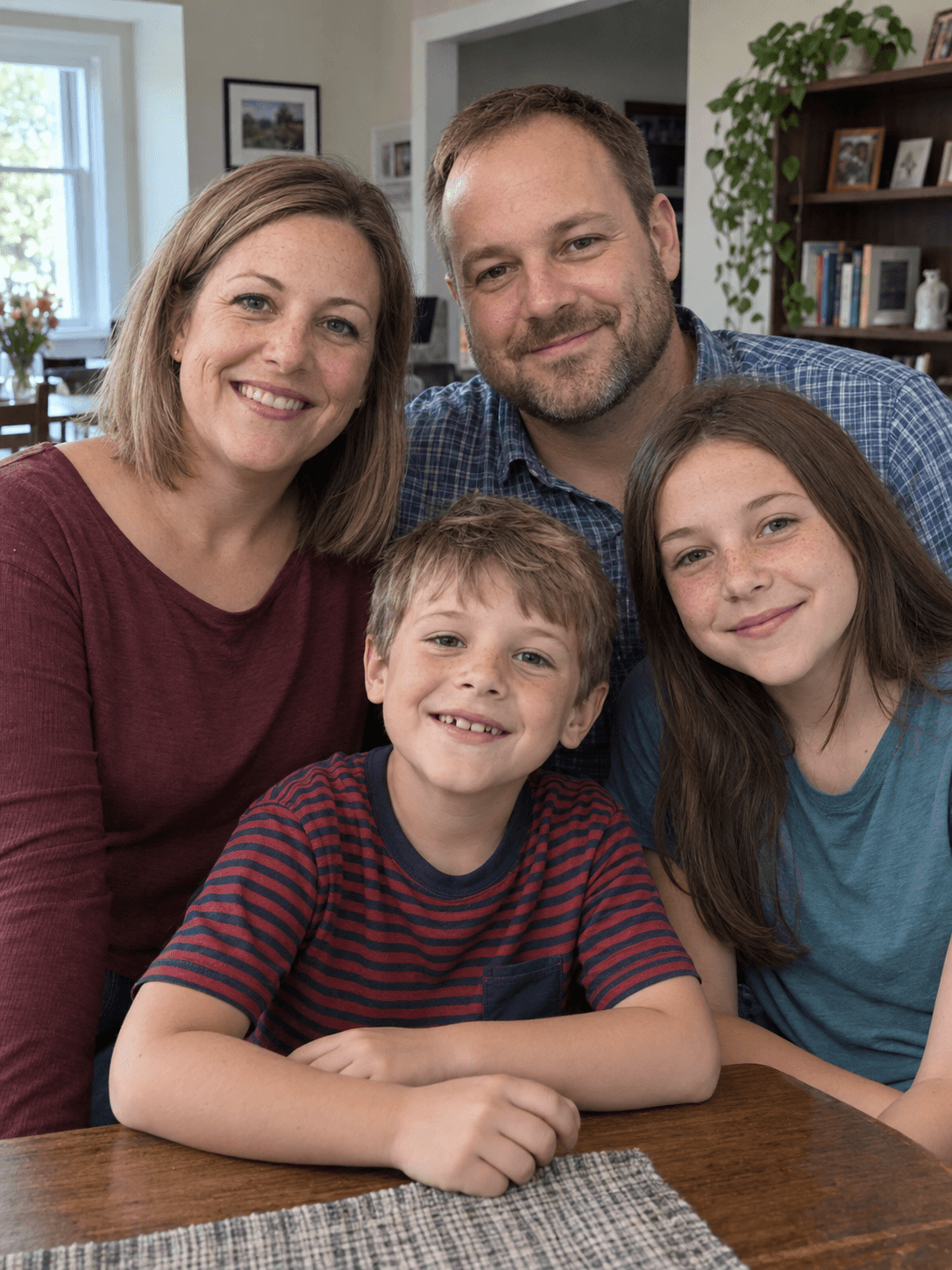
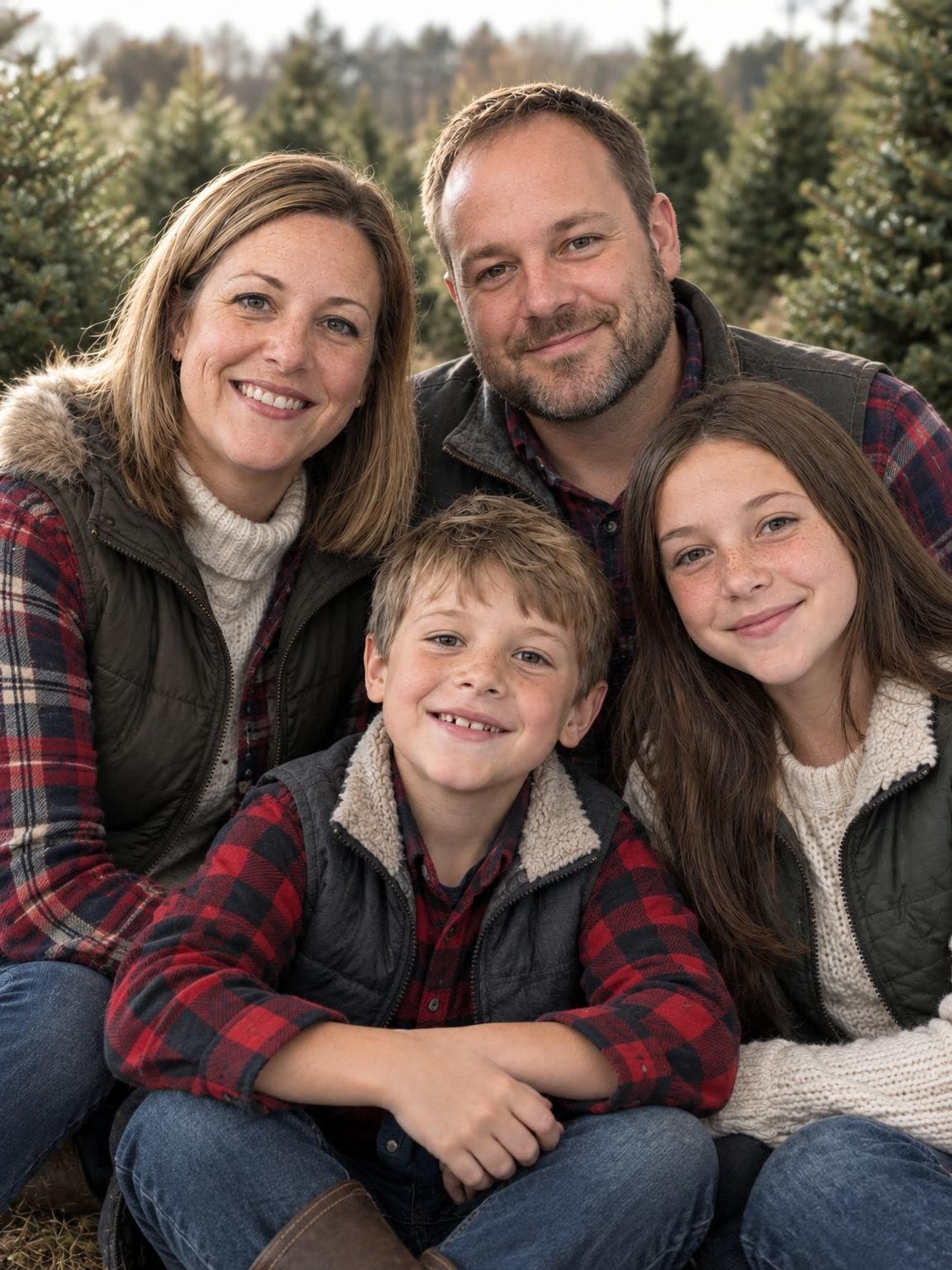
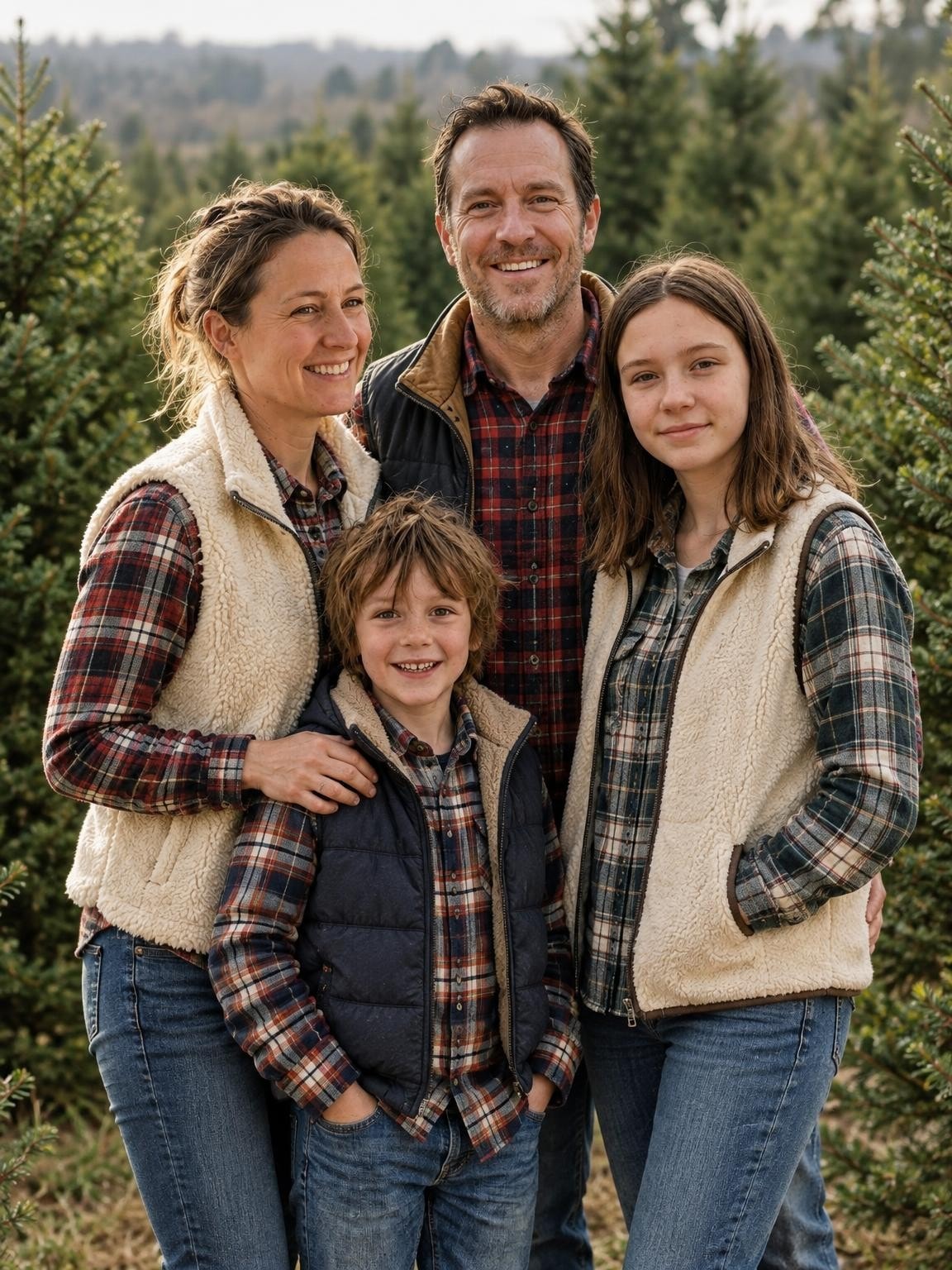
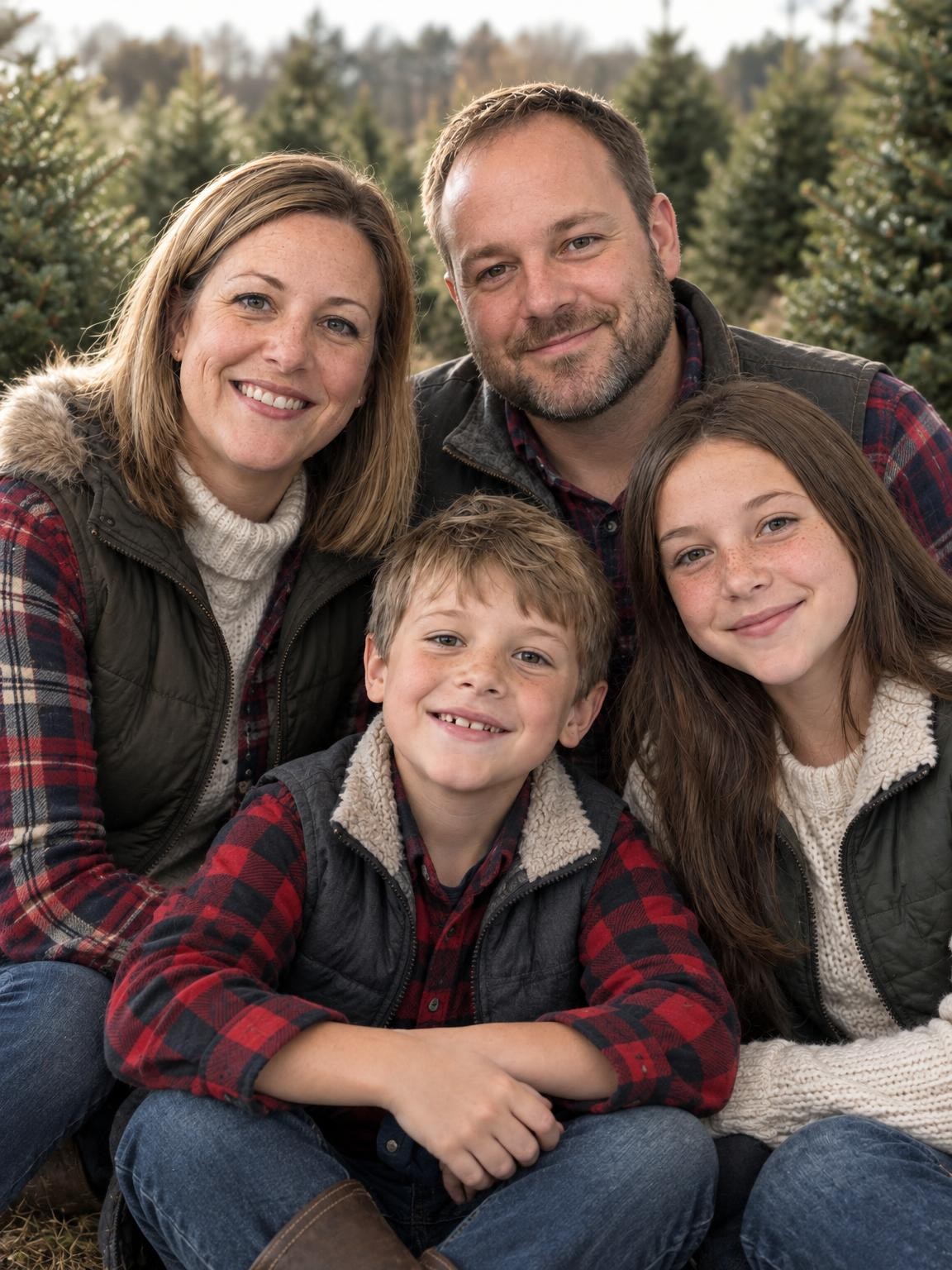
Generated four-person family portrait at a Christmas tree farm

Explore Christmas settings

Compare tree-farm, fireplace and Santa examples.

AI Christmas photo scenes

Good references.
A better starting point.

Use recent photos where each face is easy to see. The AI creates the clothes and setting, so you can start with ordinary pictures.

Choose clear reference photos

Before you upload

  • Include every person in at least one clear photo.
  • Choose well-lit faces without sunglasses, heavy filters or motion blur.
  • Keep faces large enough to see. Avoid distant group shots.
  • Use photos you have permission to upload.

Before you buy

Look closely at every face, age, pair of glasses and hand. Your preview helps you decide whether this approach works for your family; it does not guarantee every gallery image will look the same.

Your photos.
Your preview.
Your choice.

  1. Upload your photos.

    Add 1–6 photos, label each person or pet, and select the photos they appear in. Your chosen scene follows you into the creator.

  2. Check your free preview.

    Inspect each face and detail. You have one free correction using the same references. Approve the version you want to keep.

  3. Keep the portrait you approved.

    Pay once to download your exact approved portrait without our watermark, plus 30, 60 or 120 new variations.

Your gallery, your choice.

Preview first. Choose your gallery when you’ve seen your own result.

30 portraits

$19one payment

A lovely place to start.

See my free preview with 30 portraits

60 portraits

$29one payment

More moments to choose from.

See my free preview with 60 portraits

120 portraits

$49one payment

The widest choice of portraits.

See my free preview with 120 portraits

Keep the exact portrait you approve, plus your chosen number of new variations. Every gallery includes original-size downloads without watermarks, your selected scenes, and support for eligible quality issues under our refund policy.

Start with a free preview and one correction. No account, no subscription.

Help with your gallery

Before you begin.

Refund policy
How we handle your photos
Get help with your gallery

Can grandparents join the portrait from a different home?

Yes, you can submit separate photos. Everyone does not need to be together in one reference. Use photos you have permission to upload, with each face clearly visible. AI creates a new group portrait, and likeness can vary, so inspect your own free preview.

How many family members can be included?

You can upload up to six reference files, including group photos. That is a file limit, not a promise about group size or accuracy. Our shown test used five people and a dog across six separate files. We have not established a reliable maximum group size; check every intended person in your preview.

How do we include the family dog or cat?

Include a clear pet reference within the six-file limit. Check its markings, face shape and size in the preview. A written request alone does not supply the pet’s appearance. Our published example includes one dog; it does not demonstrate results for every breed or pet.

Can you add someone to our existing Christmas photo?

This workflow creates a new portrait from your references. It does not preserve an existing photo exactly while adding one person. The pose, clothing and background can change along with facial details.

Do all 30 gallery portraits look exactly like the preview?

Your $19 gallery includes the exact portrait you approve, without our preview watermark, plus 30 newly generated variations. Those variations can differ in faces, poses and details. You can use the approved portrait for your card, or review the variations for another favorite. Check its crop and pixel dimensions before printing.

Do we need to be in the same photo?

No. Upload 1–6 clear reference photos in total, with everyone you want to include visible in at least one picture. Separate photos work. The number of photos is not a guarantee about the number of people the AI can reproduce accurately.

What is free, and what do I pay for?

Your first watermarked preview and one correction using the same reference photos are free, with no account or payment card required. Paid galleries start at $19 and include the exact portrait you approve, without our watermark, plus 30 new variations. Larger galleries add more variations at the same quality. You choose after reviewing your preview; there is no subscription.

Can I keep the exact portrait I approve?

Yes. Your gallery purchase includes an original-size download of that approved portrait without our preview watermark. The other gallery images are new variations and may differ in faces, poses and details. If neither your first preview nor your correction looks right, ask us for help before buying.

Will it look exactly like us?

Your references guide the faces, but AI creates a new image. Likeness, ages, hands and small details can vary. Check every person in your own preview before paying. The new clothing, pose and setting will differ from the source photos.

Does the gallery include printed Christmas cards?

Your purchase includes digital portraits. Card design, printing and shipping are separate. Use the original download and check its pixel dimensions and crop against your printer’s requirements before ordering.

What if my gallery has a problem?

Contact us with your gallery link, affected photo numbers and the specific quality issue for review under our refund policy. You can also request deletion of your photos; see our privacy policy for how uploads are used and stored.
Free preview.
Galleries from $19.

See my free preview

By the fireplace · AI portrait example

AI Christmas portrait of five people across three generations and one dog, made from the six reference photos shown