Choose recent photos of both partners
Use clear, well-lit images with a similar current appearance. Avoid sunglasses, heavy filters and cropped-off faces. A couple photo is helpful if both faces are clear, but separate pictures work too.
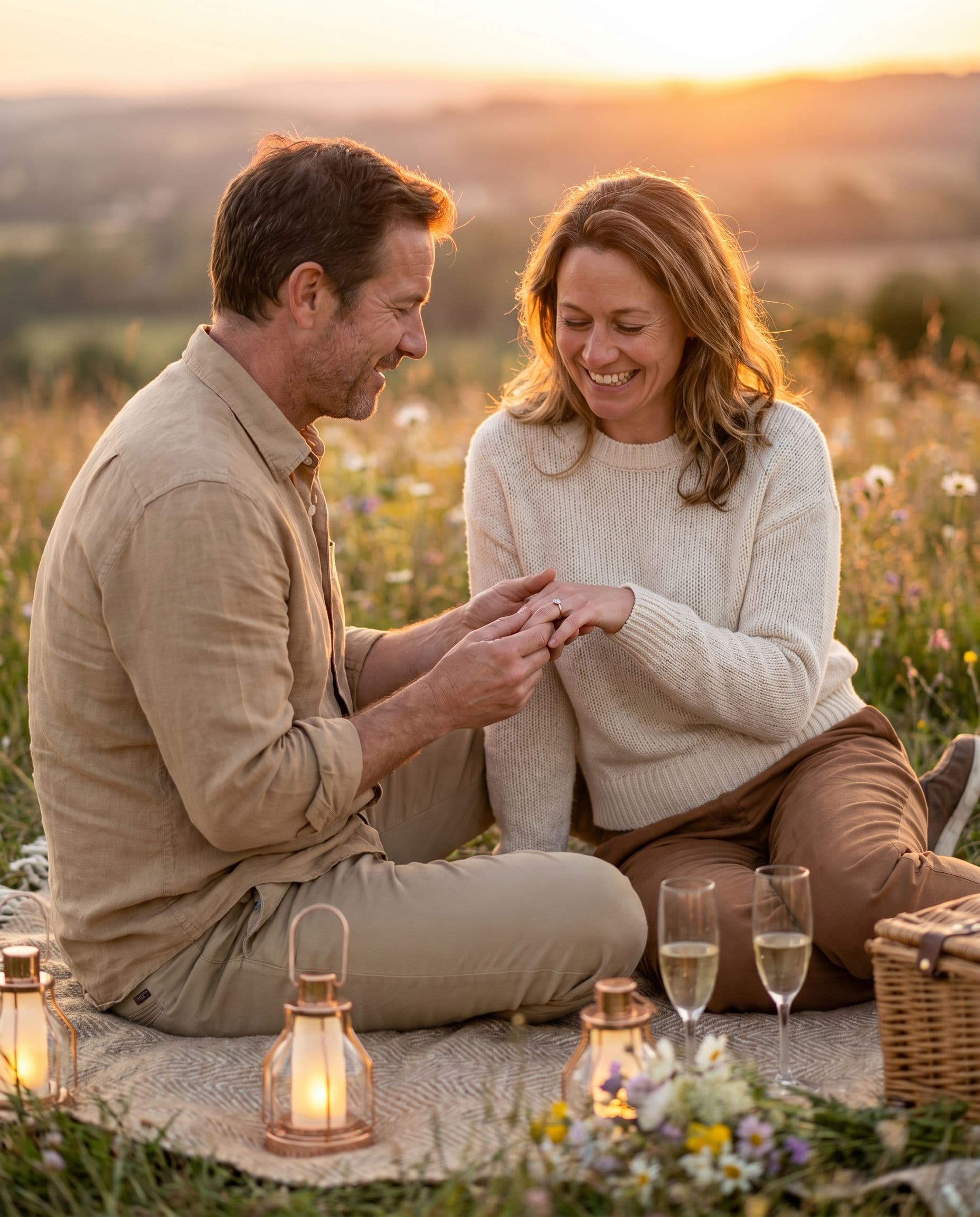
Try a garden or sunset-picnic portrait with your own reference photos. See a free AI preview for your announcement or save-the-date before choosing a gallery.
See my free previewAI portraits. Free preview; digital galleries from $19.
Explore the portraits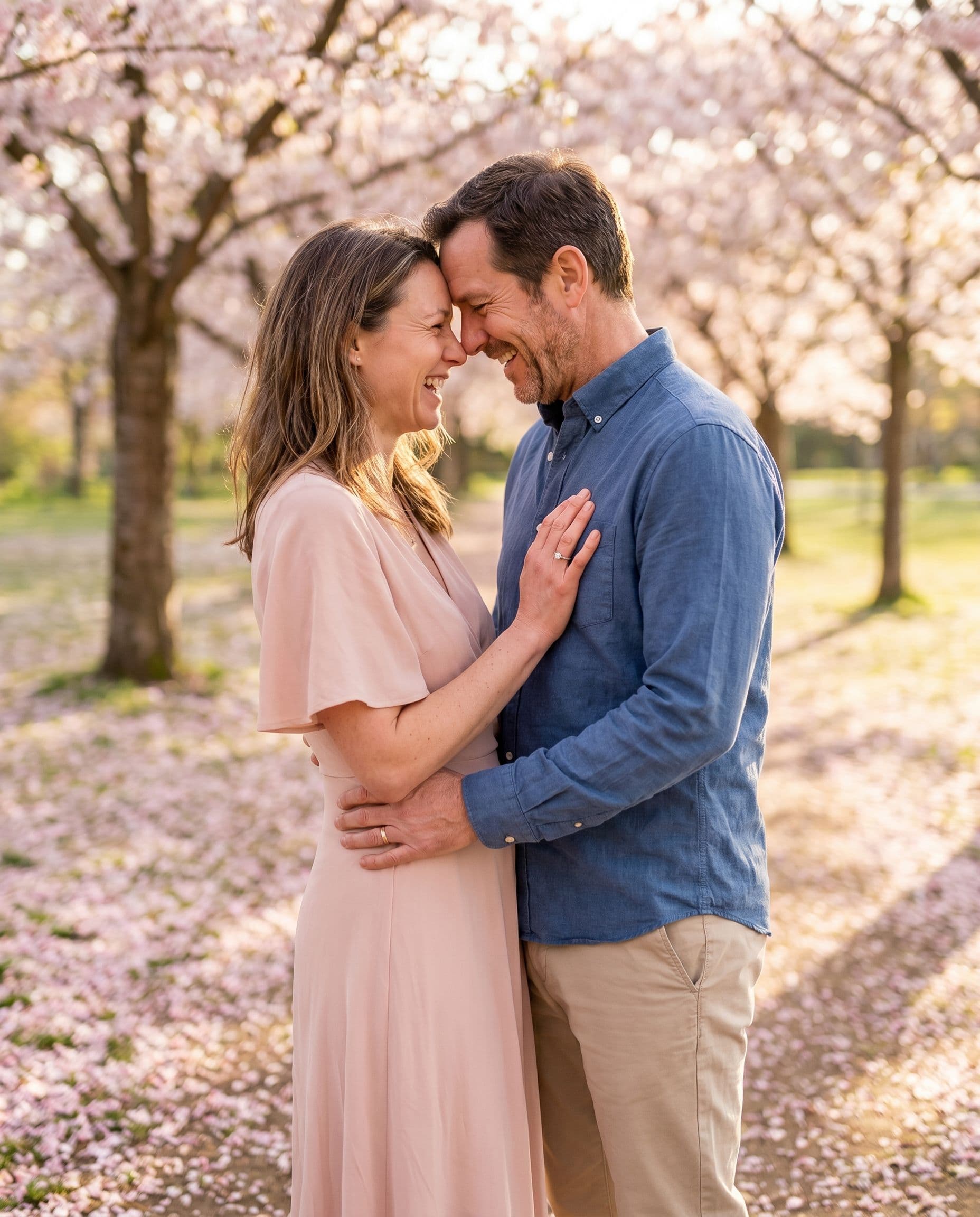
Start with an example you like, then upload your own photos. Your first preview is free; full galleries start at $19.
Use clear, well-lit images with a similar current appearance. Avoid sunglasses, heavy filters and cropped-off faces. A couple photo is helpful if both faces are clear, but separate pictures work too.
Describe one coordinated outfit idea and the mood you want. For example, a relaxed garden portrait in light shirts and blue tones. Small jewelry, embroidery and logos may not be reproduced accurately.
The AI can invent or alter jewelry and fingers. Do not use a generated close-up as a faithful picture of your real ring. Inspect these details at full size before choosing a portrait.
Choose an image with room around the couple for the card crop. Add names and dates in a separate design tool, and review the printer’s proof. The gallery includes digital photographs without card text.
The scene illustrations below show styling ideas. For recorded product tests with the actual inputs alongside each result, view our reference and result library. AI can change faces, ages, clothing and small details; inspect your own free preview before paying.
AI engagement photos create a new composition from your pictures. A clear photo together can work, or you can upload separate references for each partner. The setting, pose and clothing are generated, so the result can look different from your original photographs.
Use the free preview to judge likeness before buying. If you need to document your actual proposal, a specific location or the exact design of your ring, keep the real photograph. Generated engagement portraits work best as an additional creative option for announcements and save-the-dates.
How it works
Upload 1–6 photos with faces visible. Phone pictures work great — no editing needed.
Choose a scene and see one watermarked portrait before paying. Check every face and the small details.
Pay once for 30, 60 or 120 portraits, then download your gallery as the images become ready.
Portrait examples
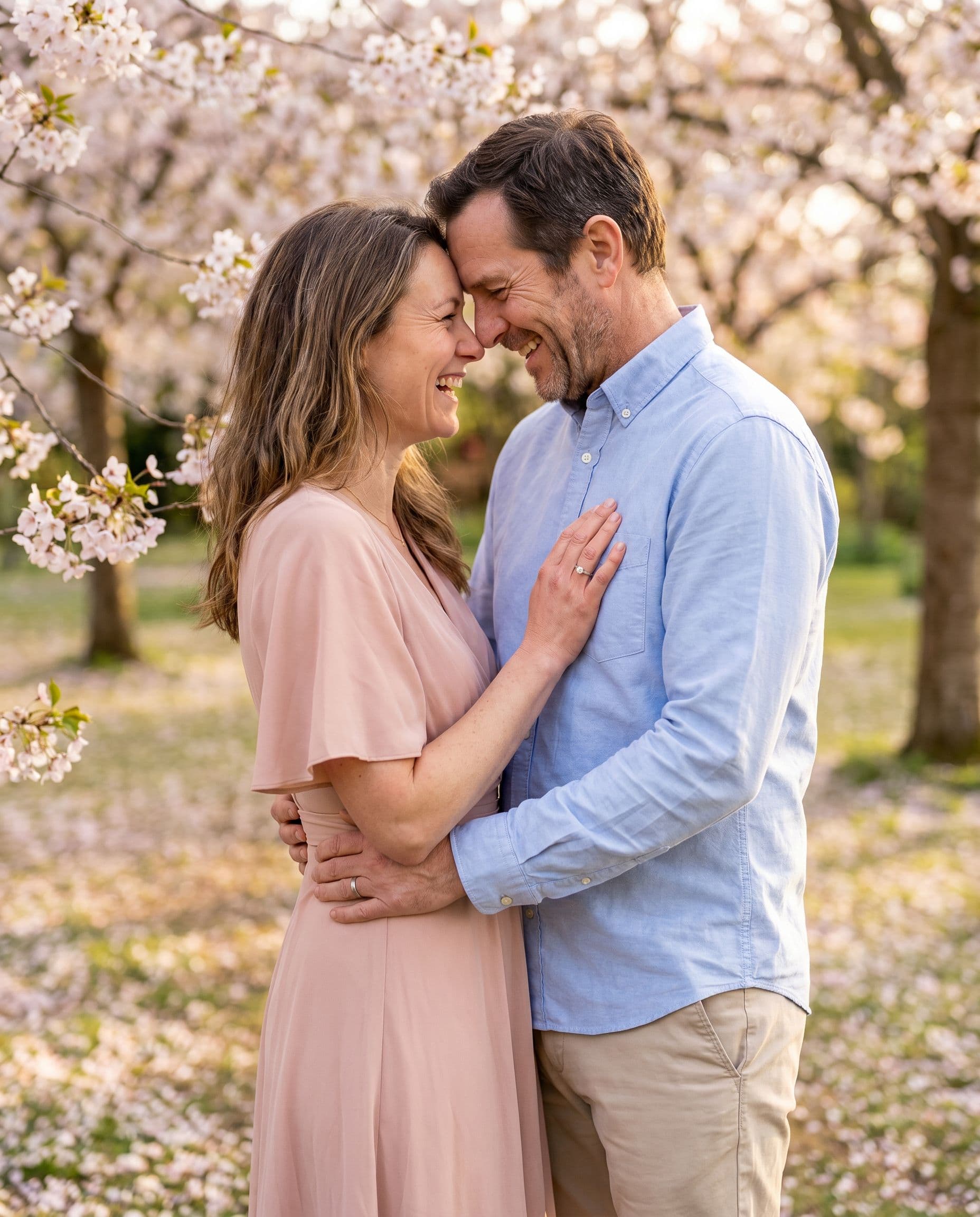
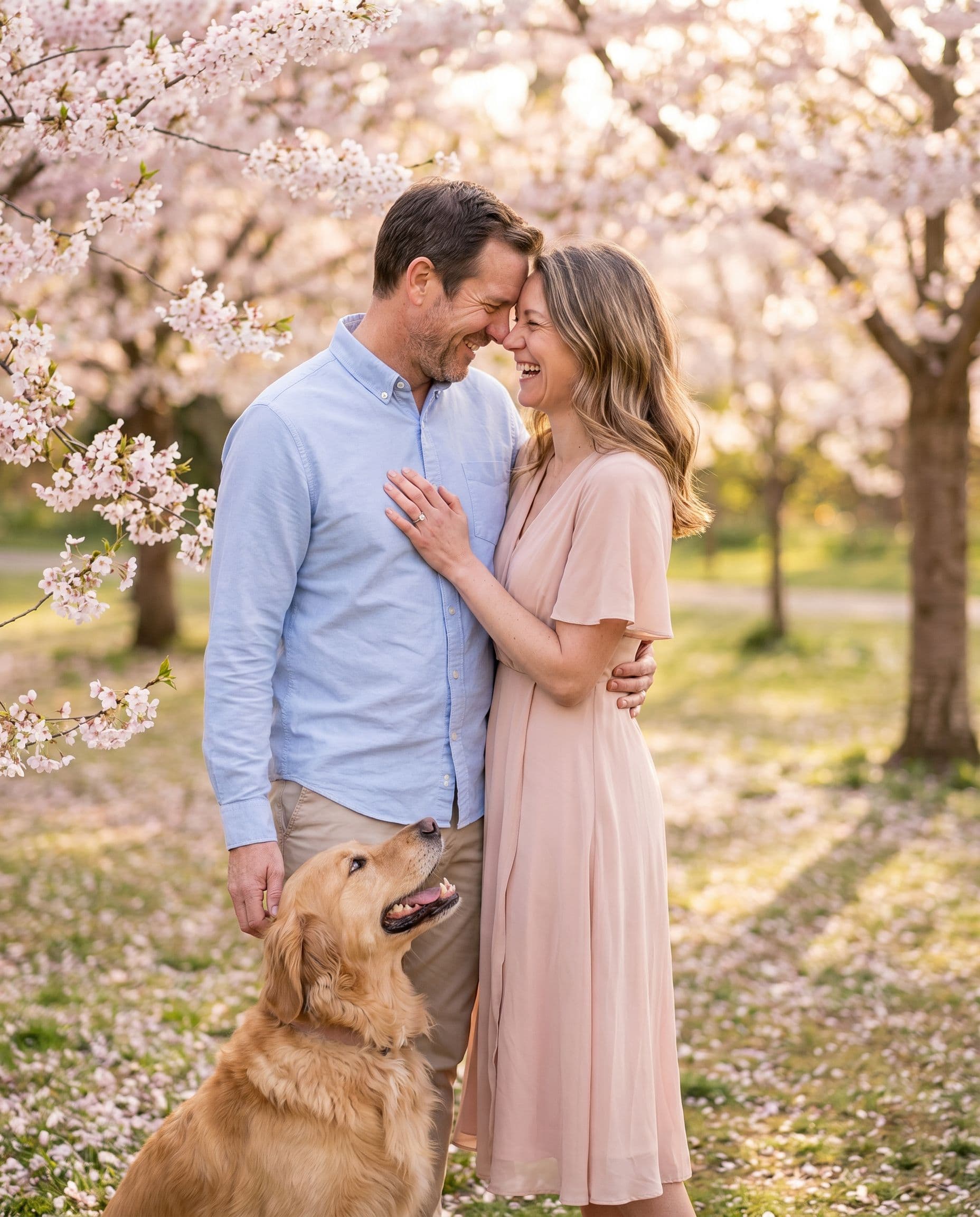
AI-created scene illustrations, not customer photographs or measured likeness tests. Your results depend on your reference photos.
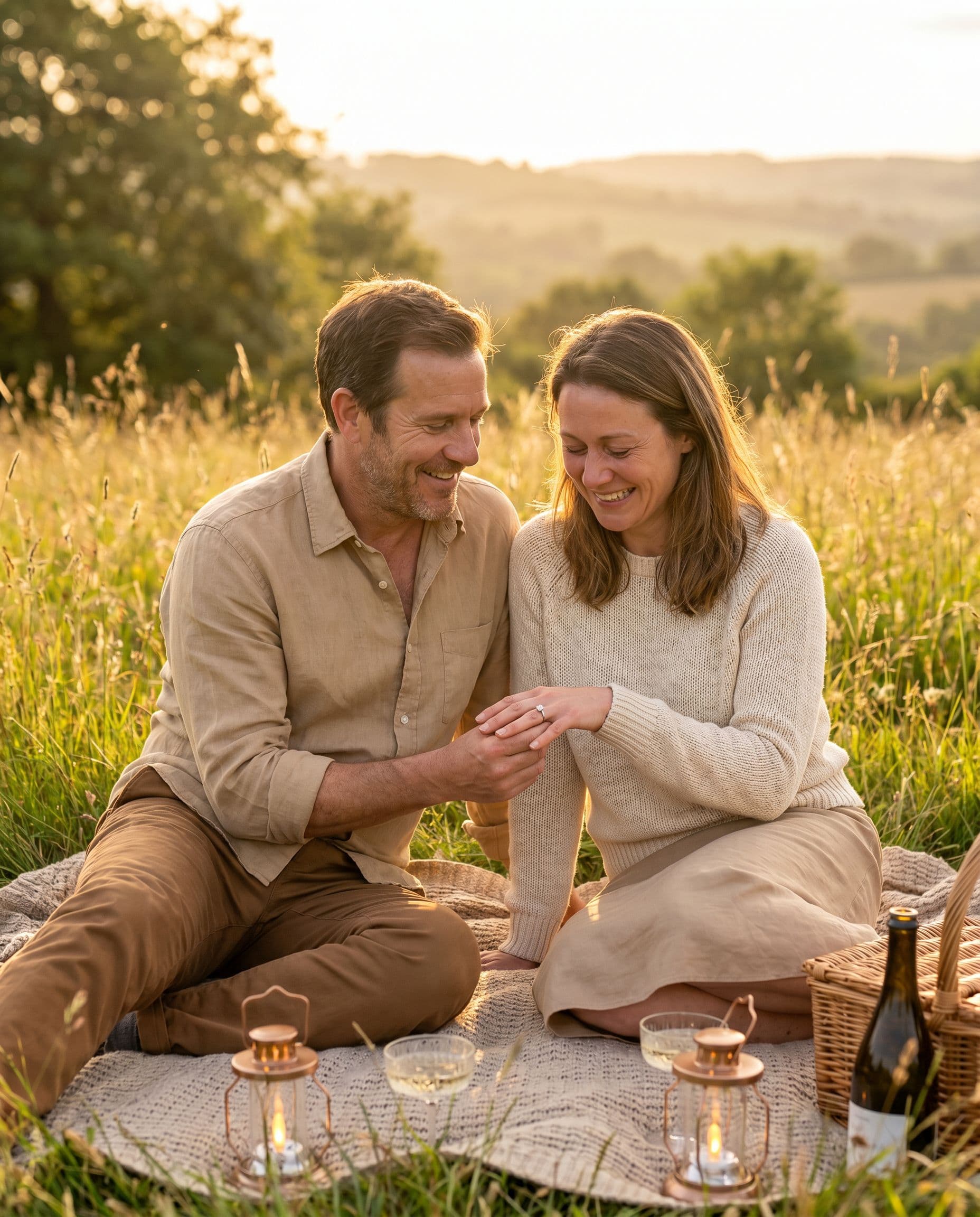
AI-created garden and picnic settings. Clothing, jewelry and poses vary between results.
One payment for your digital gallery. No subscription.
Keep the exact portrait you approve, plus your chosen number of new variations. Every gallery includes original-size downloads without watermarks, your selected scenes, and support for eligible quality issues under our refund policy.
Start with a free preview and one correction. No account, no subscription.
Help with your galleryFAQ
Yes. Upload 1–6 clear photos total, making sure both partners are visible in at least one reference each. You do not need an existing professional couple photo.
No exact reproduction is guaranteed. AI may change jewelry, hands and other small details. Use a real ring photograph when the design itself is important.
You can use a paid digital portrait in your own card design. Add names and dates separately, then check the resolution, crop and printer’s proof.
No. It is a newly generated portrait guided by your uploaded photos. It should not be presented as documentation of a proposal or location you did not photograph.
Yes. Your first watermarked portrait is free, with no account or card required. Paid galleries are 30 photos for $19, 60 for $29 or 120 for $49.
Review both faces in the preview before purchasing. For a quality-issue review under our refund policy, contact us with your gallery link, affected photo numbers and the specific issue.
Try a garden or sunset-picnic portrait with your own reference photos. See a free AI preview for your announcement or save-the-date before choosing a gallery.