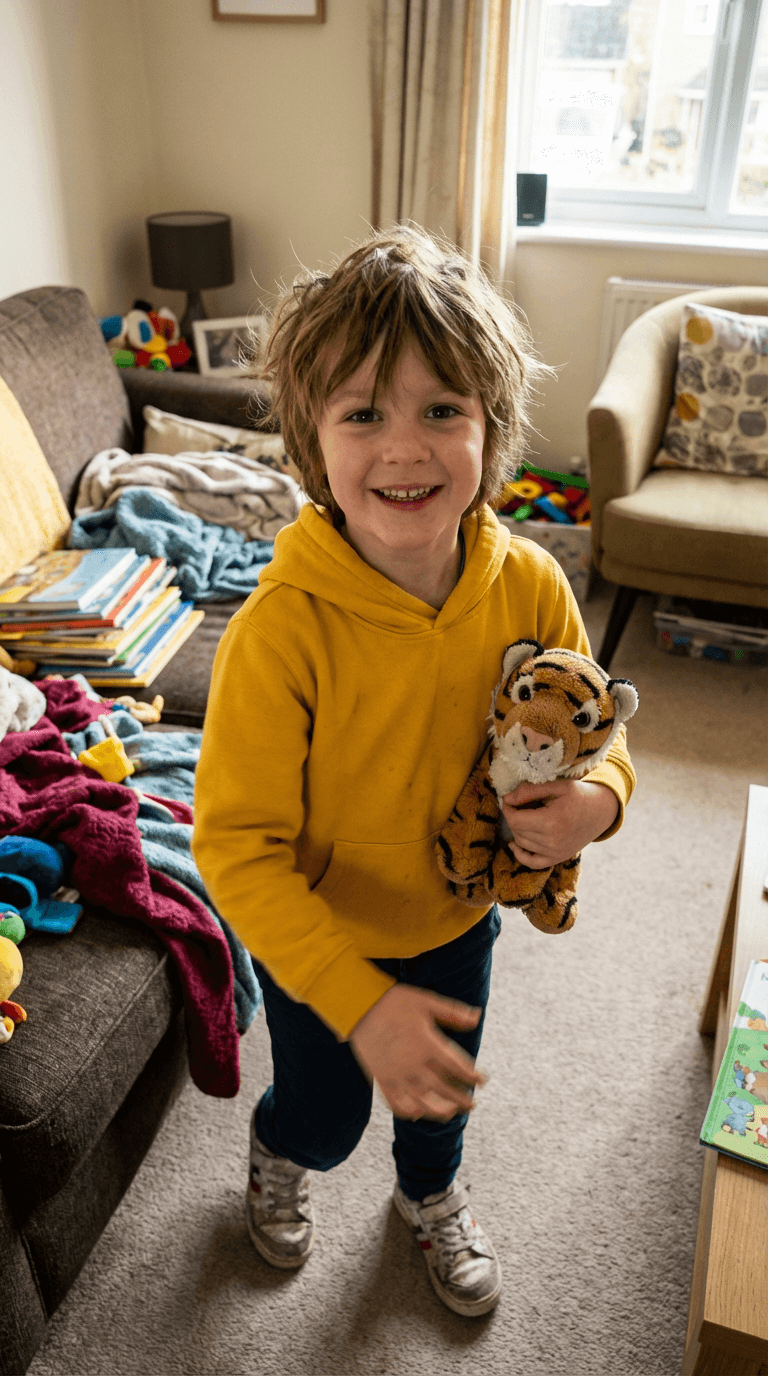
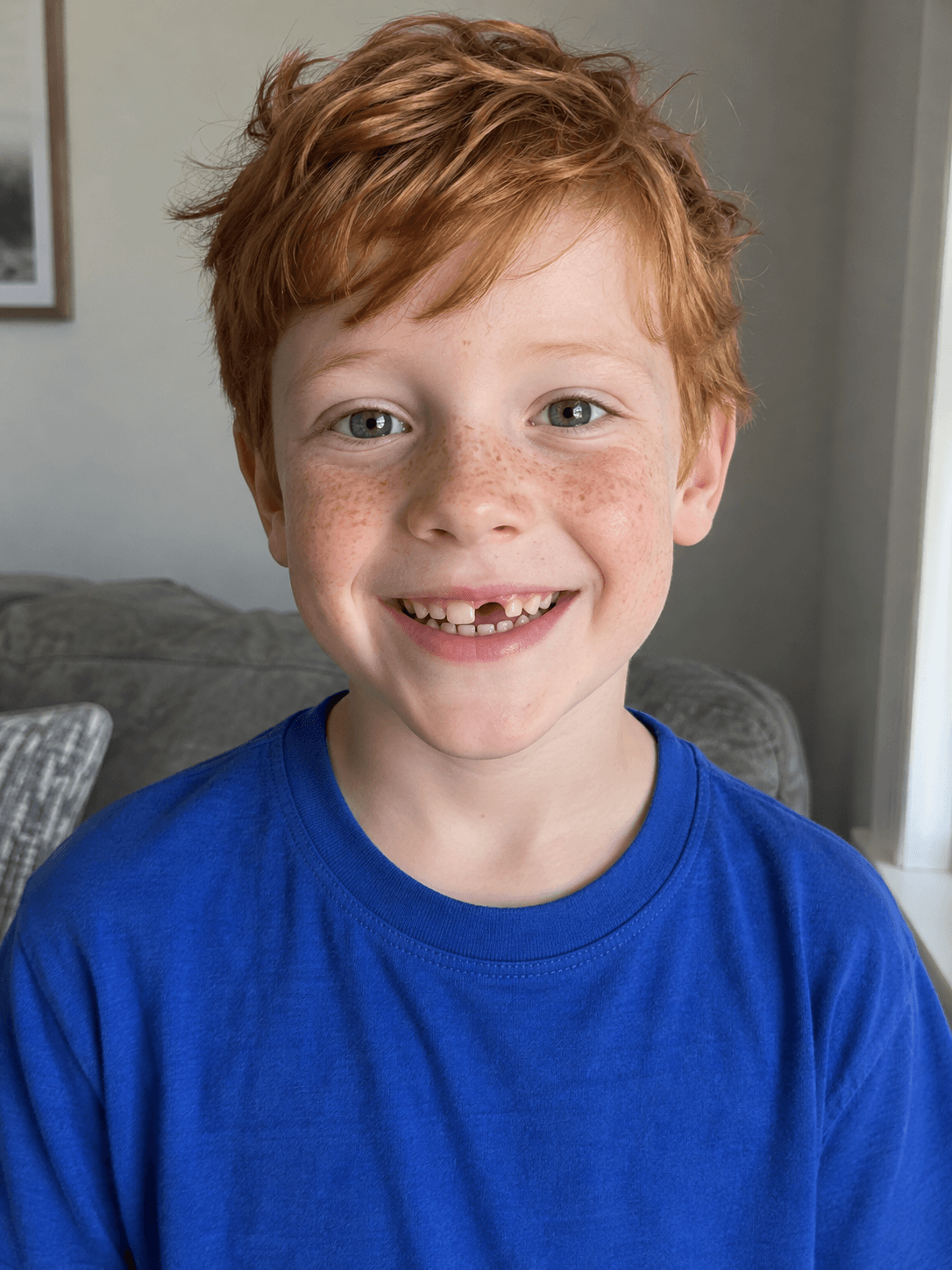
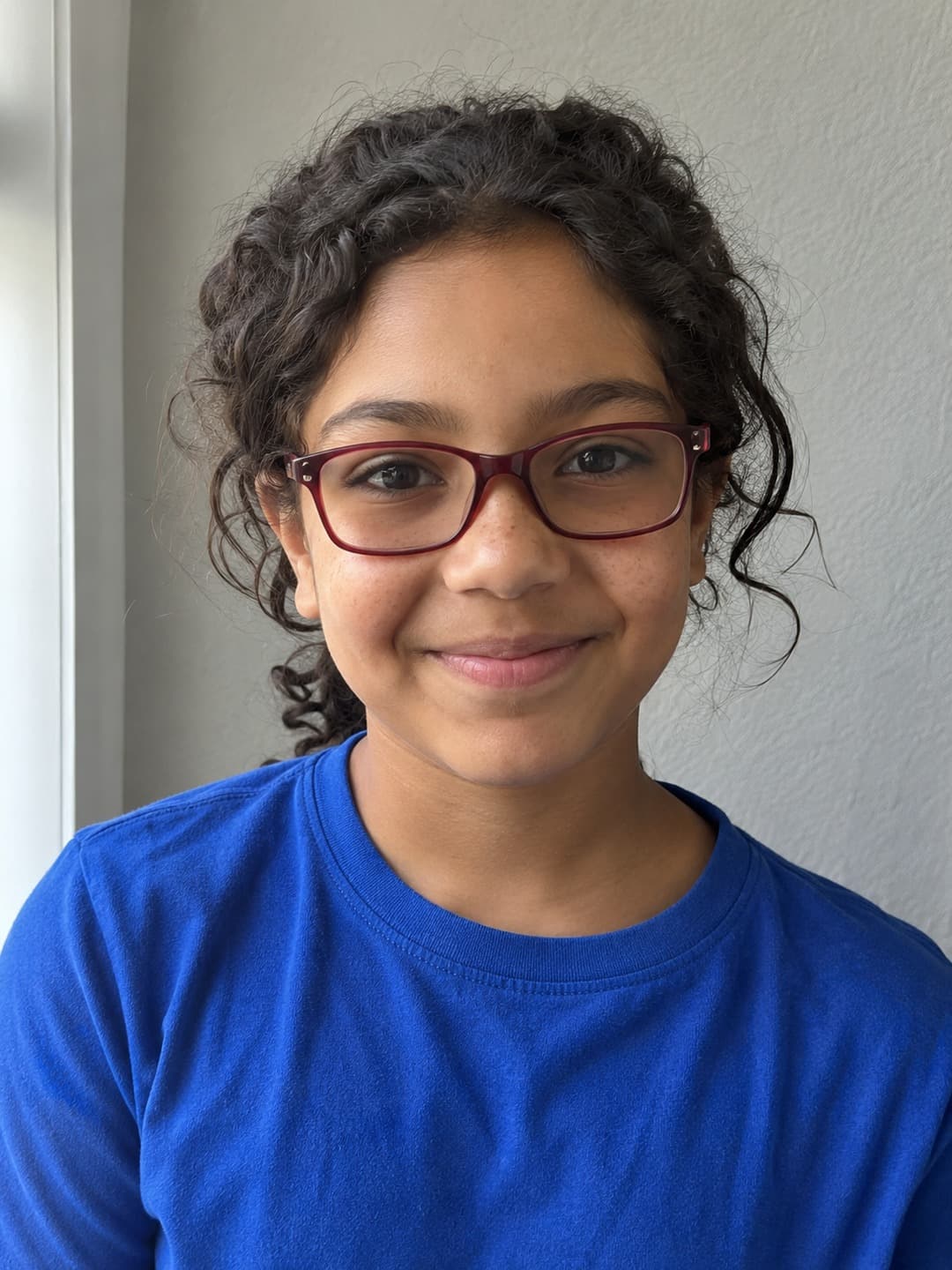
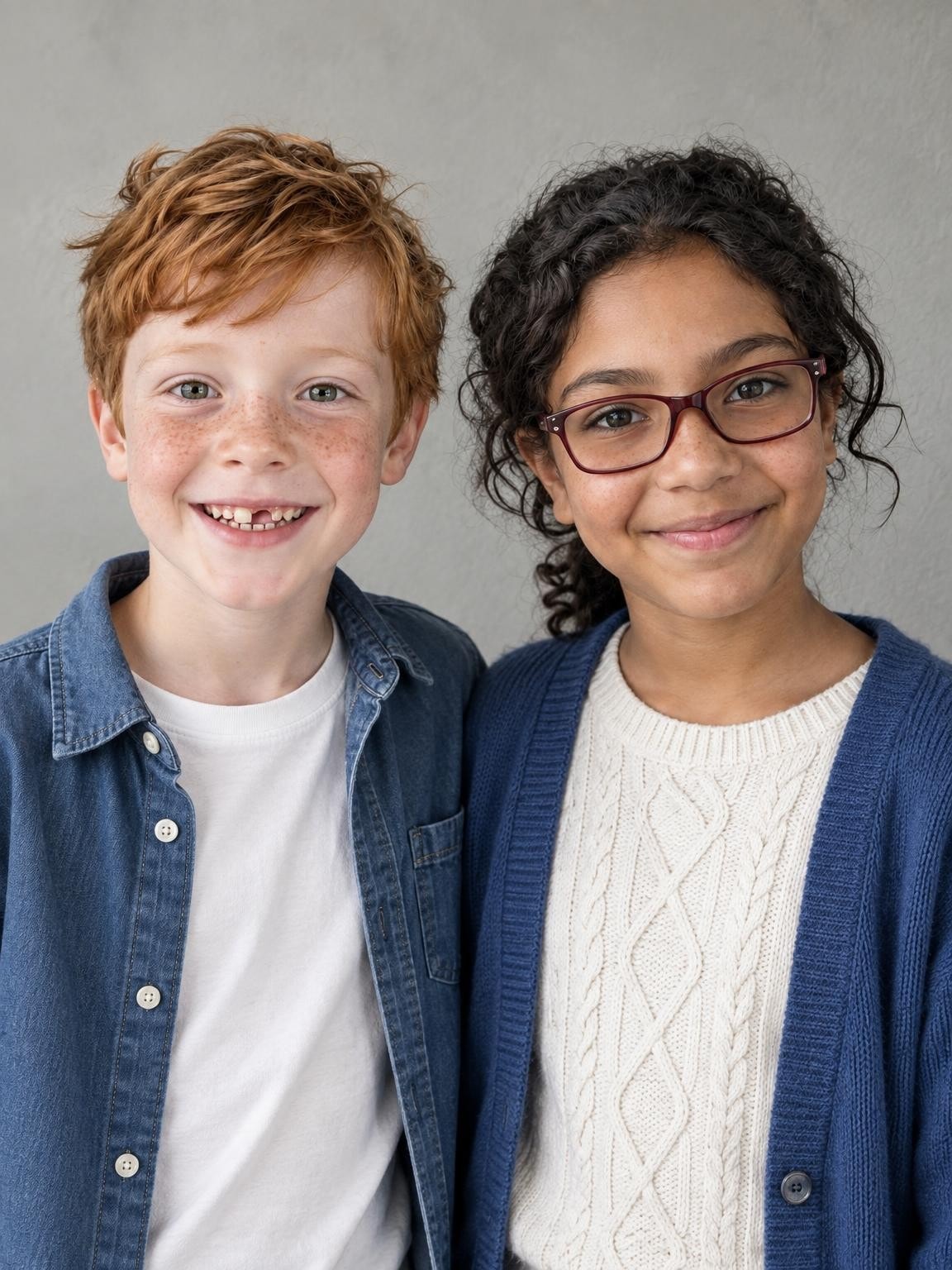
1. Choose a clear photo of each person
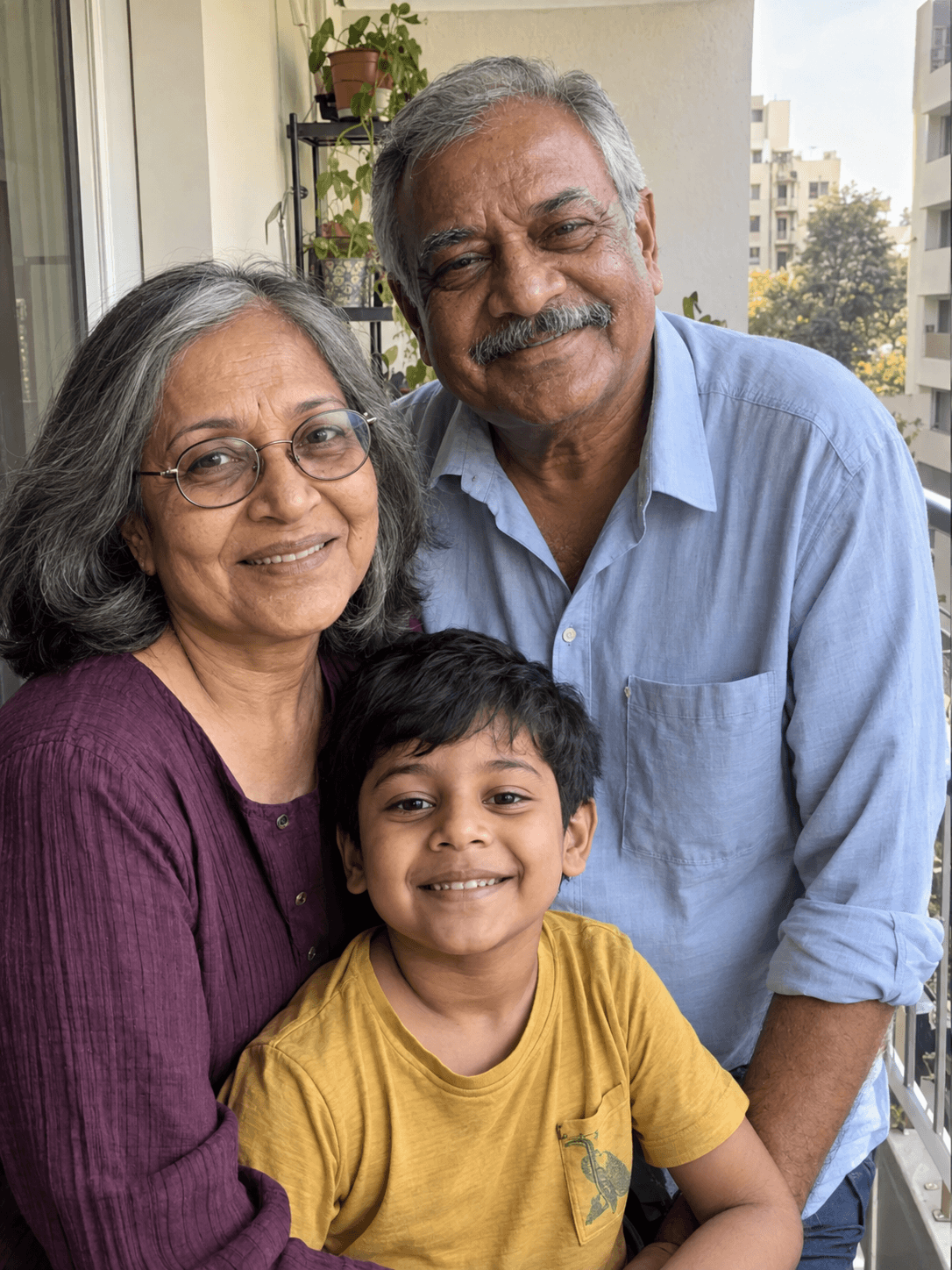
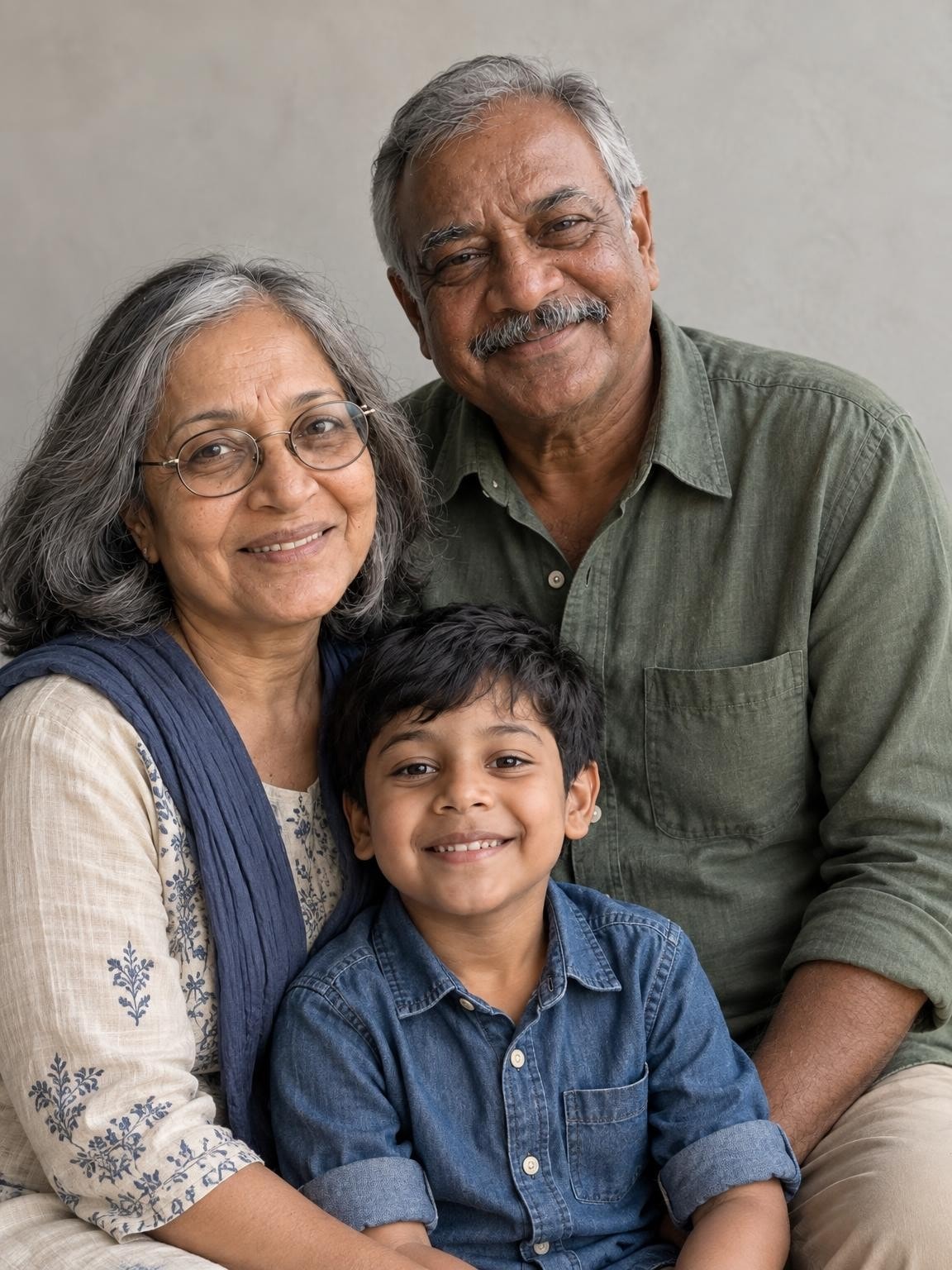
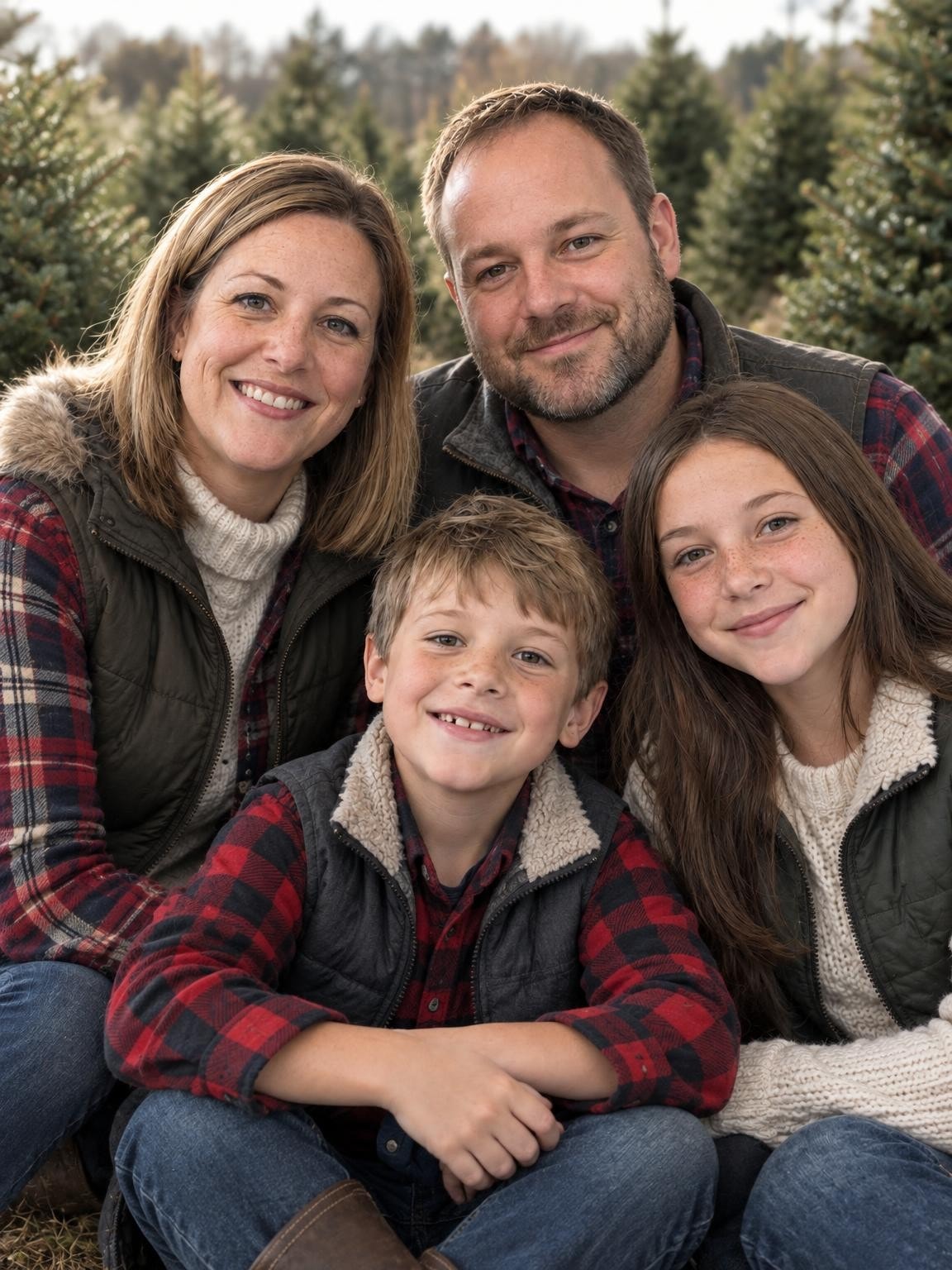
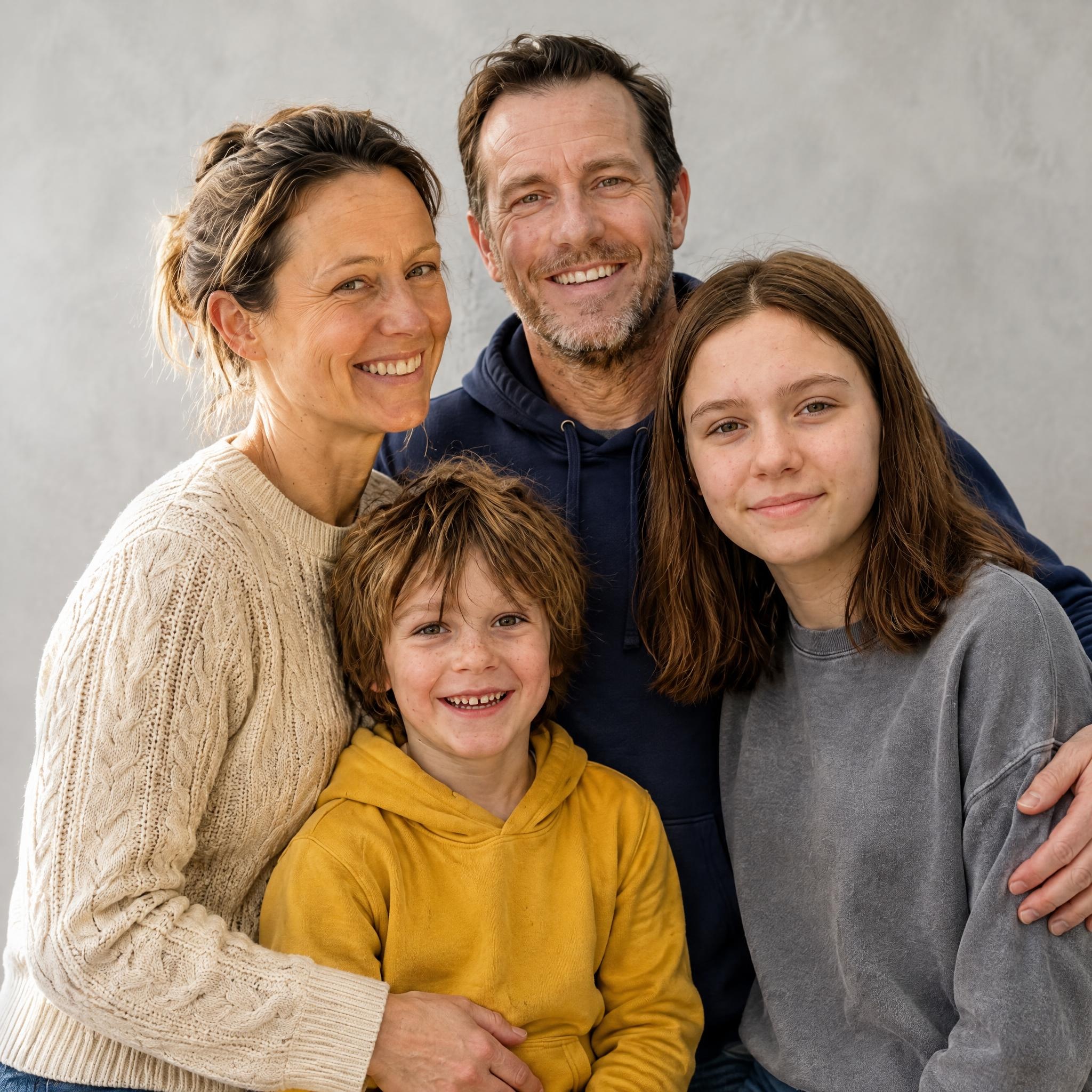
Use up to six reference photos in total. In the creator, give each person or pet a short label and select every photo they appear in. A group photo can be assigned to more than one person. Choose clear, recent faces; one good reference is more useful than several distant or filtered ones.
2. Choose the scene and check every face
Your selected setting follows you into the creator. After uploading, compare the free preview with your references and zoom in on faces, ages, glasses and hands. One free correction lets you request a specific change using the same references. Compare both finished versions before approving.
3. Keep the portrait you approved
The first watermarked preview is free, with no account or payment card. A $19 gallery includes your exact approved portrait without our watermark, plus 30 new portrait variations. Larger galleries add more variations at the same quality. The new images can differ, so inspect those too.