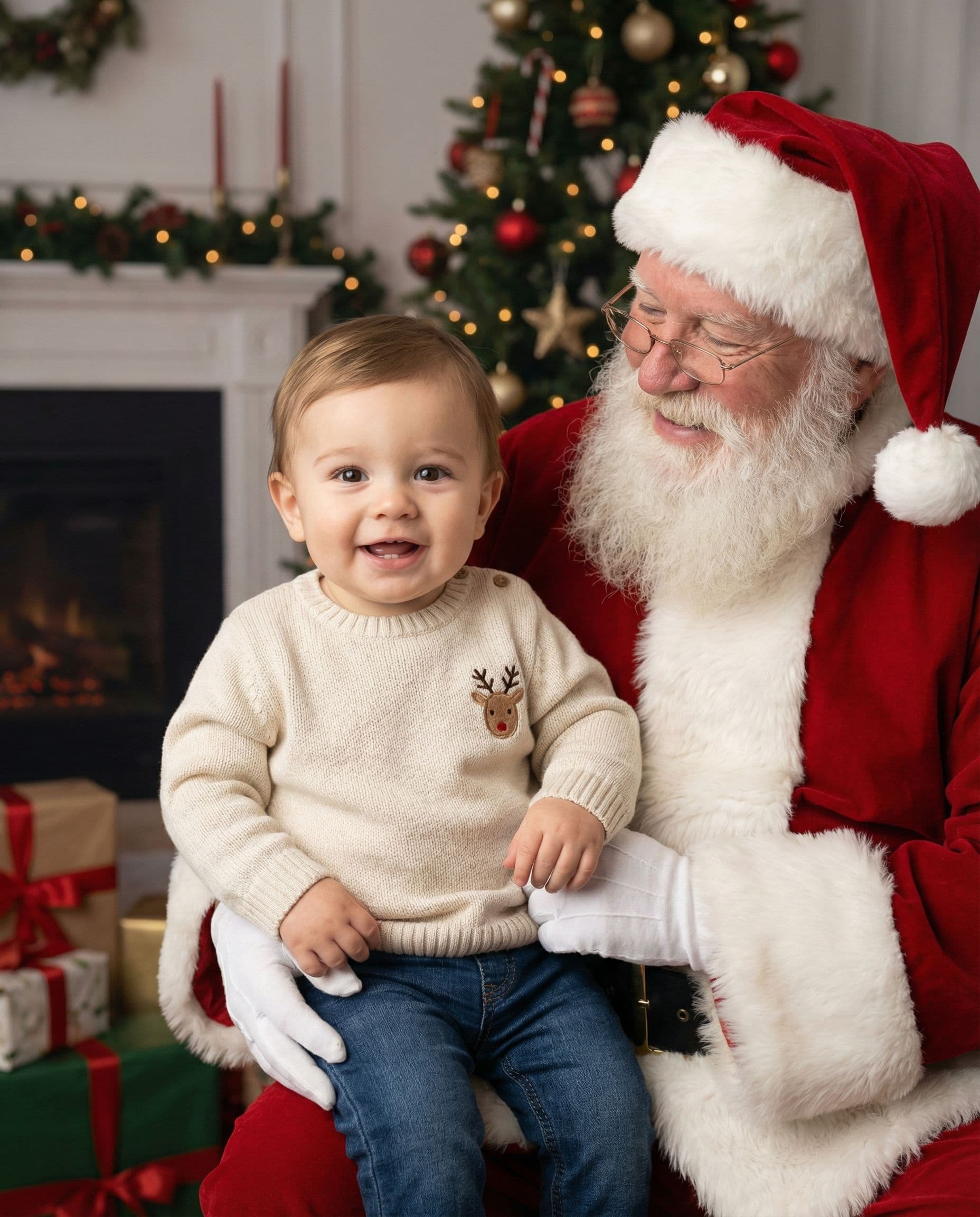
Start with the faces
Use 1–6 reference photos total. A recent, well-lit picture of each child or adult works better than a distant crowd shot. Everyone may be in separate photos. Avoid sunglasses and faces hidden by hats.
Choose a Santa setting and upload clear photos of the people or pets you want included. See one AI portrait free before choosing a digital gallery.
See my free previewAI portraits. Free preview; digital galleries from $19.
Explore the portraits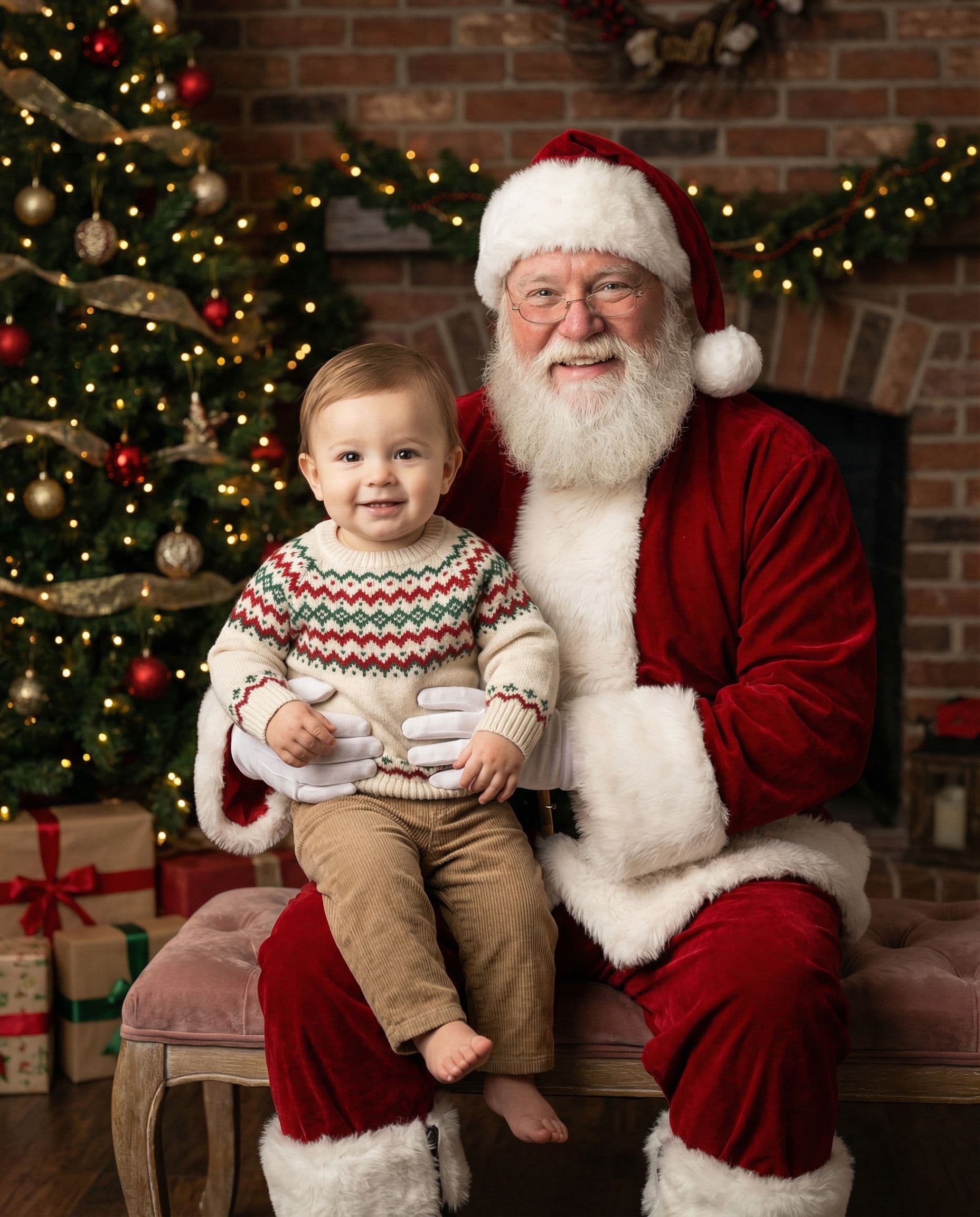
Start with an example you like, then upload your own photos. Your first preview is free; full galleries start at $19.
Use 1–6 reference photos total. A recent, well-lit picture of each child or adult works better than a distant crowd shot. Everyone may be in separate photos. Avoid sunglasses and faces hidden by hats.
Make sure each intended person or animal is clearly shown in your uploads. Leave out group photos containing people you do not want included. For pets, show the face and distinctive markings.
Describe a simple outfit or arrangement, such as two children in navy sweaters beside Santa. Exact clothing, written names and tiny accessories may change. You can adjust scenes and outfits before generating the preview.
Review every face, hands and the number of people. Santa is generated too. Download the original paid file and test its crop in the card-size checker before ordering prints.
The scene illustrations below show styling ideas. For recorded product tests with the actual inputs alongside each result, view our reference and result library. AI can change faces, ages, clothing and small details; inspect your own free preview before paying.
An AI Santa photo is an imagined portrait made from your reference pictures. You do not need a photo taken with Santa: the generator creates Santa, clothing, poses and surroundings. Your uploads guide who appears, while the preview lets you check whether their likeness is convincing.
Choose a close, simple portrait for a card with a small photo window. For a wider family group, allow more room around the people and inspect everyone before buying. You receive digital images; card design, printing and shipping are separate.
How it works
Upload 1–6 photos with faces visible. Phone pictures work great — no editing needed.
Choose a scene and see one watermarked portrait before paying. Check every face and the small details.
Pay once for 30, 60 or 120 portraits, then download your gallery as the images become ready.
Portrait examples
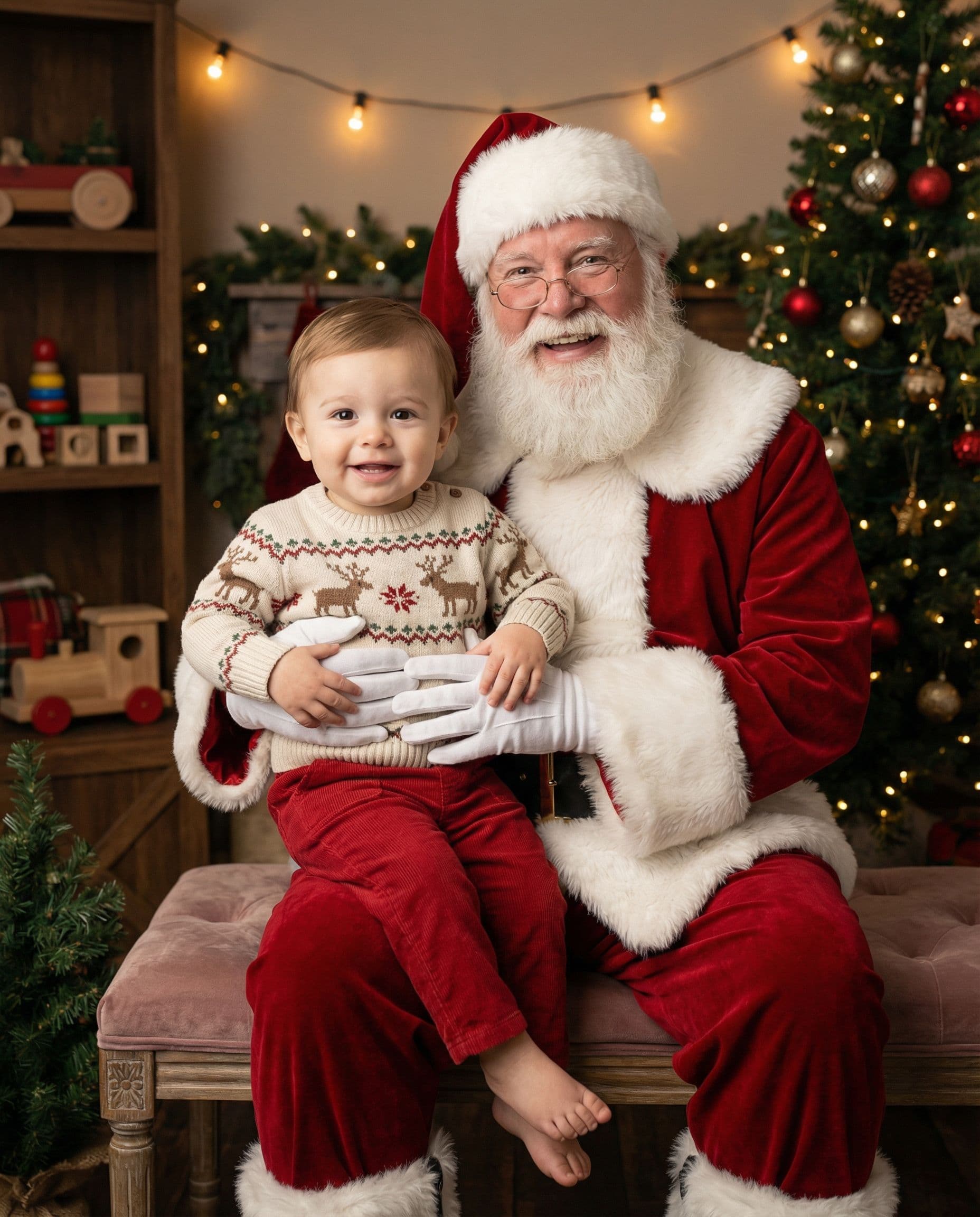
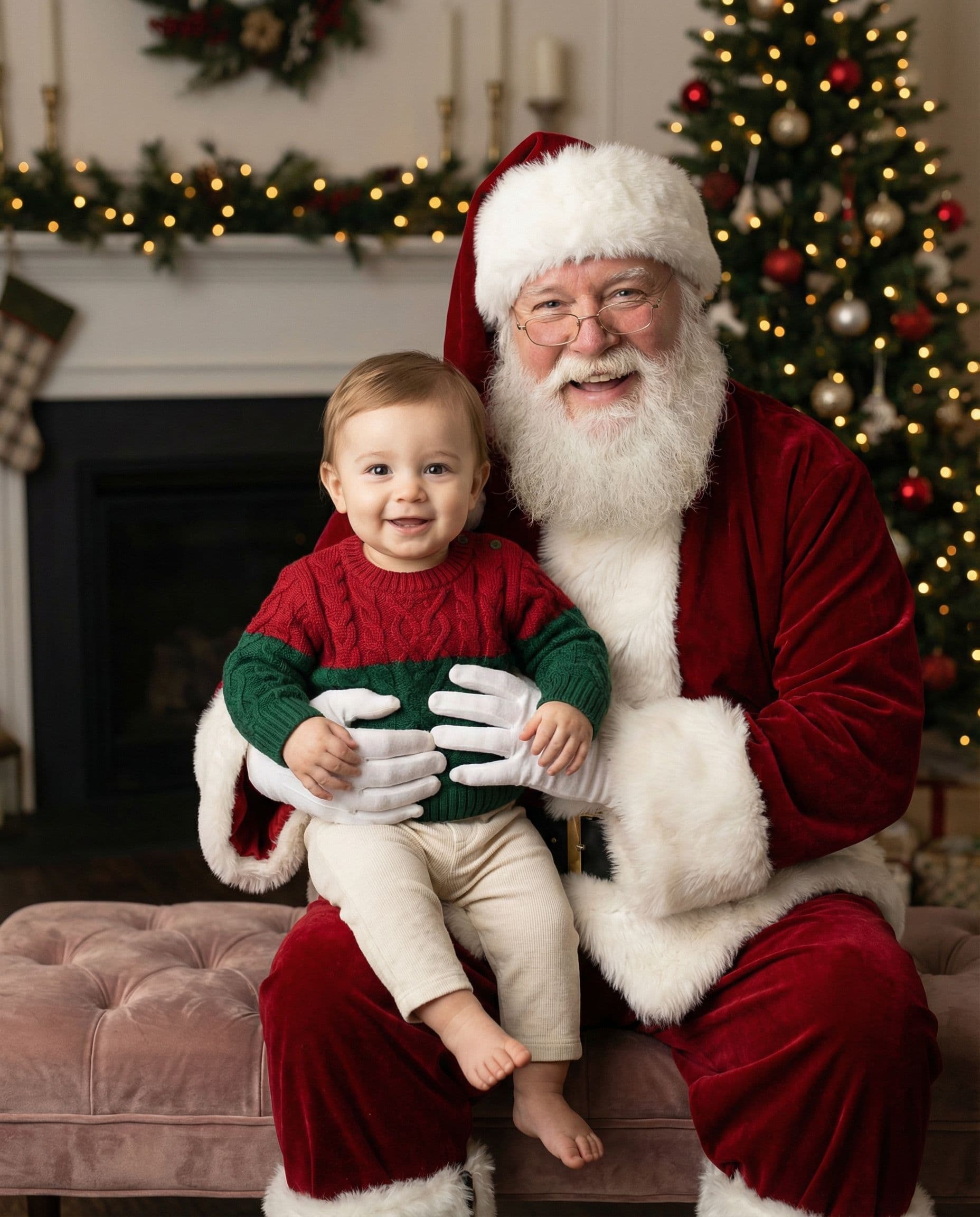
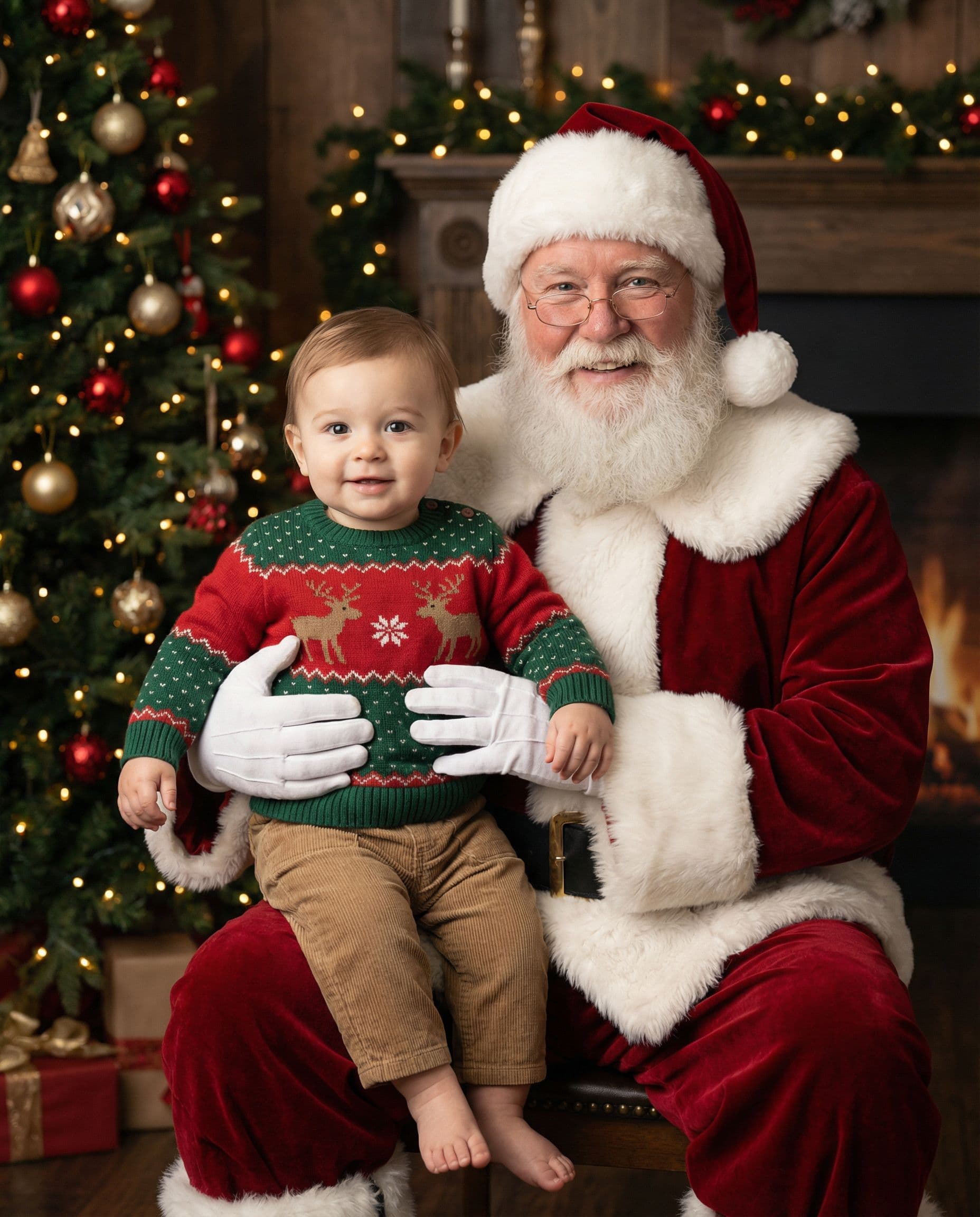
AI-created scene illustrations, not customer photographs or measured likeness tests. Your results depend on your reference photos.
AI-created examples showing different family arrangements. Your own preview will depend on your references.
One payment for your digital gallery. No subscription.
Keep the exact portrait you approve, plus your chosen number of new variations. Every gallery includes original-size downloads without watermarks, your selected scenes, and support for eligible quality issues under our refund policy.
Start with a free preview and one correction. No account, no subscription.
Help with your galleryFAQ
Yes. Upload a clear reference photo and choose a Santa scene. The result is a newly generated portrait, not a record of an actual Santa visit. Review facial likeness and details in the free preview.
You can include them in your reference photos, either together or separately. Upload up to six photos total. More faces make the result harder, so check that nobody is missing, duplicated or altered.
Yes. One watermarked preview is free, with no account or card required. Paid digital galleries are 30 photos for $19, 60 for $29 or 120 for $49.
No. We deliver digital portrait files. You can use a separate card designer or printer; check the image resolution and crop against that printer’s requirements.
The AI normally creates new clothing. Style notes can guide colors and outfits, but an exact garment, logo or accessory is not guaranteed.
Check the free preview before paying. For a quality-issue review under our refund policy, contact us with your gallery link, affected photo numbers and the specific issue.
Choose a Santa setting and upload clear photos of the people or pets you want included. See one AI portrait free before choosing a digital gallery.