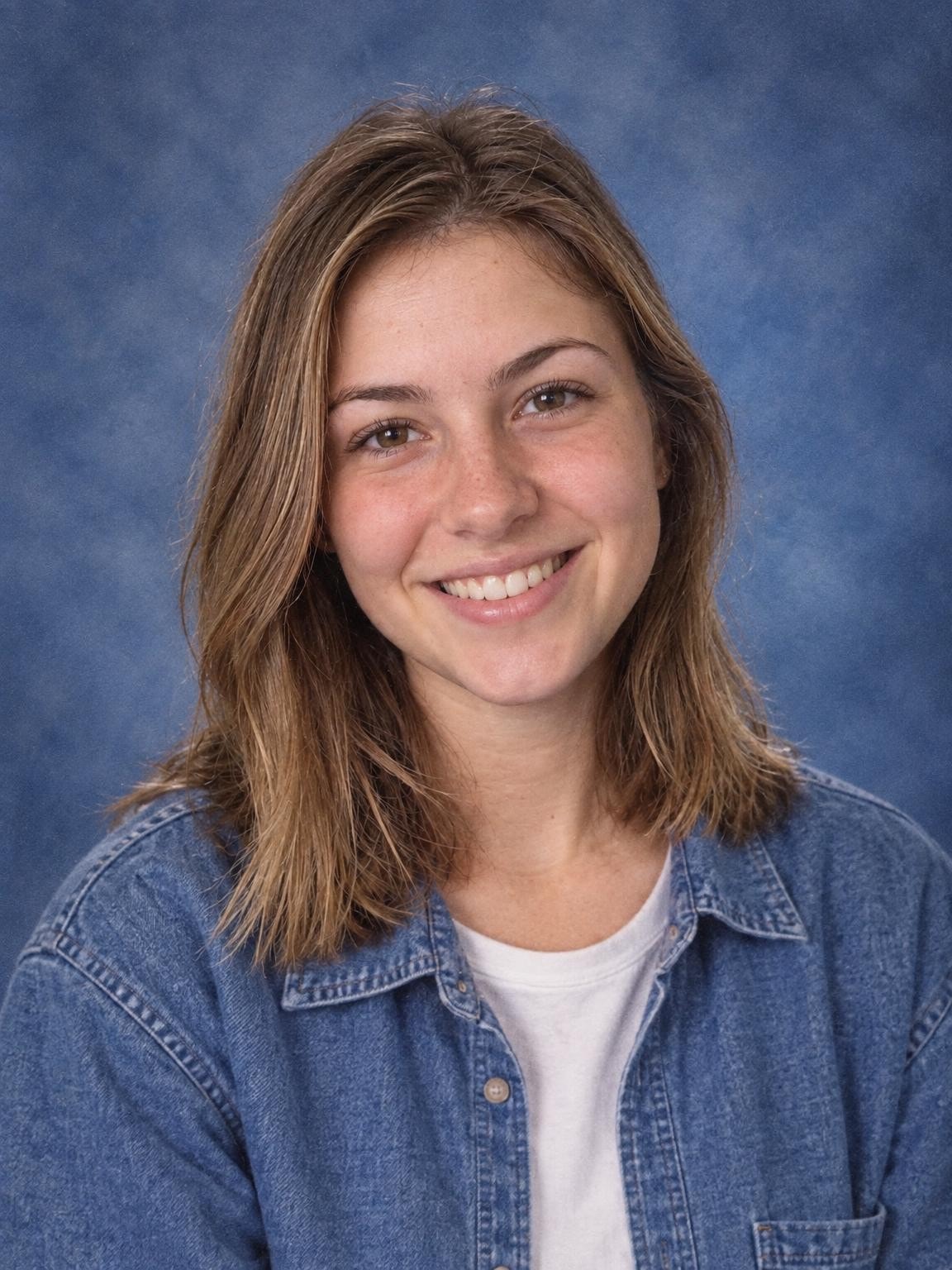
'90s Yearbook Portrait
A nostalgic school portrait with a blue mottled background.
Try this settingYearbook photos · Free preview
Try a nostalgic blue backdrop and retro styling, or choose a clean modern portrait. Your own face, a new yearbook-style setting.
Create my free preview1 free watermarked preview. No account or card.
30 digital portraits for $19 if you choose a gallery.
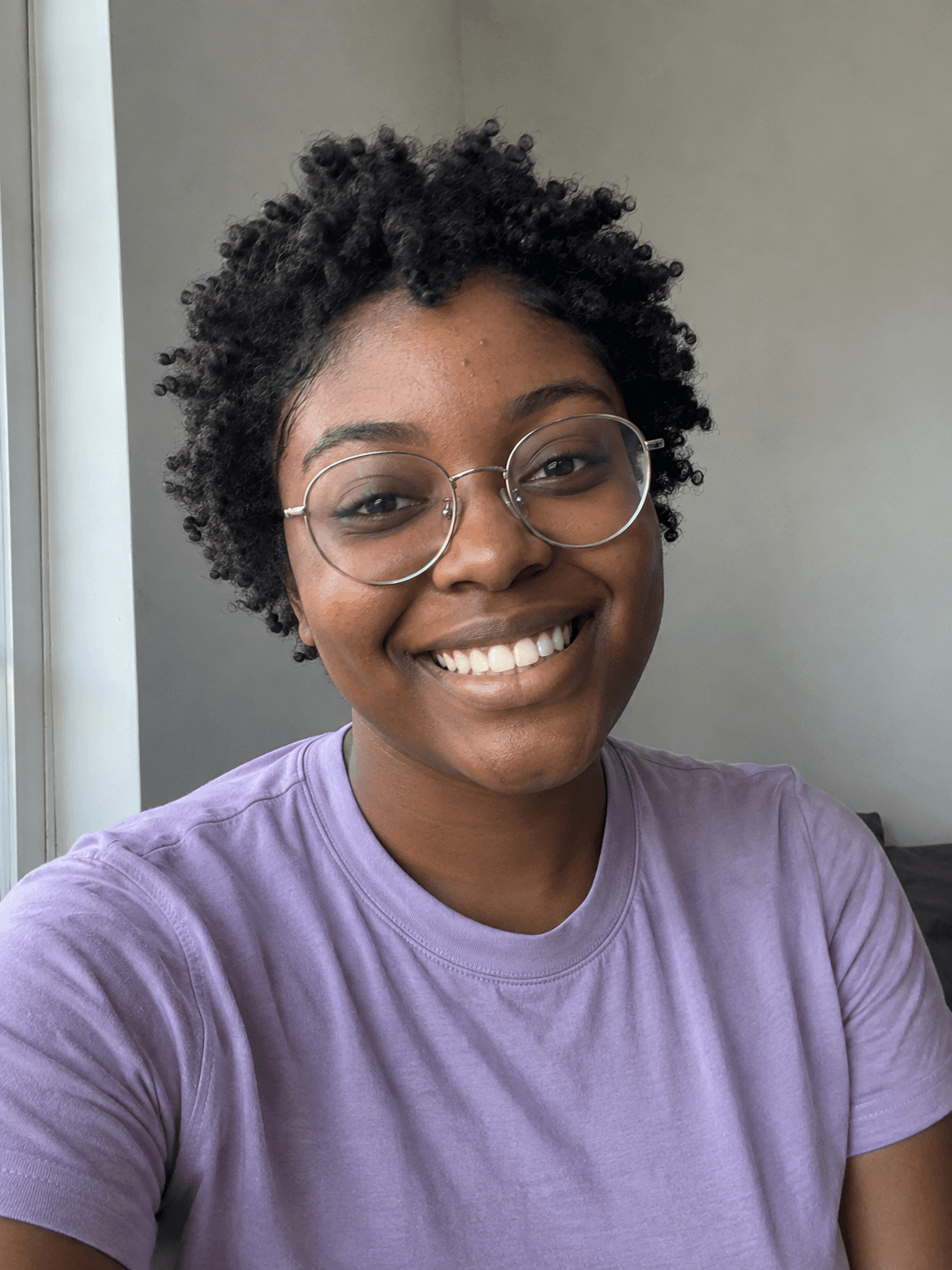
One reference. A new portrait. Fictional demo
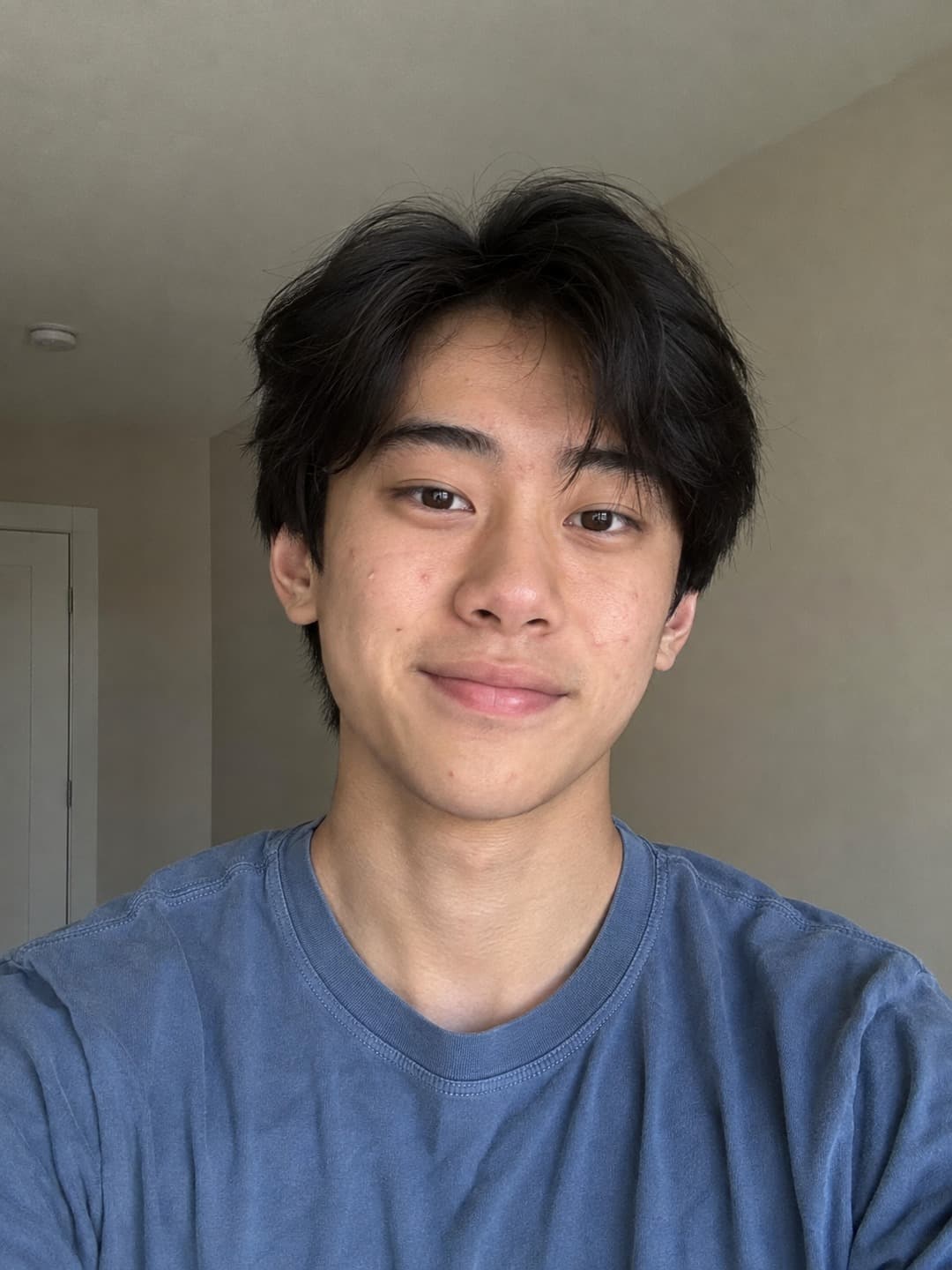
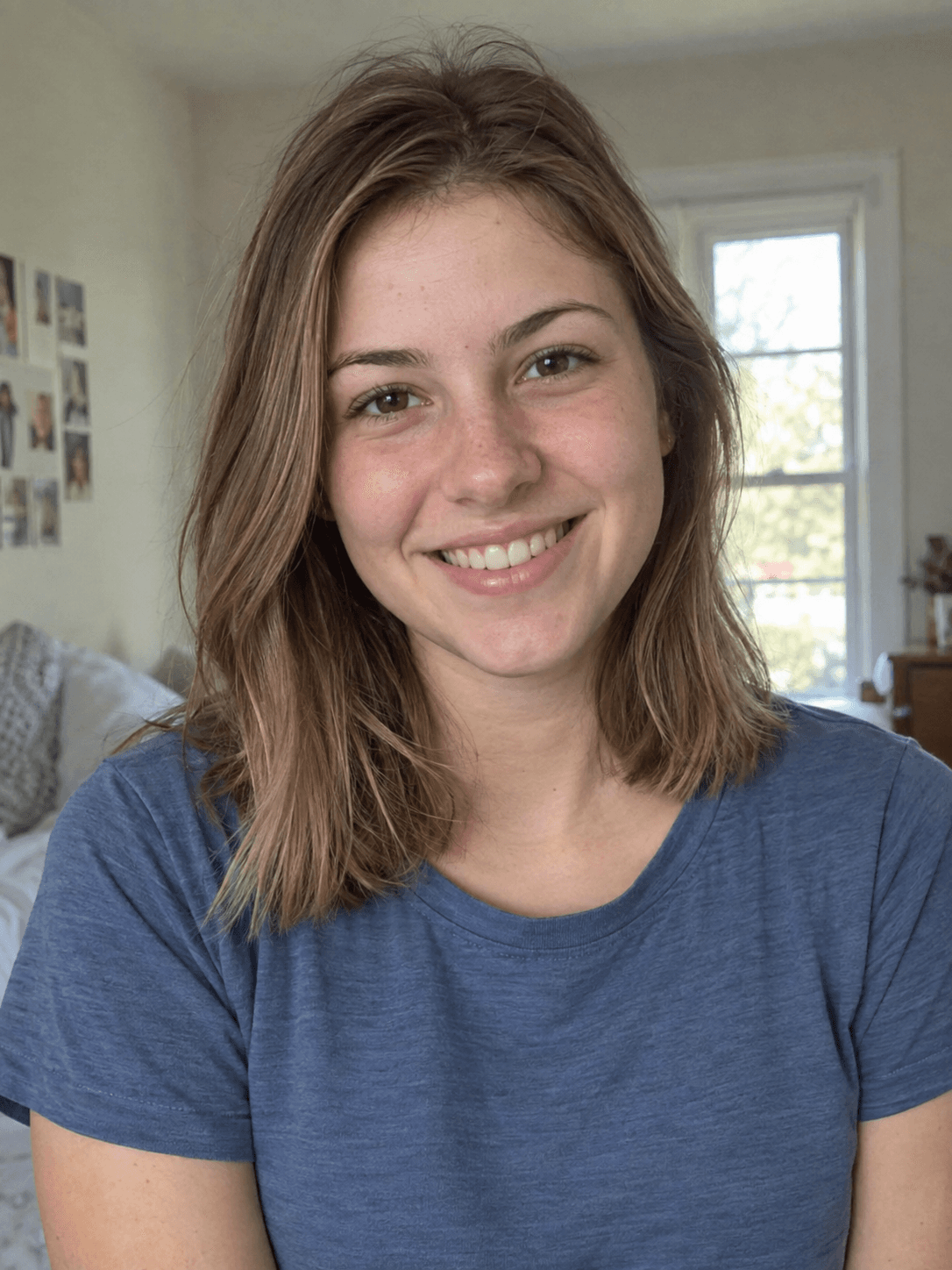 Reference photo'90s Yearbook Portrait
Actual output from our portrait renderer. Your results will vary.
Try a blue mottled backdrop, period-inspired clothes and a soft analog finish for a reunion, social post or playful keepsake. Start from a current photo and keep your own age and features as the reference. Prefer a simple headshot? Switch to Modern Yearbook Portrait for a clean background and space to crop.
School acceptance is not guaranteed. Confirm AI, photographer, crop and file requirements before purchasing for an official yearbook.
Select a setting above to see its matching references and result, or start your own preview below.
More fictional subjects, with actual AI results from our portrait renderer. These are demonstrations, not customer photos or a guarantee of likeness.
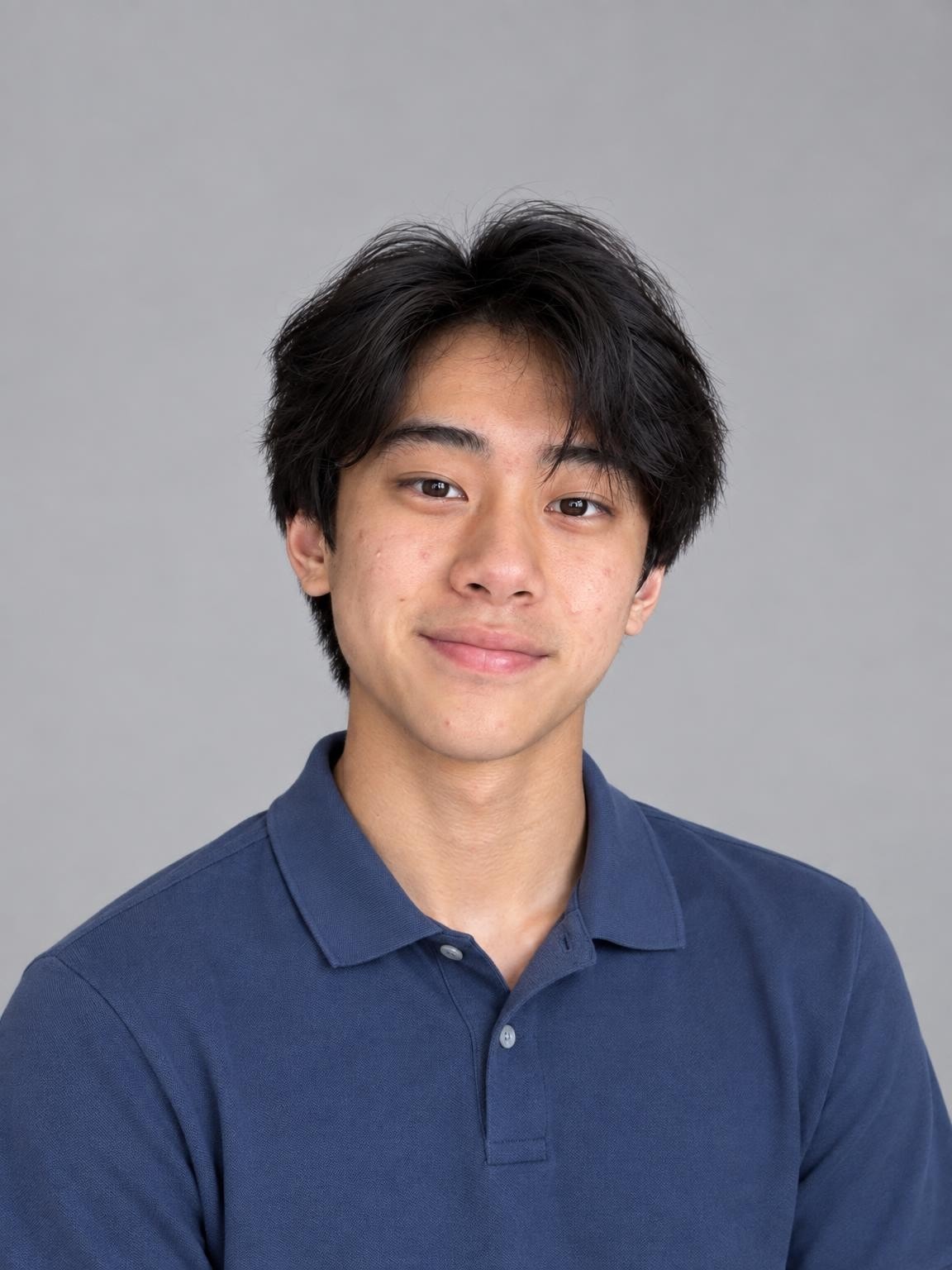
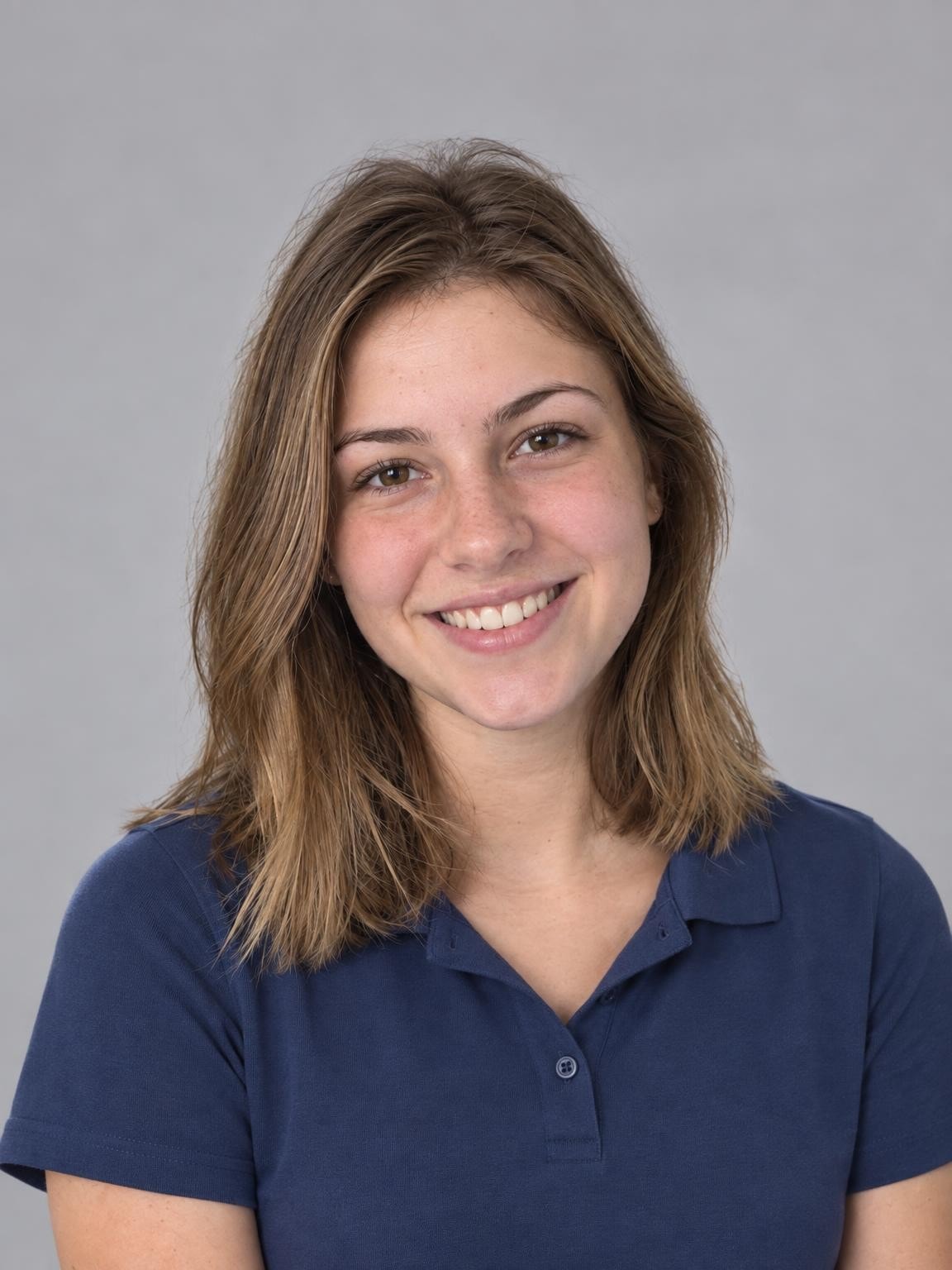
A clean studio setting with a collared shirt. Check your school’s rules before submitting any AI-generated portrait.
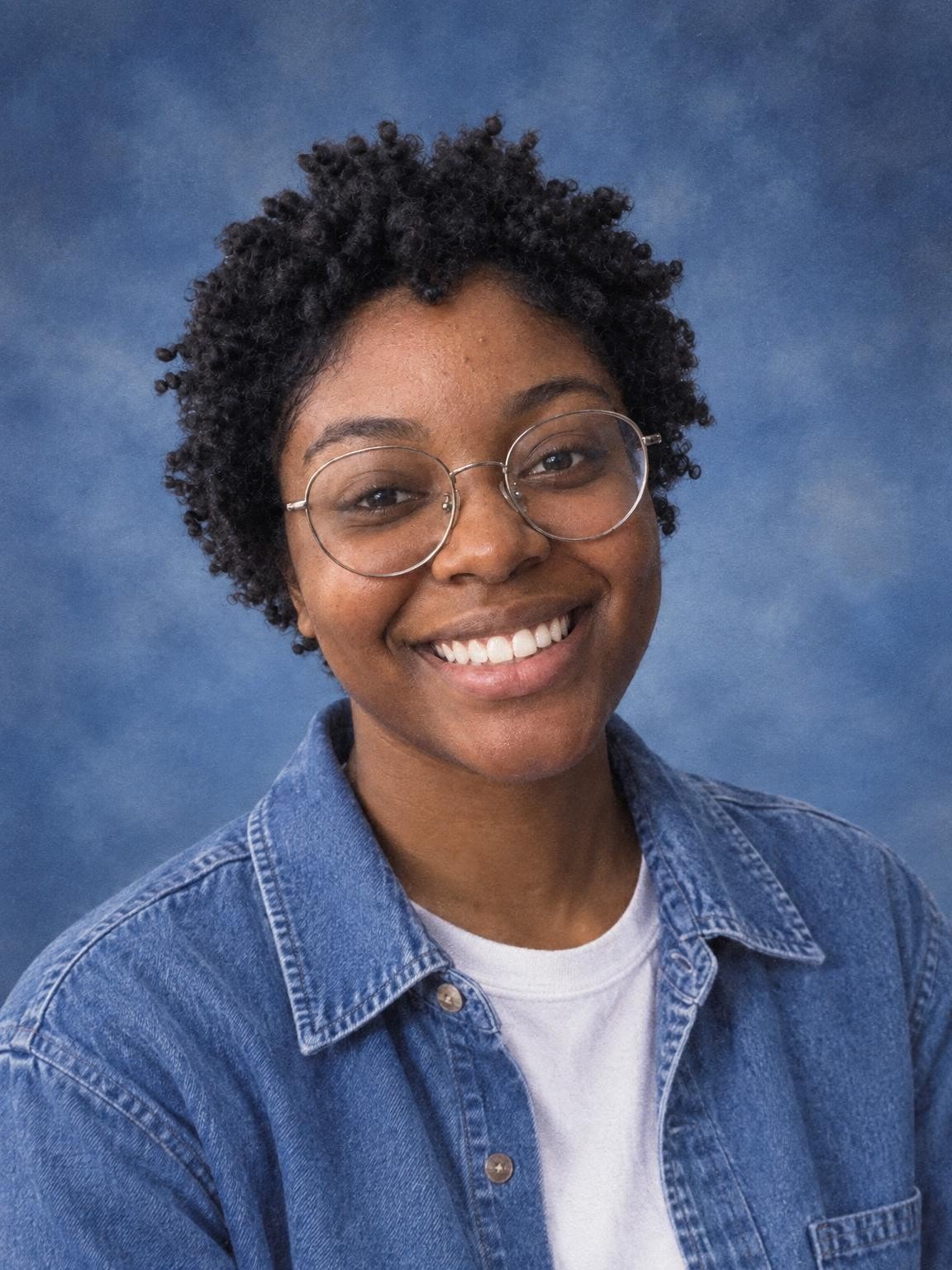
Denim, a blue backdrop and subtle grain. For an official yearbook, ask your school whether AI portraits are accepted.
Use 1–6 clear photos. The setting you selected here will be ready in the creator.
Compare the face with your references. Look closely at glasses, teeth, hair and hands before deciding.
Pay once for 30, 60 or 120 portraits. Download the originals as they become ready; printing is separate.
Choose a gallery of new portrait variations after checking your free preview. Keep your favorites; printing is separate.
Keep the exact portrait you approve, plus your chosen number of new variations. Every gallery includes original-size downloads without watermarks, your selected scenes, and support for eligible quality issues under our refund policy.
Start with a free preview and one correction. No account, no subscription.
Help with your galleryThe original examples on this page are 1152 × 1536 pixels. Check the actual dimensions and crop of your download before ordering prints. Check a photo’s crop and print size.
The ’90s setting brings a mottled blue backdrop, period-inspired clothes and an analog finish. Modern Yearbook Portrait uses a simpler studio look. Select either setting above, then start a preview from your current photos.
Add a simple note for a sweater, jacket or shirt color in the creator. Keep the face clear in your references and leave names, class years and captions for your design editor after downloading.
Compare the result with your reference at full size. Check eyes, teeth, hair and glasses, then leave enough room above the hair and around both shoulders for the final crop. Download the original file rather than a screenshot.
For an actual school yearbook, ask whether AI portraits and outside images are accepted. Get the exact crop, pixel dimensions, background, dress code and deadline from the adviser. Follow the school’s approved-photographer process when required.
No. It is a newly generated image in a yearbook style. Your school decides whether it accepts AI-created submissions, and its photographer or yearbook adviser sets the requirements.
Use the exact dimensions and aspect ratio supplied by your school. Requirements vary. Our original downloads still need to be checked and, where permitted, cropped to the requested specification.
Choose the ’90s Yearbook Portrait setting above. It uses a blue mottled backdrop, period-inspired clothes and a subtle analog finish. It creates a new image rather than restoring an old photograph.
No. The presets create a photograph without text or a yearbook page layout. Add precise names, class years and captions later in your design software.
Your first watermarked preview is free, with no account or payment card required. Paid digital galleries start at $19. You choose a gallery after reviewing the preview; there is no subscription. Printing and shipping are not included.
Not always. AI creates a new image, and facial details, age, clothing and hands can vary. Compare the preview with your references before paying. The people shown on this page are fictional demo subjects, not customers or evidence of a guaranteed result.
Use 1–6 clear, recent photos of the person you want in the portrait. Keep the face visible and avoid filters or sunglasses. For an individual school portrait, include only that child in the references. Upload photos you have permission to use; a parent or guardian should manage a child’s session.
For a quality-issue review under our refund policy, contact us with your gallery link, affected photo numbers and the specific issue. You can also request deletion. Our privacy policy explains how references and generated photos are processed and stored.
Refund policyPrivacy and photo storageHelp with your gallery
Choose a setting. Add your photos. See the preview.