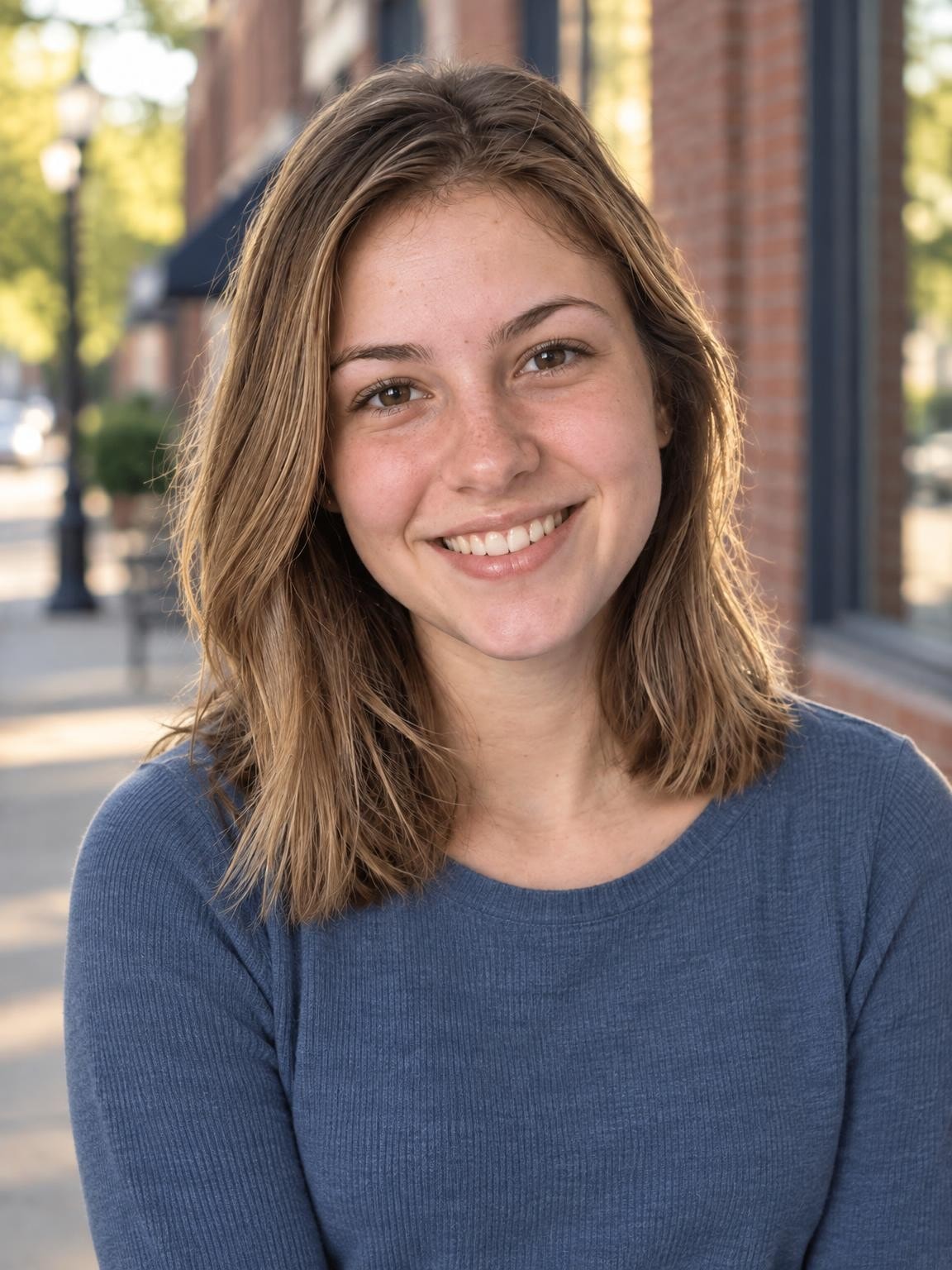
Senior Downtown Golden Hour
A relaxed senior portrait with brick architecture and soft afternoon light.
Try this settingSenior pictures · Free preview
Your senior, in a downtown, meadow or school-spirit portrait. Start with a photo you like and see your own preview before paying.
Create my free preview1 free watermarked preview. No account or card.
30 digital portraits for $19 if you choose a gallery.
One reference. A new portrait. Fictional demo
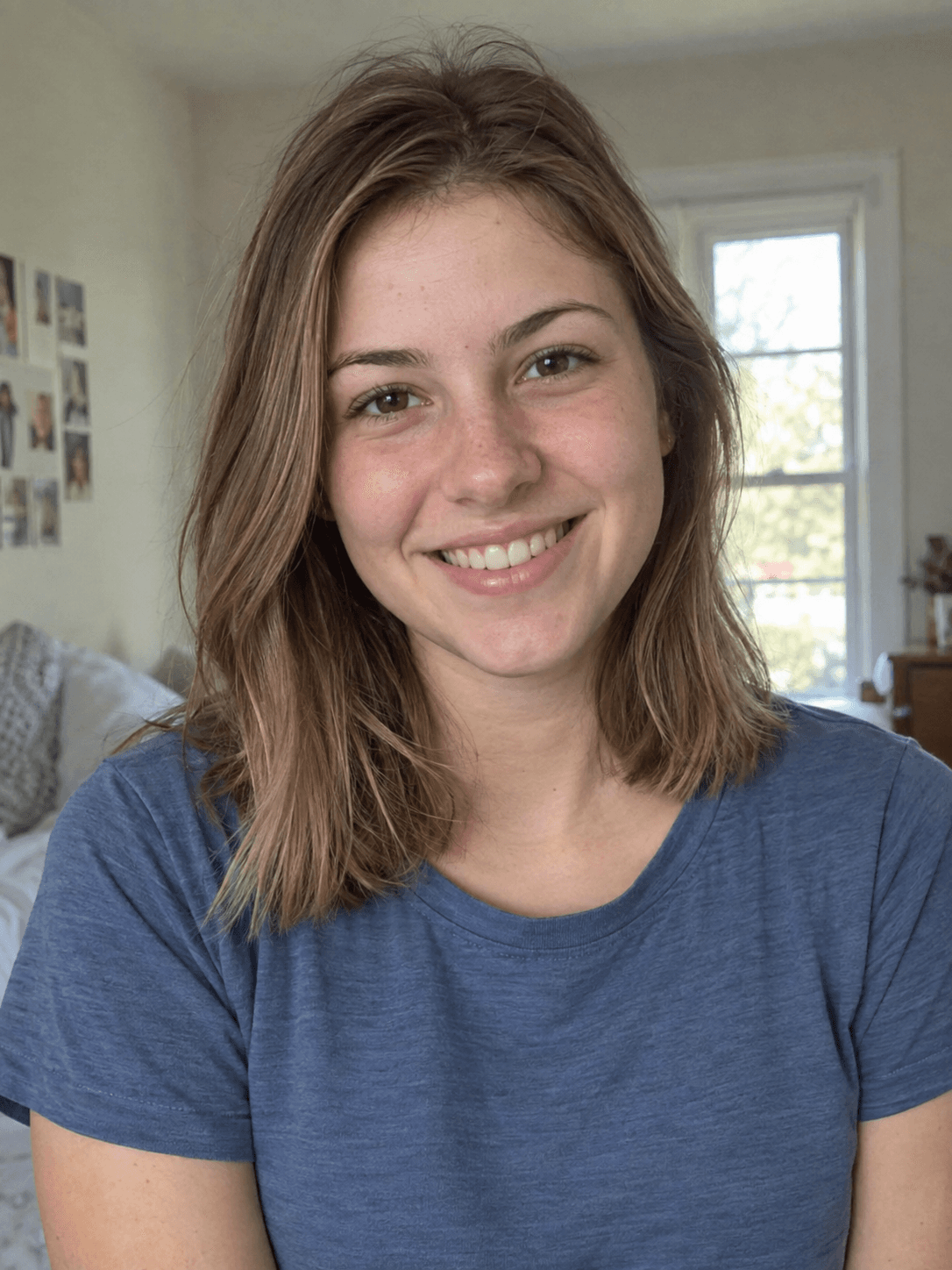 Reference photoSenior Downtown Golden Hour
Actual output from our portrait renderer. Your results will vary.
A senior portrait should still feel like the person you know. Start with a recent, clear photo, choose a setting that suits them, and use outfit notes for colors or a varsity look. AI creates a new pose, outfit and setting; it does not document an actual photo session or reproduce every detail perfectly.
For an official yearbook submission, check your school’s rules before creating or purchasing AI portraits.
Select a setting above to see its matching references and result, or start your own preview below.
A relaxed senior portrait with brick architecture and soft afternoon light.
Try this setting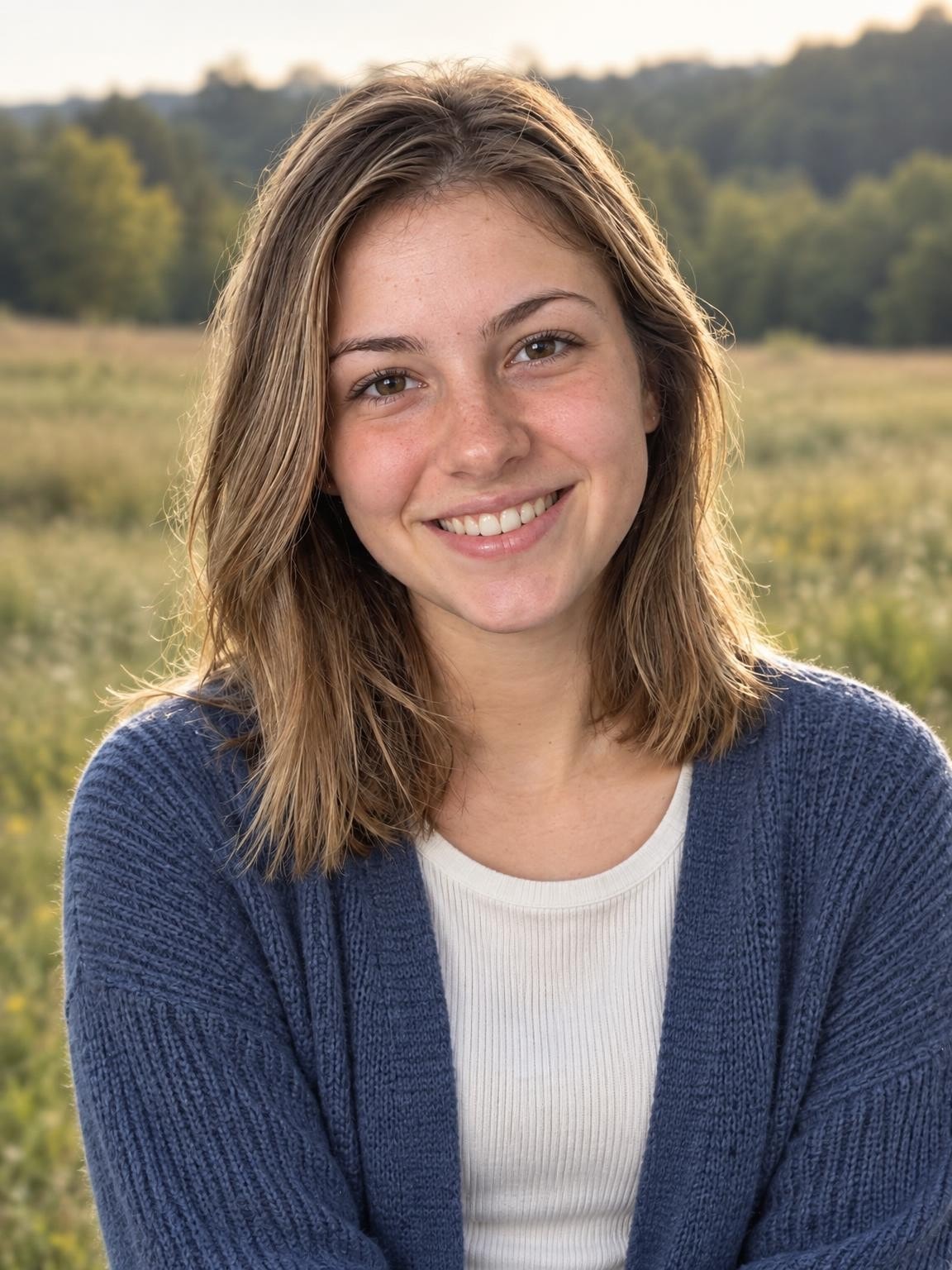
A casual senior portrait in an open meadow with gentle late-afternoon light.
Try this setting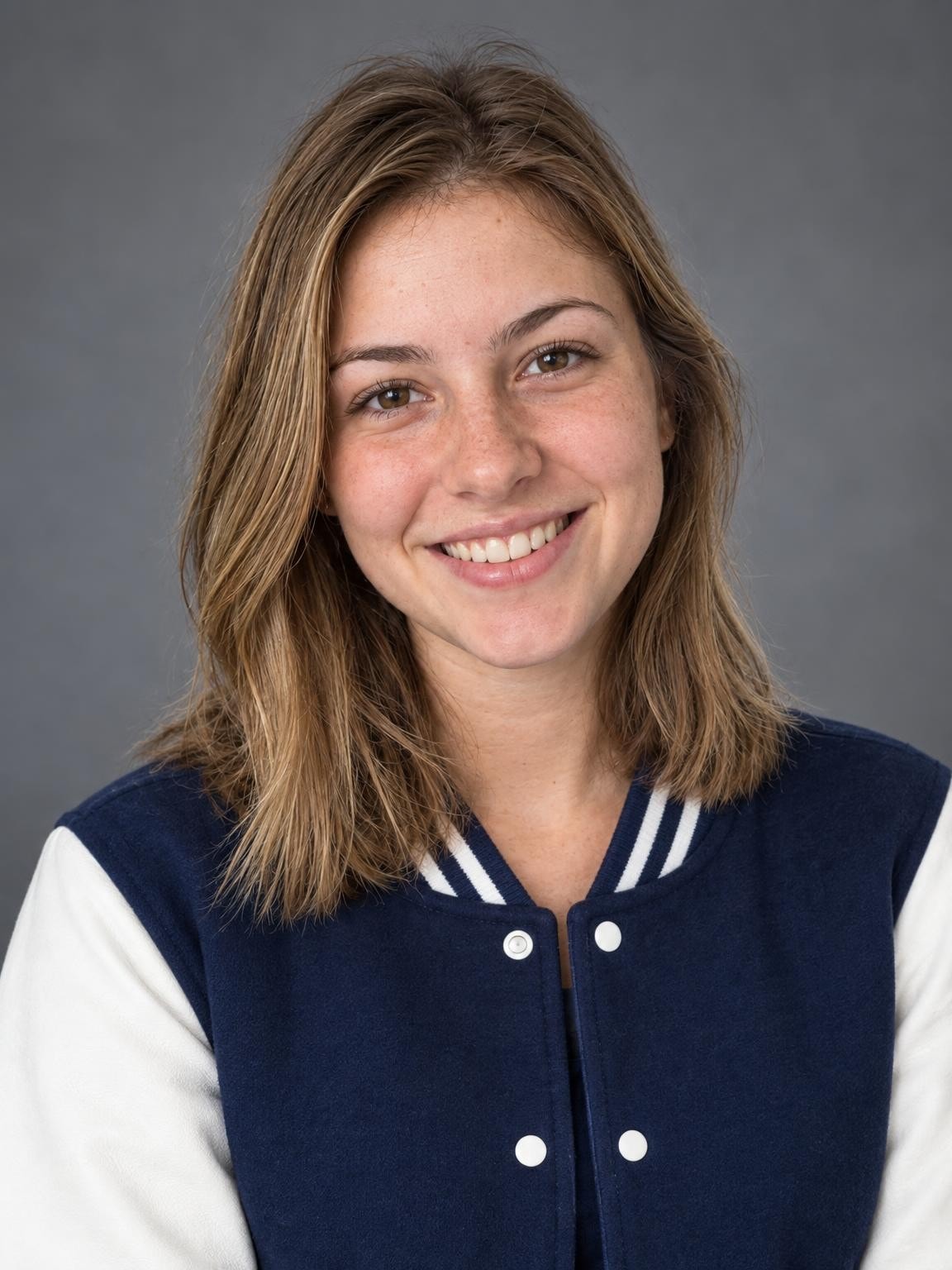
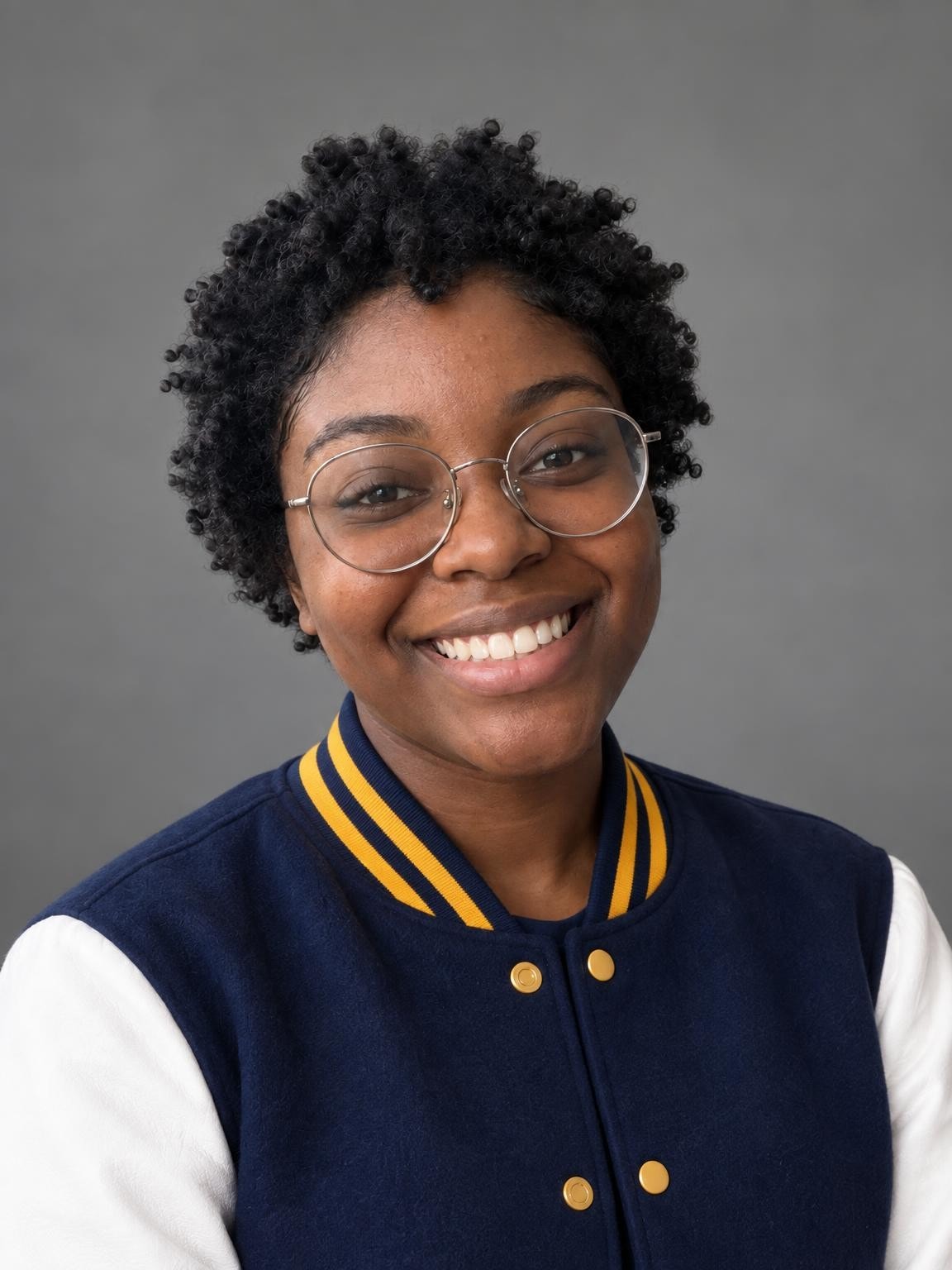
A varsity jacket and school-color accents, with a relaxed studio portrait.
Try this settingMore fictional subjects, with actual AI results from our portrait renderer. These are demonstrations, not customer photos or a guarantee of likeness.
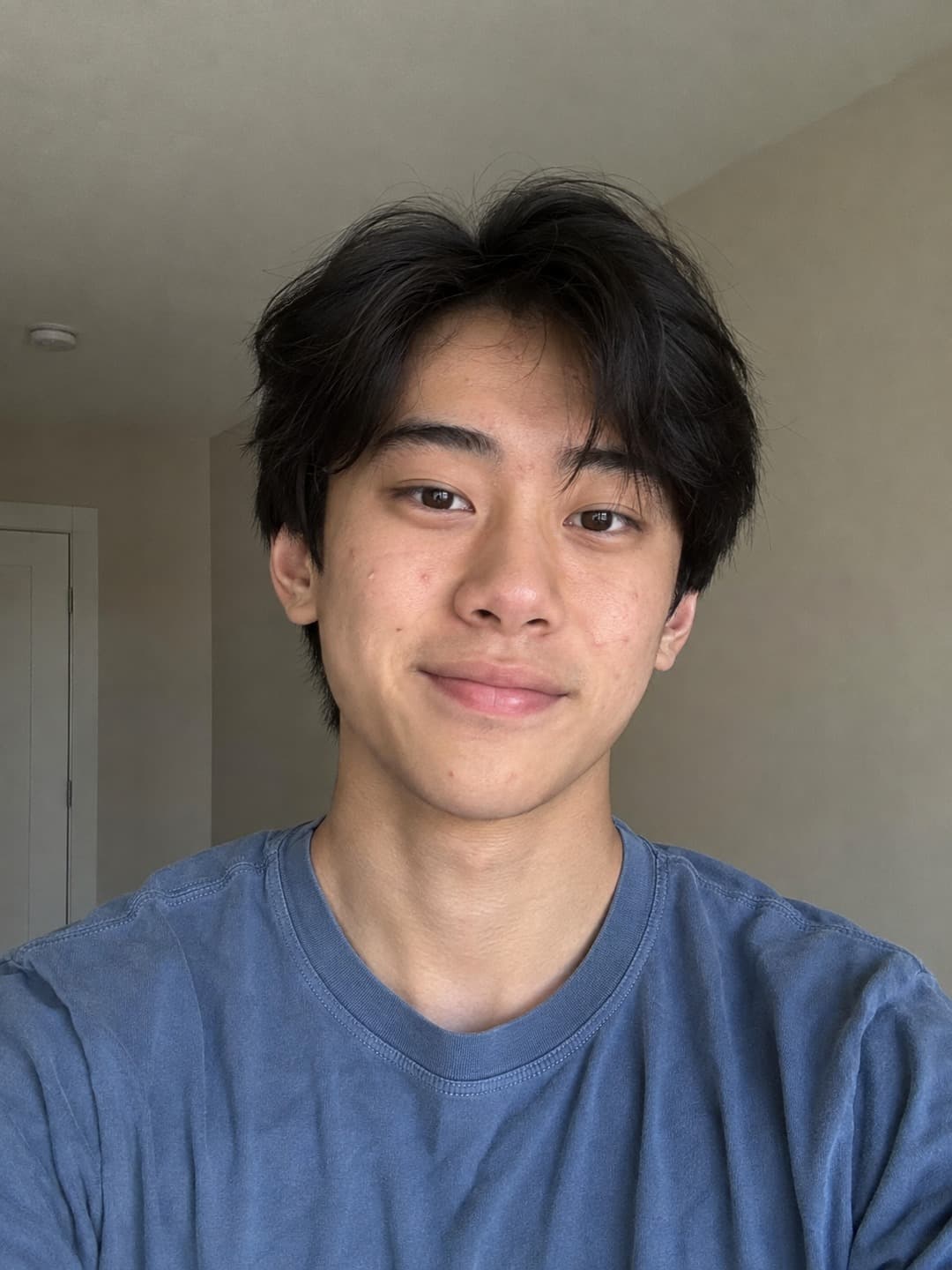
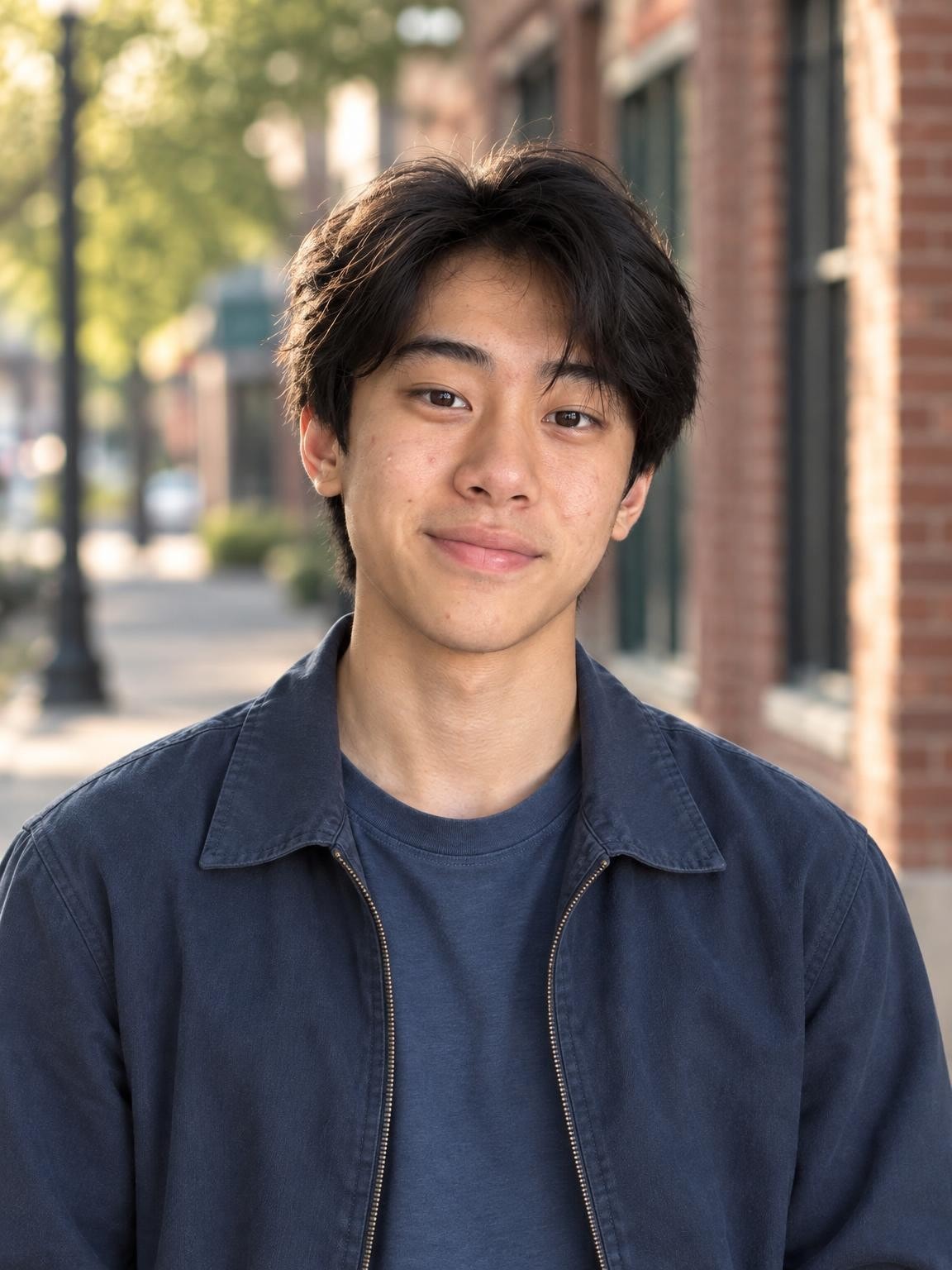
Compare the face and hairline. The outfit and setting are generated, and small facial details can vary.
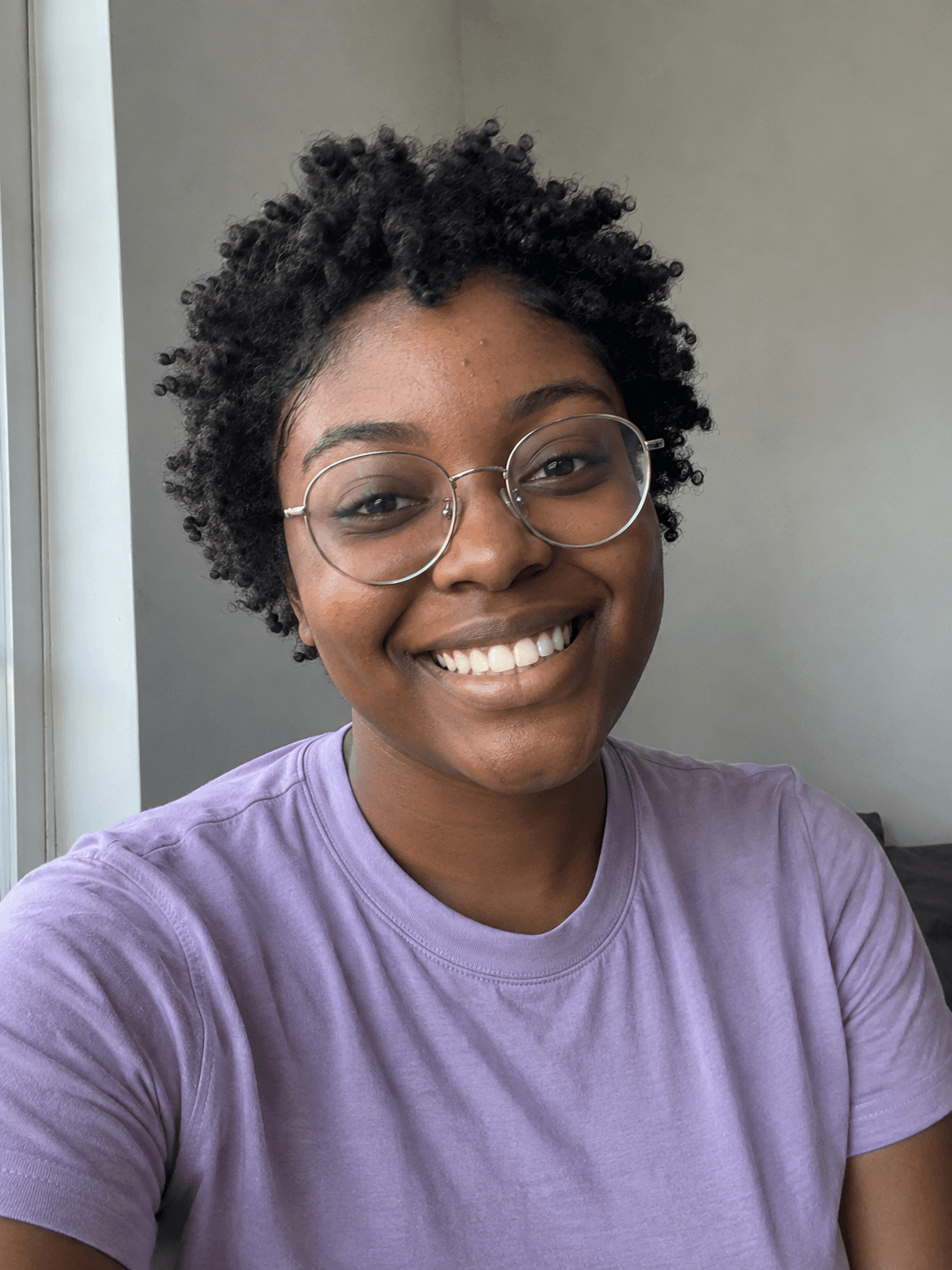
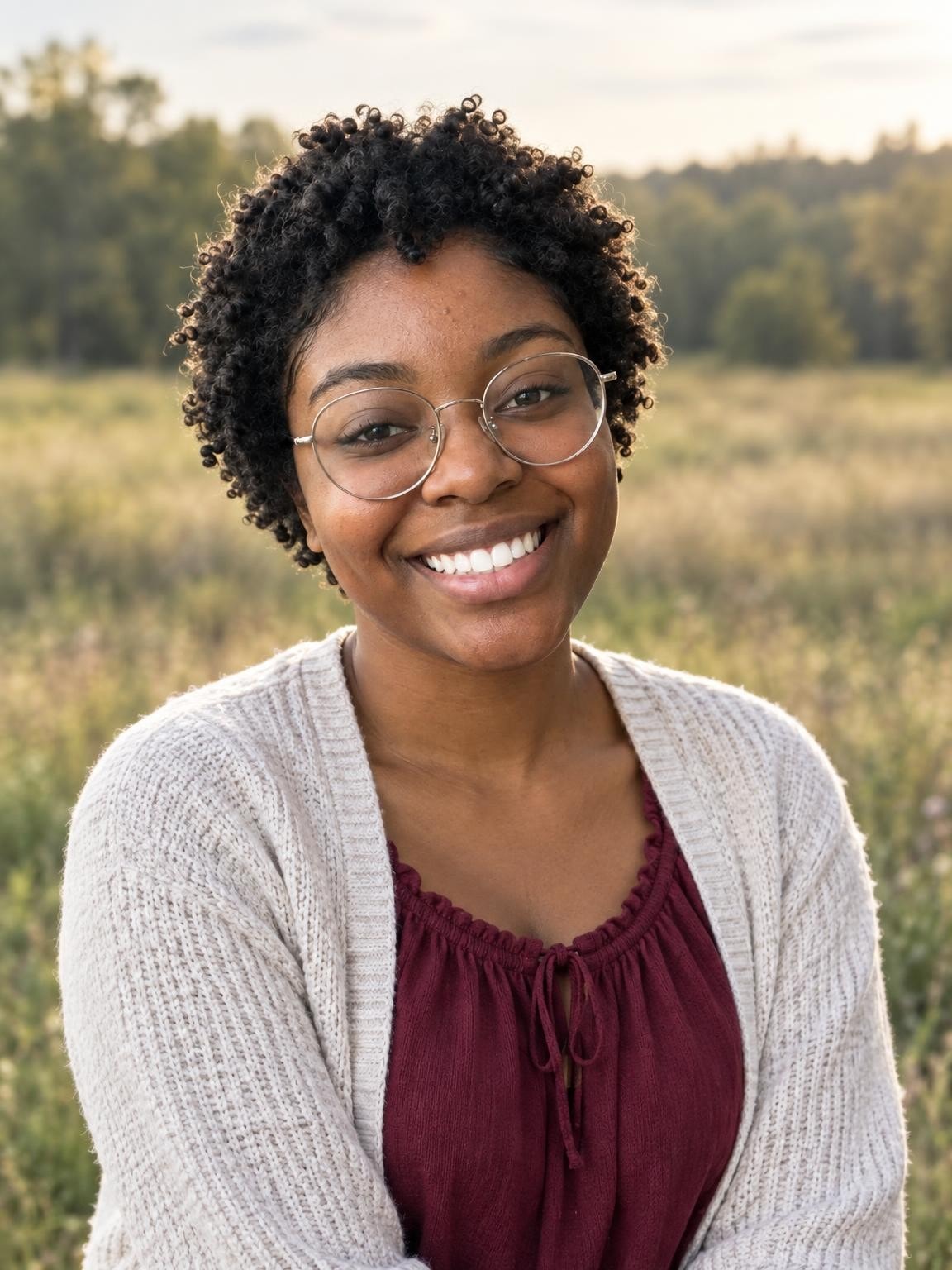
Compare the glasses and smile. Hair volume and individual teeth can change.
Outfit request: “Burgundy blouse, simple casual layers”. Add your colors in the creator’s outfit notes.
Colors can guide the outfit. Exact uniforms, logos and lettering are not guaranteed.
Outfit request: “Navy and gold varsity jacket, no lettering or logos”. Add your colors in the creator’s outfit notes.
Use 1–6 clear photos. The setting you selected here will be ready in the creator.
Compare the face with your references. Look closely at glasses, teeth, hair and hands before deciding.
Pay once for 30, 60 or 120 portraits. Download the originals as they become ready; printing is separate.
Choose a gallery of new portrait variations after checking your free preview. Keep your favorites; printing is separate.
Keep the exact portrait you approve, plus your chosen number of new variations. Every gallery includes original-size downloads without watermarks, your selected scenes, and support for eligible quality issues under our refund policy.
Start with a free preview and one correction. No account, no subscription.
Help with your galleryThe original examples on this page are 1152 × 1536 pixels. Check the actual dimensions and crop of your download before ordering prints. Check a photo’s crop and print size.
Downtown pairs well with simple layers; the meadow is softer and more casual. School spirit uses a varsity jacket and color accents. You can change the scene before starting your preview and select more scenes for a paid gallery.
Use 1–6 clear photos of the same senior, with their current haircut and usual glasses. Start with a face-on photo in daylight. Avoid filters, sunglasses and distant group shots; extra photos should clarify the same person, not introduce classmates.
Open “Change scenes or outfits” in the creator. Try notes such as “navy and gold varsity jacket” or “burgundy shirt, simple casual layers.” Colors and styling are creative directions; exact mascots, logos and jersey lettering are not guaranteed.
For an announcement or wall print, inspect the original download at full size and check the printer’s crop. For a yearbook submission, first confirm whether your school accepts AI-created portraits and outside photographers’ images, then follow its exact specifications.
Yes. Upload the senior’s reference photos and describe the outfit they prefer. The downtown, meadow and varsity scenes can be used with any senior; review the result rather than relying on a preset to get every detail right.
Add the colors under “Outfit colors or special details.” The school-spirit scene is designed for varsity styling. Exact insignia, mascot artwork, text and uniform details are not guaranteed.
Dedicated studio and campus-style cap-and-gown scenes are available in our graduation collection. That is the better starting point if you want a graduation announcement rather than a casual senior portrait.
Only if your school permits it and the finished image meets its requirements. Some schools require a designated photographer, specific clothing or an unaltered photograph. We do not certify yearbook acceptance.
Your first watermarked preview is free, with no account or payment card required. Paid digital galleries start at $19. You choose a gallery after reviewing the preview; there is no subscription. Printing and shipping are not included.
Not always. AI creates a new image, and facial details, age, clothing and hands can vary. Compare the preview with your references before paying. The people shown on this page are fictional demo subjects, not customers or evidence of a guaranteed result.
Use 1–6 clear, recent photos of the person you want in the portrait. Keep the face visible and avoid filters or sunglasses. For an individual school portrait, include only that child in the references. Upload photos you have permission to use; a parent or guardian should manage a child’s session.
For a quality-issue review under our refund policy, contact us with your gallery link, affected photo numbers and the specific issue. You can also request deletion. Our privacy policy explains how references and generated photos are processed and stored.
Refund policyPrivacy and photo storageHelp with your gallery
Choose a setting. Add your photos. See the preview.