Choose a small palette, repeat it across the family and leave room for everyone’s own style. These original AI examples show three color requests on the same fictional family, followed by a free outfit planner.
One family. Three color directions.
Each portrait below used this exact fictional reference and a short color request in our creator. They show how a palette can read as a group; they do not show purchasable clothes or guarantee an exact outfit.
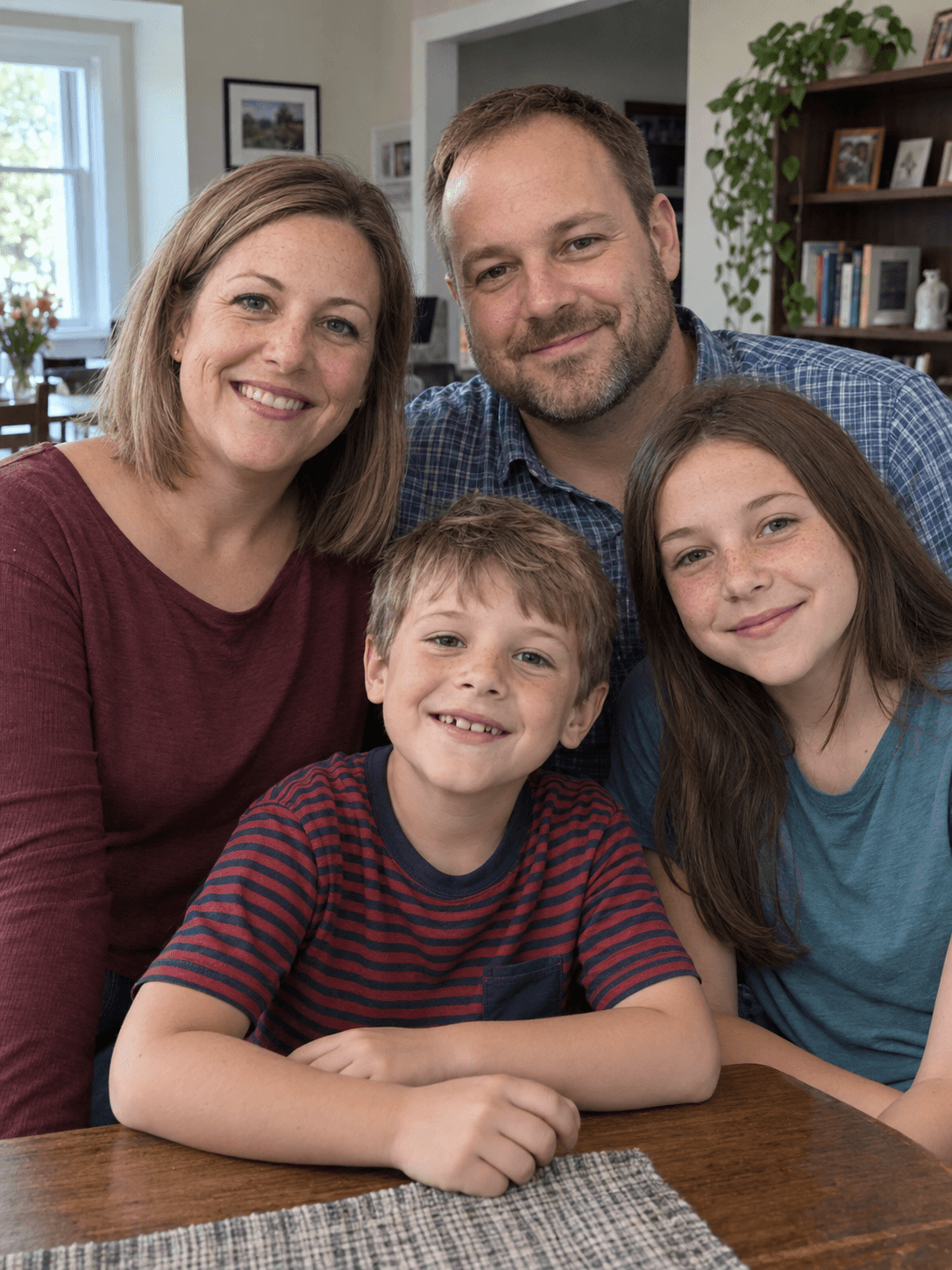
The shared reference: fictional parents and their two children. Open the original reference. Compare faces as well as colors; poses and small details change.
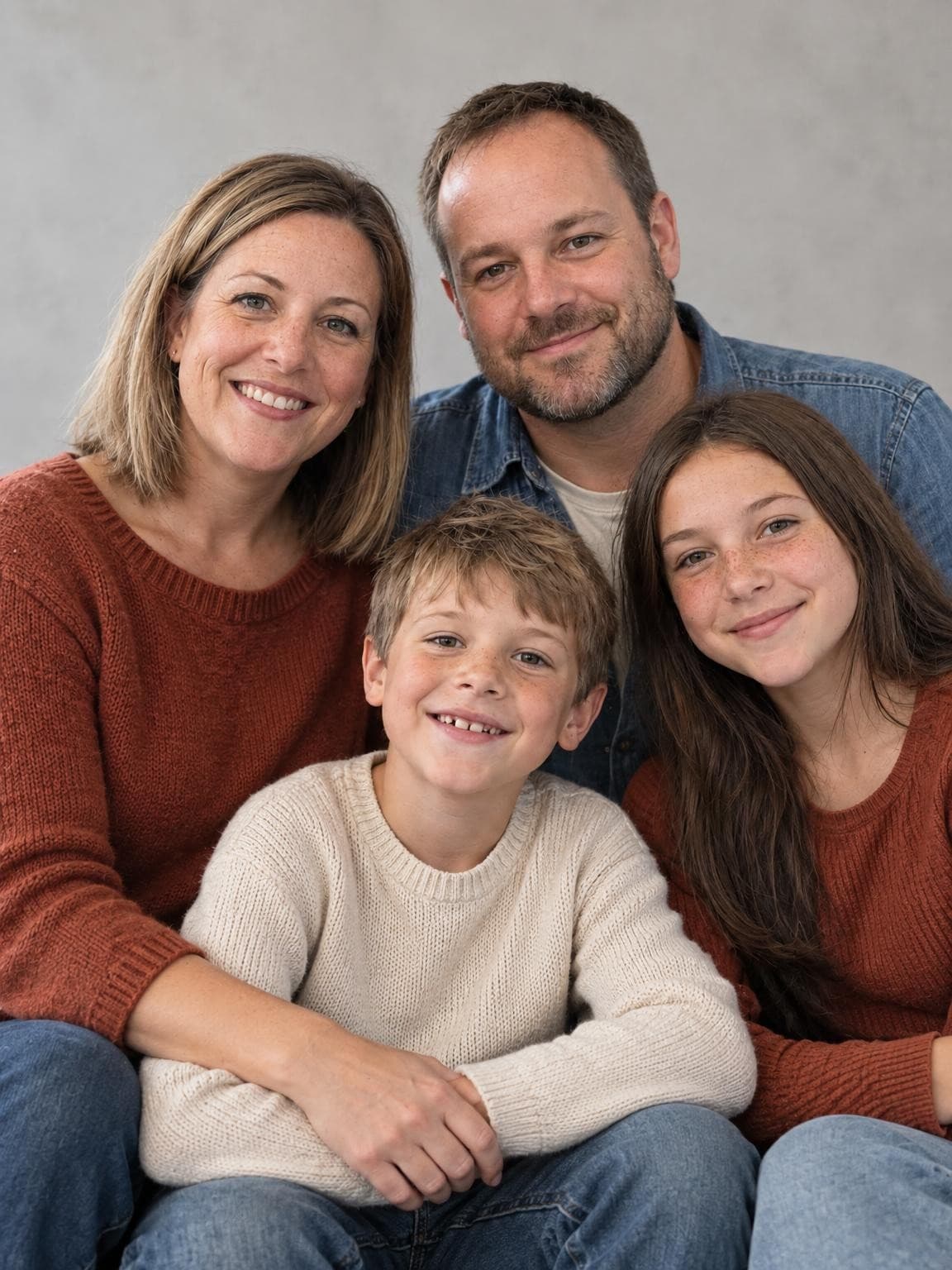
CreamRustDenim
Warm accent, light center
Rust repeats on two people, denim connects the group, and the child’s cream sweater keeps the center lighter. Start with one warm color and distribute it instead of dressing everyone in it.
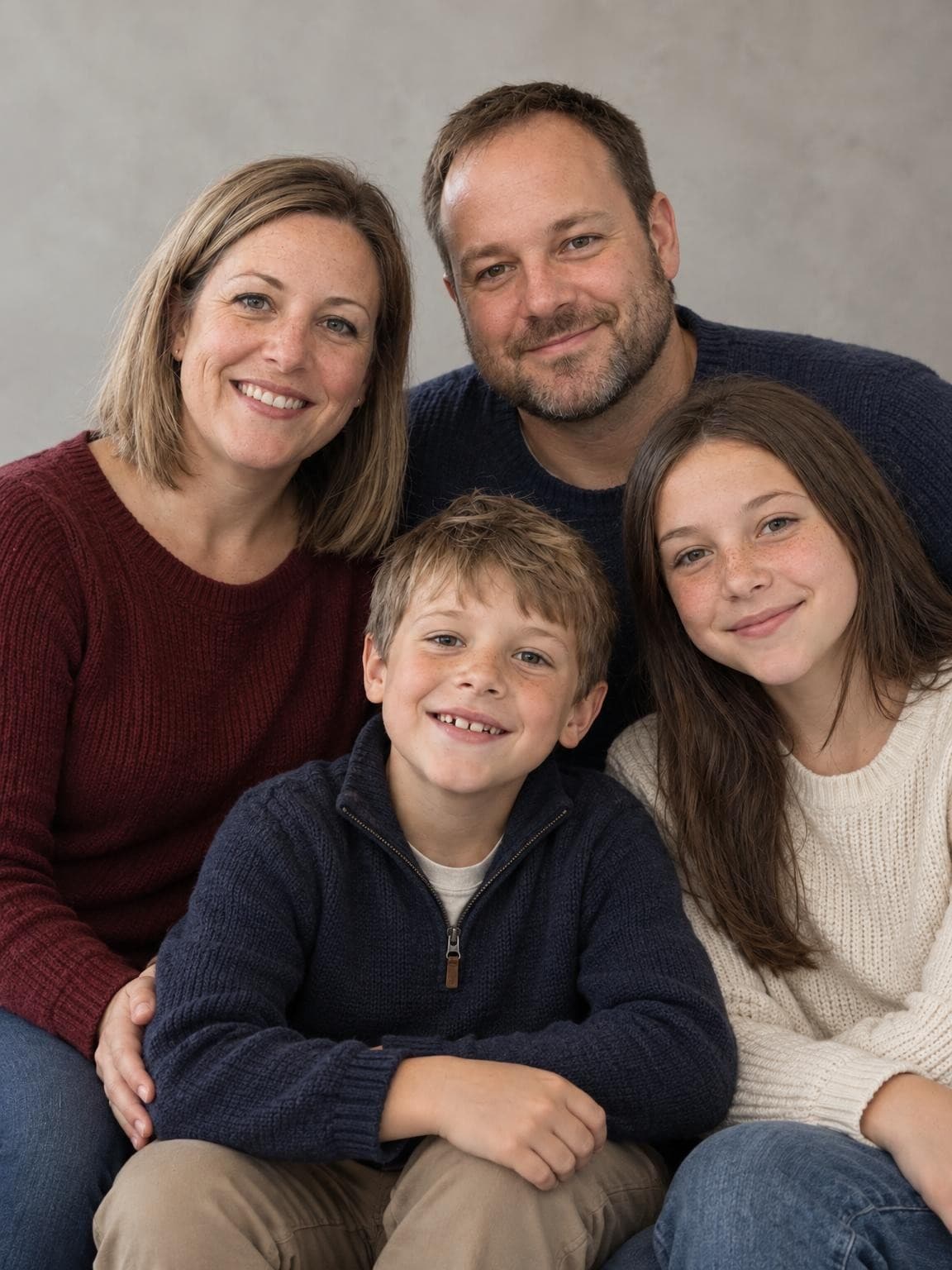
Burgundy and navy make a deeper palette; ivory separates one person from the dark knits. Use a light shirt, sweater or collar near a face if your group otherwise becomes one dark block.
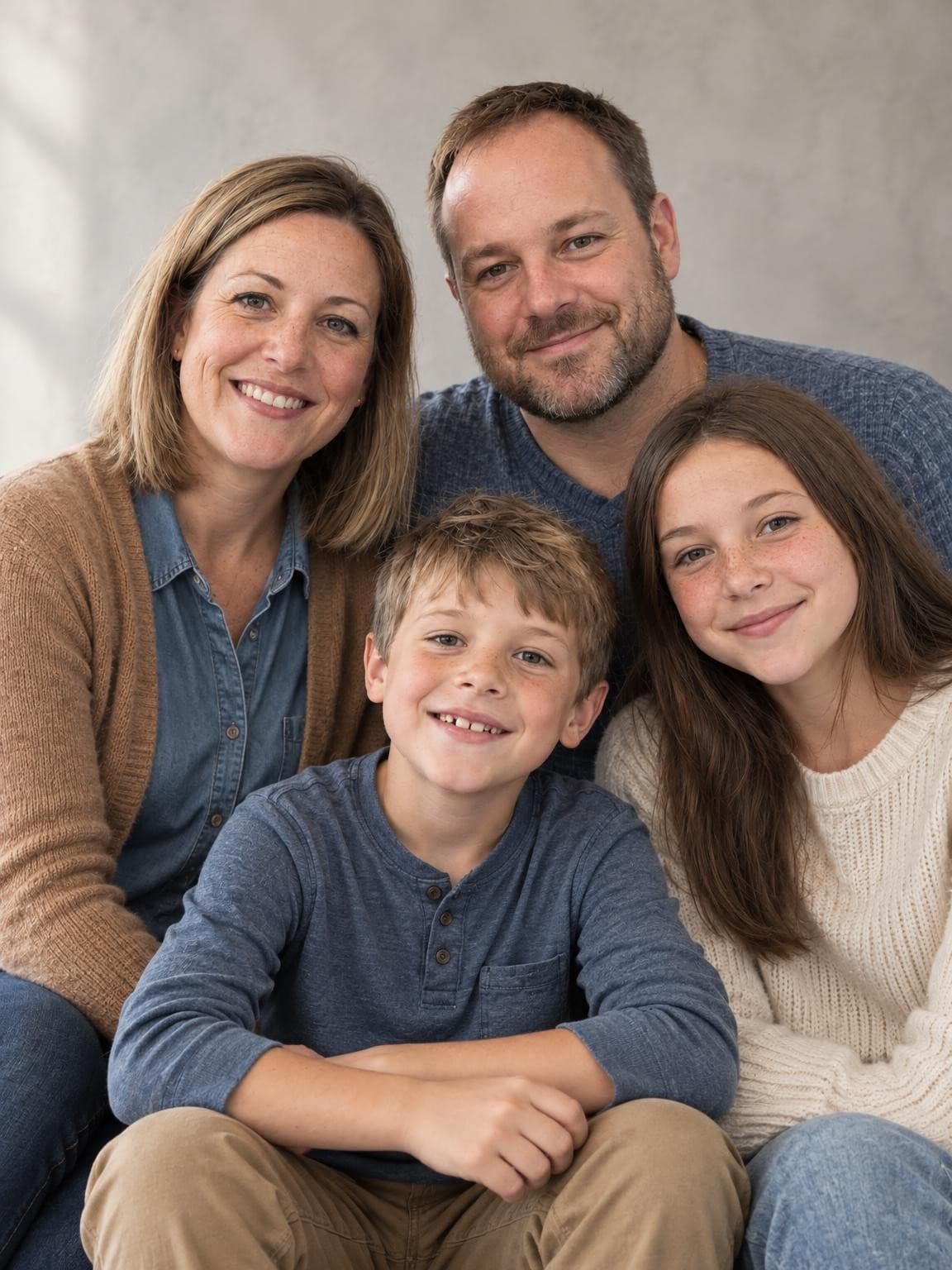
Blue repeats in different textures, camel adds warmth, and cream gives contrast. The clothes coordinate without becoming identical uniforms. This is a useful starting point for a simple studio portrait.
Choose the person whose outfit is hardest to change, then pull two or three colors from it. Lay everyone’s clothes together in the same light. A color can repeat through a shirt, cardigan or trousers without every piece matching.
Vary light, dark and texture
Mix a light top with darker denim or a fine knit with a plain cotton shirt. If everyone wears the same dark color, faces may be the only points of contrast. Keep a busy print to one person and echo its colors in simpler pieces.
Let the setting make one decision
Against orange foliage, blue and cream give separation. On a bright beach, quieter tones compete less with the sky and sand. In a simple studio, a deeper burgundy or navy can give the picture more weight. Choose the combination that feels comfortable for your family.
Check comfort before the camera
For a physical session, try sitting and walking in the clothes and choose shoes that suit the location. For an AI portrait, add a short outfit request, then inspect how it was interpreted. AI will not reproduce a particular garment or pattern exactly.
Free outfit planner · no upload needed
Build an outfit plan for your family
Choose colors and assign looks for 2–6 people. Share the plan for a real session, or carry the palette into an AI studio preview.
Your outfit plan
Cream, rust & denim
Best with: golden leaves and pumpkin patches.
Let rust be the one warm accent. Cream separates faces from orange leaves, and denim keeps the group relaxed.
1.Cream knit with dark denim
2.Rust shirt or dress with neutral shoes
3.Denim layer over an ivory top
4.Oatmeal sweater with rust corduroy
Assign these looks however suits your family. Start with clothes you own, choose comfortable shoes, and keep a warm layer handy for kids.
AI preview is free; full galleries start at $19. Generated outfits may vary.
Outfit questions
Should everyone wear the same color?
They can, but it is not necessary. The examples show repeated colors with different light and dark values. Start by coordinating two or three colors and let each person choose a comfortable version.
What should a family of four wear?
Try two people in your main color, one in a light neutral and one repeating the accent. The planner gives four assignable looks by default. Treat the roles as interchangeable rather than gender-specific clothing rules.
Can I use these ideas with a real photographer?
Yes. The styling guidance and shared planner do not require an AI purchase. Show the plan to your photographer and adjust it for the actual location, weather and how they intend to light the group.