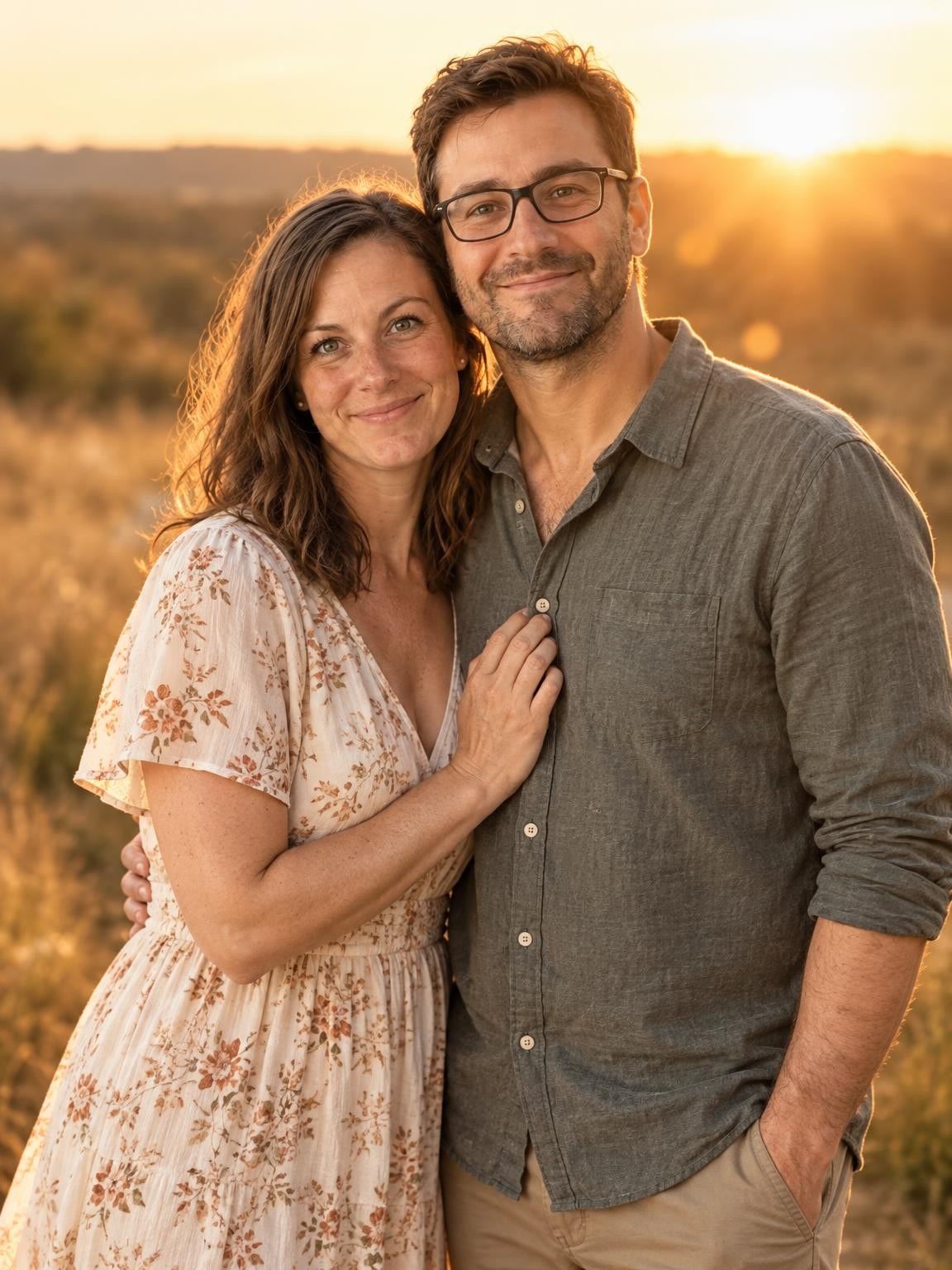
Couples Golden Hour
A romantic sunset walk in a golden field — warm, dreamy, and natural.
Try this settingCouples & anniversary photos · Free preview
Everyday closeness, a night in the city or another year together. Upload your separate photos and try a new AI couple portrait before choosing a gallery.
Create my free preview1 free watermarked preview. No account or card.
30 digital portraits for $19 if you choose a gallery.
2 references. One portrait. Fictional demo
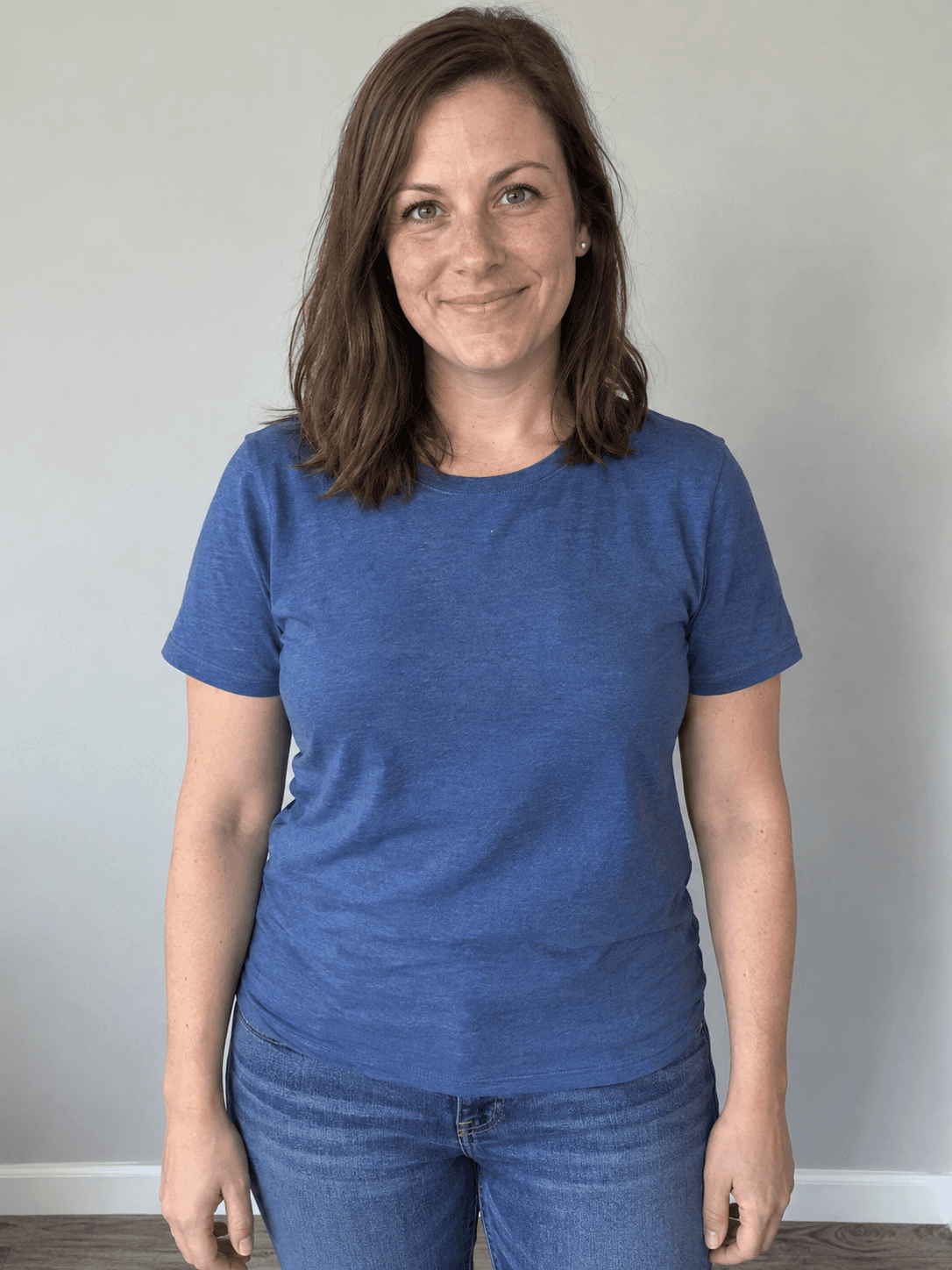 Reference 1
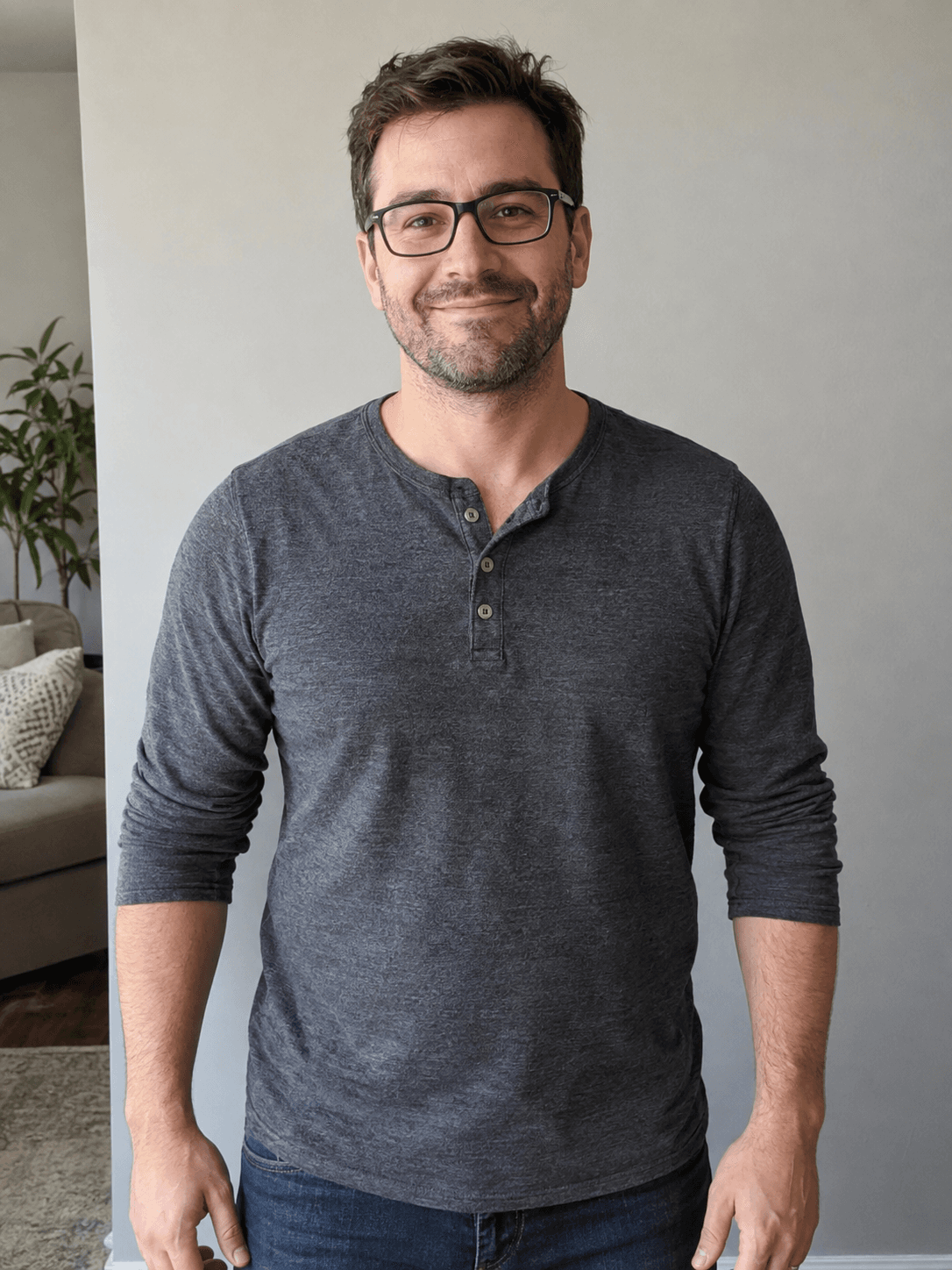 Reference 2Couples Golden Hour
Actual output from our portrait renderer. Your results will vary.
You do not need a polished couple photo to begin. The examples here use two individual fictional adult references. Golden-hour and city scenes offer a relaxed date-night look; the anniversary studio is a simpler, dressed-up portrait for a milestone. Your references guide the identities, while poses, outfits and surroundings are newly generated.
AI can change either face, relative height, hands and clothing. Check both people in the free preview; one convincing face is not enough.
Select a setting above to see its matching references and result, or start your own preview below.
A romantic sunset walk in a golden field — warm, dreamy, and natural.
Try this setting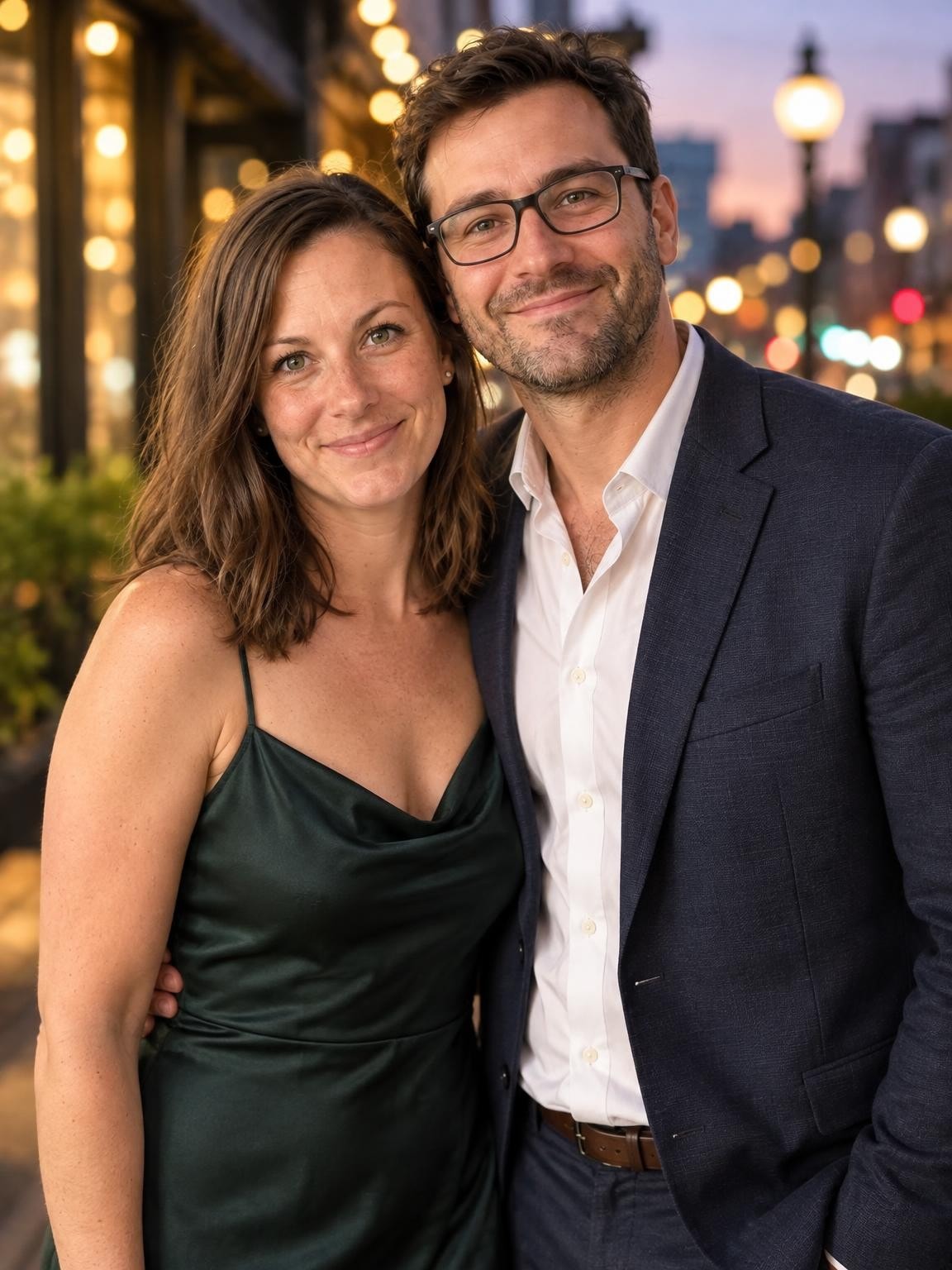
Evening city glow, dressed up, streetlights and bokeh — a cinematic date-night look.
Try this setting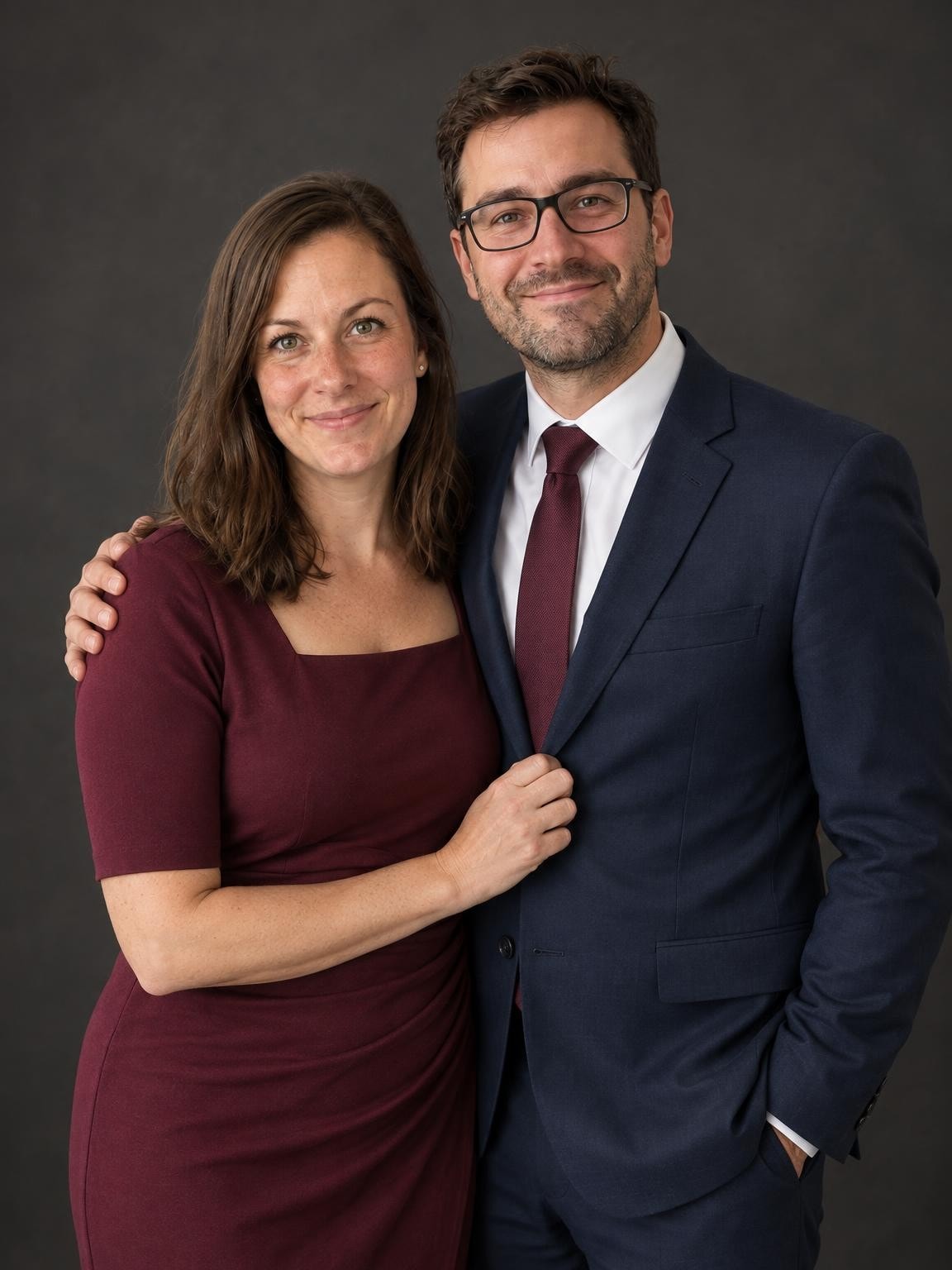
A simple dressed-up portrait to mark another year together.
Try this settingUse 1–6 clear photos. The setting you selected here will be ready in the creator.
Compare the face with your references. Look closely at glasses, teeth, hair and hands before deciding.
Pay once for 30, 60 or 120 portraits. Download the originals as they become ready; printing is separate.
Choose a gallery of new portrait variations after checking your free preview. Keep your favorites; printing is separate.
Keep the exact portrait you approve, plus your chosen number of new variations. Every gallery includes original-size downloads without watermarks, your selected scenes, and support for eligible quality issues under our refund policy.
Start with a free preview and one correction. No account, no subscription.
Help with your galleryThe original examples on this page are 1152 × 1536 pixels. Check the actual dimensions and crop of your download before ordering prints. Check a photo’s crop and print size.
Use a sharp, well-lit photo of each partner. Keep the references recent and avoid sunglasses, strong filters or tiny faces in group photos. One clear image per person is a practical starting point.
For a first anniversary or a later milestone, the studio scene gives you a clean portrait without date props. Describe the clothes you want, then add the year or anniversary number afterward in a photo editor.
Try navy and burgundy for a dressed-up studio portrait or light neutrals for golden hour. The outfit note applies to the whole image; describe each partner’s clothing when you want different colors.
Look at hands around shoulders, arm positions and the space between faces. A new pose may change your relative height or body shape. Download the original to inspect it before creating a card or framed print.
Yes. The matched examples on this page were generated from two individual fictional references. Upload a clear photo of each person and inspect both faces in your own preview. Results vary.
Yes. Choose the anniversary studio or one of the outdoor scenes and describe the outfits you prefer. The result is a new AI portrait; exact wedding clothing, jewelry and anniversary lettering are not guaranteed.
No. These presets create a general studio, city or outdoor scene. They do not document a real event or promise an exact location. Keep your original photos for that record.
Your first watermarked preview is free, with no account or payment card required. Paid digital galleries start at $19. You choose a gallery after reviewing the preview; there is no subscription. Printing and shipping are not included.
Not always. AI creates a new image, and facial details, age, clothing and hands can vary. Compare the preview with your references before paying. The people shown on this page are fictional demo subjects, not customers or evidence of a guaranteed result.
Use 1–6 clear, recent reference photos total. Include every person or pet you want shown, with faces large and unobscured. Separate photos can be used. Avoid filters and unrelated people. Use photos you have permission to upload; a parent or guardian should manage a child’s session.
For a quality-issue review under our refund policy, contact us with your gallery link, affected photo numbers and the specific issue. You can also request deletion. Our privacy policy explains how references and generated photos are processed and stored.
Refund policyPrivacy and photo storageHelp with your gallery
Choose a setting. Add your photos. See the preview.