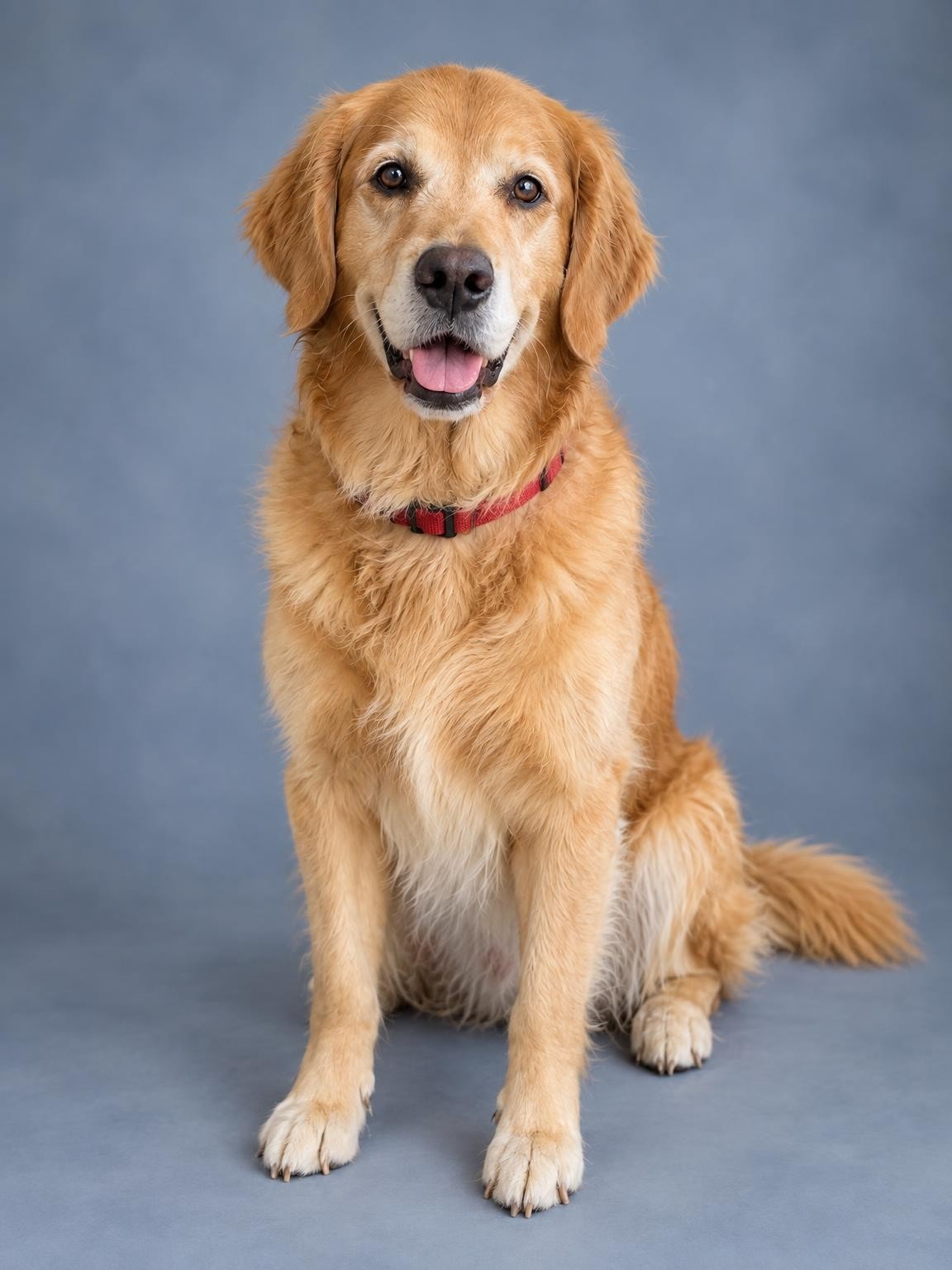
Pet Studio Portrait
Professional studio portrait of your pet — clean backdrop, gallery-worthy lighting.
Try this settingPet & family portraits · Free preview
Make a new AI portrait of your pet, or bring them into a family garden scene. Start with clear reference photos and check the free preview for the details you know best.
Create my free preview1 free watermarked preview. No account or card.
30 digital portraits for $19 if you choose a gallery.
One reference. A new portrait. Fictional demo
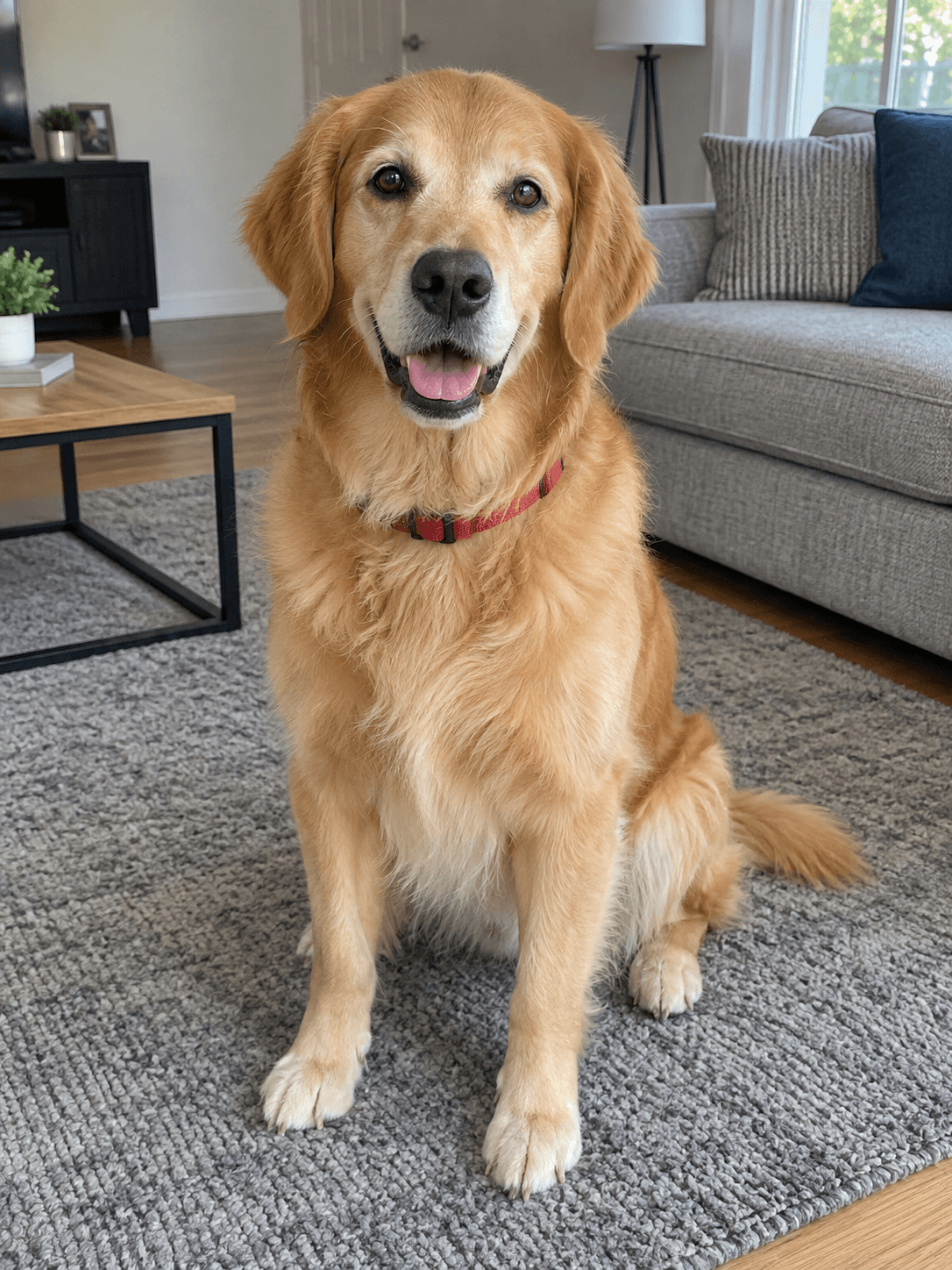 Reference photoPet Studio Portrait
Actual output from our portrait renderer. Your results will vary.
Studio keeps the attention on the animal. Christmas adds a seasonal setting. Family with Your Pet combines your people and pet in one garden portrait; its example uses a fictional family reference and a separate dog reference. Upload the subjects you want included, then compare the eyes, muzzle, ears, paws and markings.
Exact coat markings are not guaranteed. These matched examples show a golden retriever; they do not establish how every breed, cat or other animal will render.
Select a setting above to see its matching references and result, or start your own preview below.
Professional studio portrait of your pet — clean backdrop, gallery-worthy lighting.
Try this setting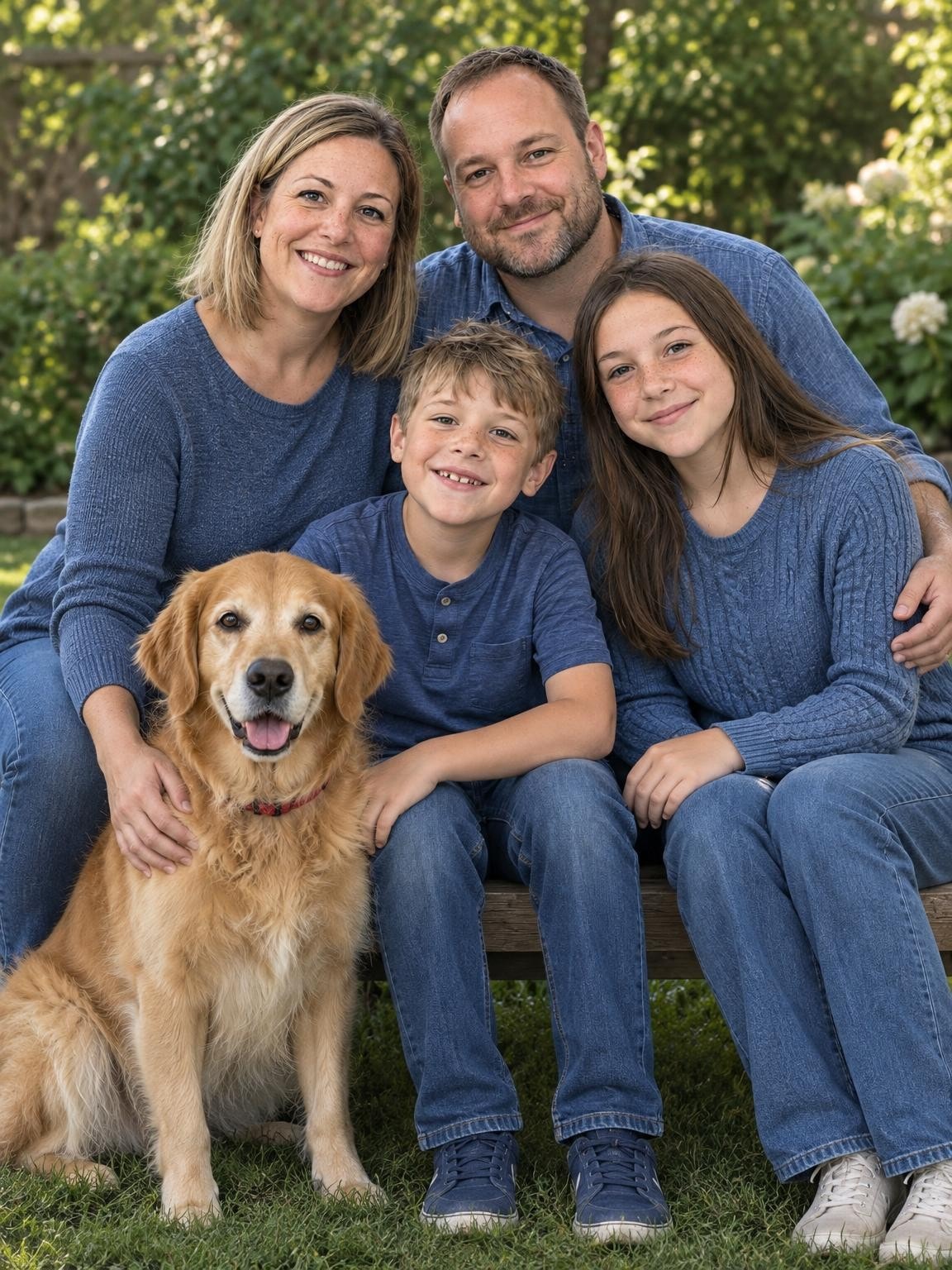
Your people and pet together in a relaxed garden portrait.
Try this setting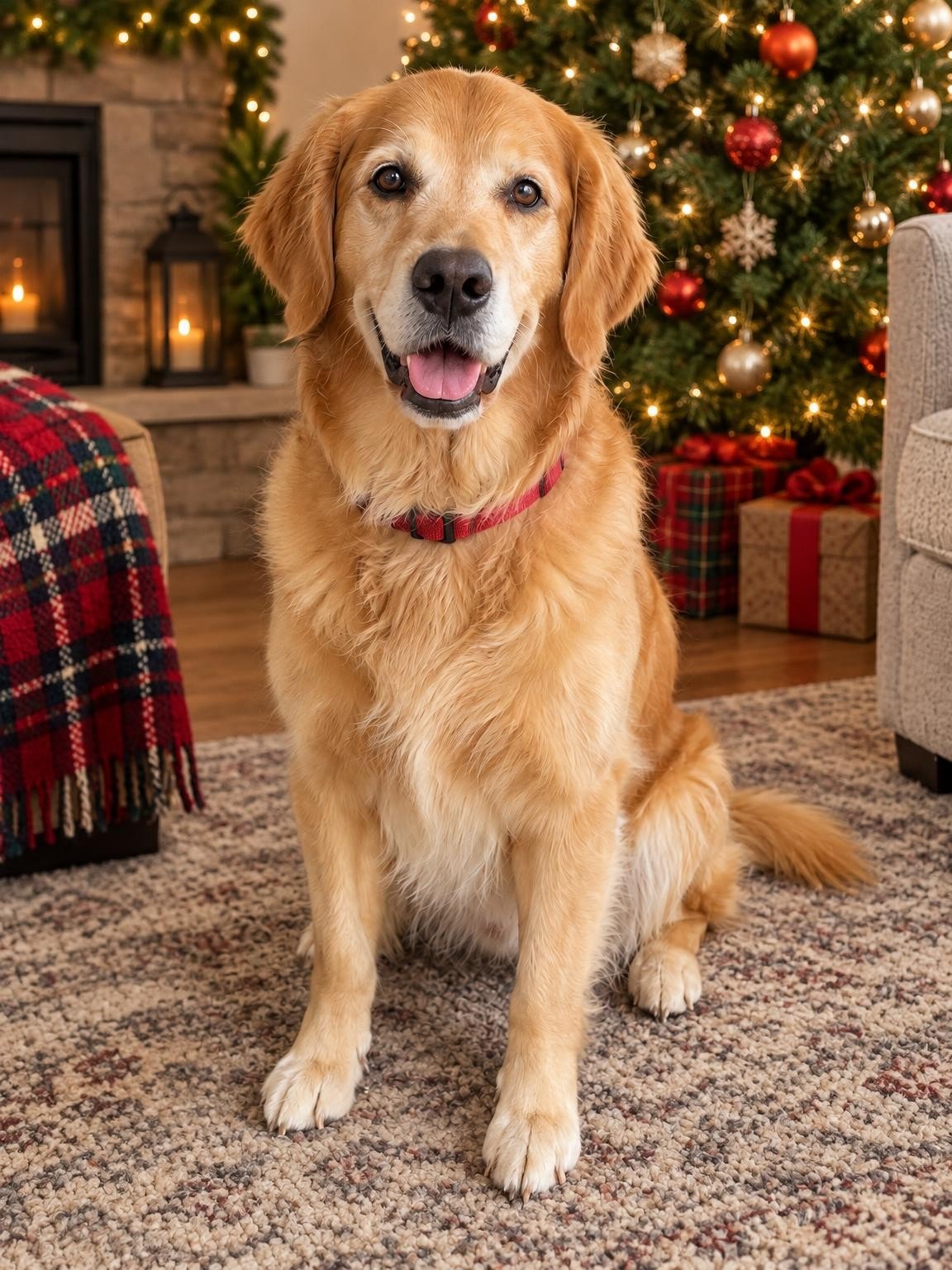
Your pet by the tree with stockings and soft holiday light — card-ready.
Try this settingUse 1–6 clear photos. The setting you selected here will be ready in the creator.
Compare the face with your references. Look closely at glasses, teeth, hair and hands before deciding.
Pay once for 30, 60 or 120 portraits. Download the originals as they become ready; printing is separate.
Choose a gallery of new portrait variations after checking your free preview. Keep your favorites; printing is separate.
Keep the exact portrait you approve, plus your chosen number of new variations. Every gallery includes original-size downloads without watermarks, your selected scenes, and support for eligible quality issues under our refund policy.
Start with a free preview and one correction. No account, no subscription.
Help with your galleryThe original examples on this page are 1152 × 1536 pixels. Check the actual dimensions and crop of your download before ordering prints. Check a photo’s crop and print size.
Use a sharp photo with both eyes, ears and muzzle visible. Strong overhead angles or a face hidden in fur give the renderer less useful detail. Keep enough of the body visible to show proportions.
Add a second clear photo if it reveals a chest patch, ear shape or coat pattern missing from the first. Keep the photos consistent with the same pet. Do not assume a convincing breed resemblance means the markings are correct.
For a family-with-dog portrait, choose the garden scene and include references of all the people as well as the dog. There are six reference-photo slots total, not a guarantee that six distinct subjects will render accurately.
Count paws and check legs, tails, collars and where fur meets hands or clothing. Review every person’s face too. The first preview helps you decide whether the result is suitable before buying a gallery.
Yes. Choose Family with Your Pet and upload the people and dog you want included. The example shows the exact family and dog references used. Check every face and the pet’s anatomy in your preview.
Not necessarily. AI can change spots, muzzle color, fur texture and small details. The preview should be judged against your pet’s references, not only whether it looks like the right breed.
The creator accepts pet photographs, and the presets ask it to preserve the referenced animal’s species and appearance. Our published matched examples here show a dog, so use the free preview to evaluate your own cat rather than treating these examples as cat-specific evidence.
Your first watermarked preview is free, with no account or payment card required. Paid digital galleries start at $19. You choose a gallery after reviewing the preview; there is no subscription. Printing and shipping are not included.
Not always. AI creates a new image, and facial details, age, clothing and hands can vary. Compare the preview with your references before paying. The people shown on this page are fictional demo subjects, not customers or evidence of a guaranteed result.
Use 1–6 reference photos total. Choose clear eye-level photos of your pet showing the face, ears, coat markings and body shape. Include every person who should appear in a family portrait. Avoid blurry action photos or images containing extra animals you do not want shown.
For a quality-issue review under our refund policy, contact us with your gallery link, affected photo numbers and the specific issue. You can also request deletion. Our privacy policy explains how references and generated photos are processed and stored.
Refund policyPrivacy and photo storageHelp with your gallery
Choose a setting. Add your photos. See the preview.