Photo print size calculator. Check the pixels before you print.
Choose a JPG, PNG or WebP, set the print size and move the crop. See the pixels and effective resolution that remain, then download the crop. Your file stays in your browser; no account or server upload is required.
Find the crop that fits.
The public demo portrait is loaded. Adjust its crop, or choose your own photo. Your own file stays in your browser.
JPG, PNG or WebP, up to 25 MB. No signup.
219 pixels per inch
Below the 300 PPI target. Check your printer’s quality guidance or use a smaller photo window.
- Original
- 1152 × 1536 px
- Selected crop
- 1097 × 1536 px
- Image area removed
- 5%
300 PPI target: 1500 × 2100 px, before printer-specific bleed.
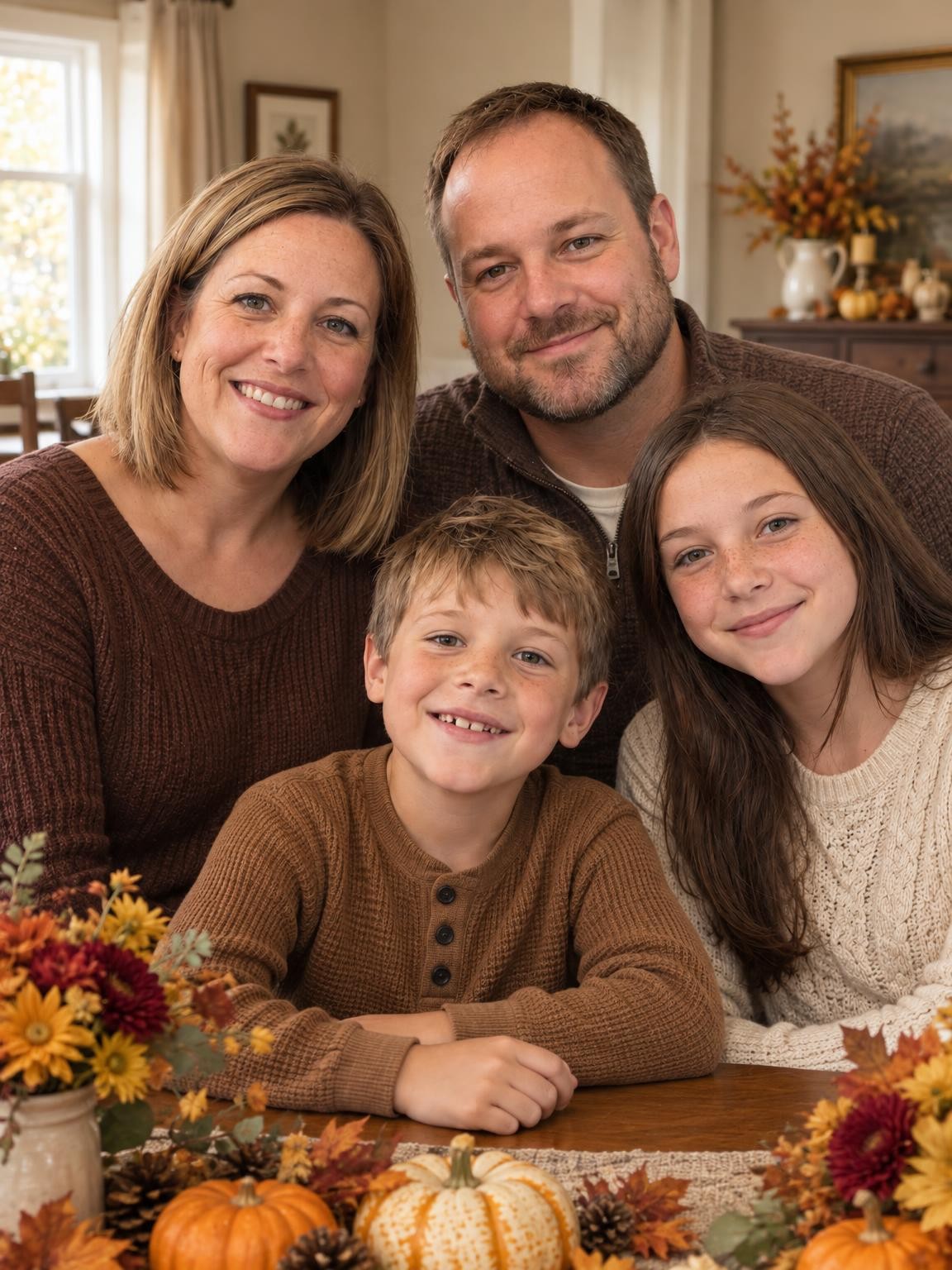
Public AI-generated example. Drag to reposition, or use the sliders.
Saves the selected pixels without upscaling or a watermark. White fills any transparent areas. This is a photo crop, not a printer’s complete card template or bleed proof.
What size can this example print?
The loaded example has 1152 × 1536 pixels. Cropping it to different shapes removes some pixels before the print resolution is calculated. These are calculations for this exact file, not print-quality promises.
| Print size | Pixels after crop | Effective PPI | Pixels for 300 PPI |
|---|---|---|---|
| 4 × 6 in | 1024 × 1536 | 256 | 1200 × 1800 |
| 5 × 7 in | 1097 × 1536 | 219 | 1500 × 2100 |
| 8 × 10 in | 1152 × 1440 | 144 | 2400 × 3000 |
| 11 × 14 in | 1152 × 1466 | 104 | 3300 × 4200 |
300 pixels per inch is a common target for detailed photo prints. The acceptable resolution depends on the printer, material, viewing distance and image itself. Check the provider’s requirements and final proof. Adobe’s print-resolution guidance.
Pixels, PPI and the “DPI” question
The calculation is pixels divided by inches
A 1500 × 2100-pixel image fits a 5 × 7-inch print at 300 PPI. If the photo is a different shape, crop it first and use the pixels that remain. Extra crop zoom discards more pixels and lowers the effective resolution.
People often search for a photo DPI checker. This tool reports effective image PPI at your chosen print size. It does not read or change a printer’s hardware dot setting or rely on the resolution tag saved inside the file.
A bigger number does not restore detail
Changing only a file’s resolution tag does not add image information. This tool keeps the selected source pixels and does not upscale the photo. Download the original image instead of a screenshot or compressed message copy whenever possible.
For a printer’s custom photo window, select Custom photo window and enter the width and height in inches. For a full card layout, follow the printer’s own bleed and safe-area template. Adobe explains image size and resampling.
Printing photos: questions
Can I print AI-generated photos?
You can prepare a downloaded AI portrait for printing using the same crop and pixel calculations as another image. Inspect faces, hands and fine details at full size first. Our paid galleries provide digital files; printing and shipping are separate.
Does this make a blurry image sharp?
No. The checker measures the pixels available for your selected crop and print size. It cannot recover lost focus or remove generation errors. A high PPI calculation does not guarantee that the underlying photo is sharp.
Does my photo leave my device?
Your chosen file is opened and processed locally in this browser. The checker does not upload it to our server. The public demonstration image is loaded from this website. The portrait creator is a separate service that processes uploaded references as described in our privacy policy.
What should I send to a print provider?
Download the original portrait or the cropped JPG, check the dimensions, and review the provider’s proof before ordering. This tool exports the selected image pixels, not a complete print template. For holiday layouts, see our Christmas card photo-size guide.
See what your own photos can make.
One free watermarked AI preview. No account or card. Paid galleries from $19.