AI Christmas photo prompts for your real family
Start with one clear idea: your family, a setting, a small color palette, and light that shows everyone’s face. These eight original prompts are free to copy and adapt in an image tool that supports photo references.
The images below are existing FamilyPhotographer.ai scene examples, not a claim that these exact prompts produced them. “Try this scene” selects a matching preset in our generator; it does not paste the written prompt. A prompt guides the result; it cannot guarantee perfect likeness.
Choose a Christmas sceneHow to use a Christmas photo prompt
- Choose clear reference photos where each face is visible. Use photos you have permission to upload.
- Copy a prompt, paste it alongside your references in your chosen image tool, and change the group, clothes or setting. To use our scene presets instead, choose “Try this scene” and upload 1–6 photos total; people can be in separate pictures.
- Review the result at full size. Check faces, hands, glasses and whether anyone was added or missed. Simplify the scene if the result drifts.
- For printed cards, leave room around the group and check the downloaded photo’s size and crop.
Want to try a Christmas portrait with your own family?
Try a matching scene preset with 1–6 family photos. Label each person or pet and select the reference photos they appear in.
Your first preview and one correction using the same references are free. If you like a result, a $19 gallery includes that exact approved portrait without our watermark, plus 30 new variations. No account, card or payment is needed to see your preview.
See the actual reference photos and Christmas results before choosing your own.
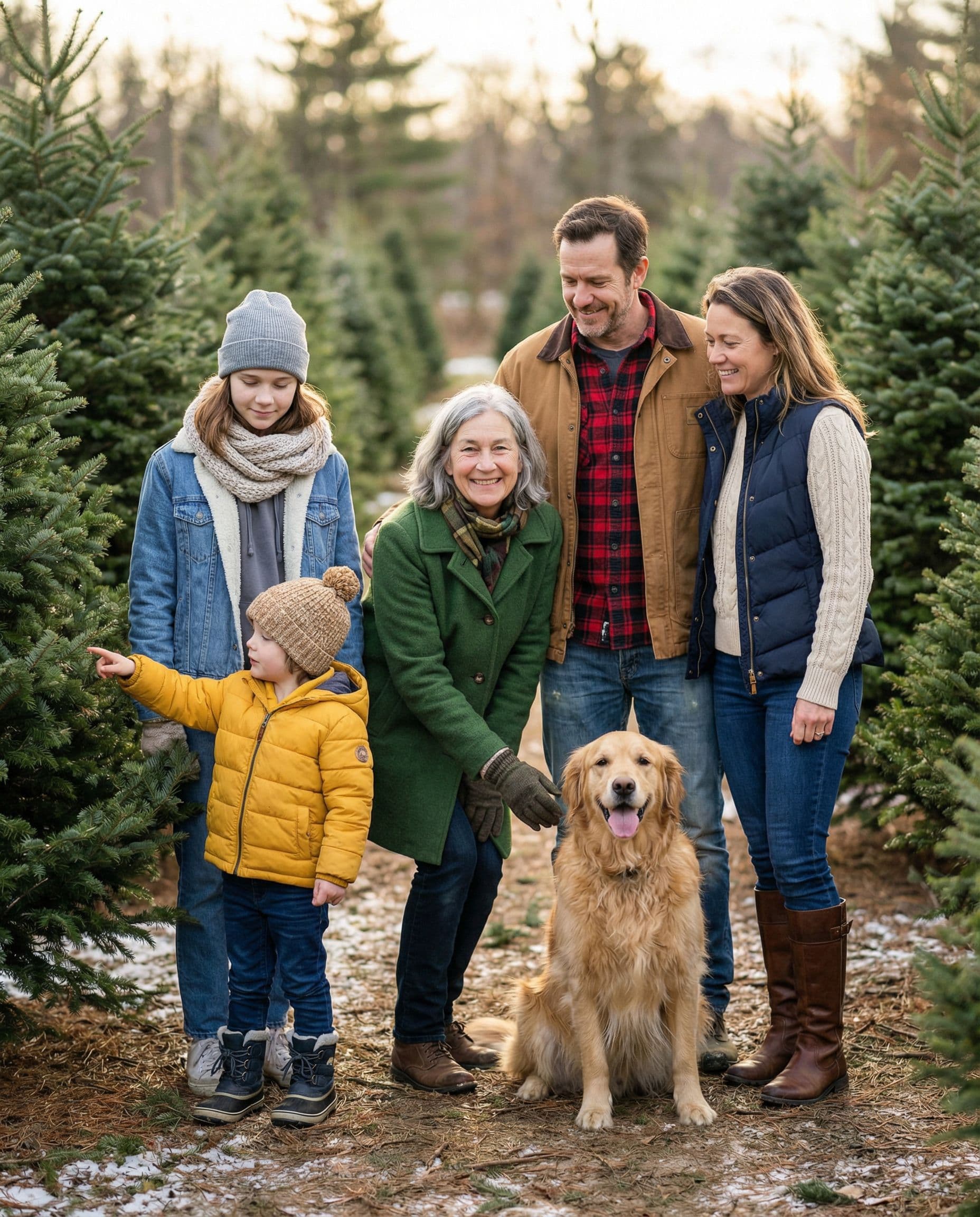
Prompt 1
A family walk at the Christmas tree farm
Create a realistic family portrait from the attached reference photos. Keep each person recognizable and include everyone once. Place us between evergreen rows at a Christmas tree farm in soft afternoon light. Coordinate cream knits, muted red plaid and dark jeans. Group us naturally with space around every face. No text or border.
Make it work: A wide group composition works well for a landscape card. Ask for generous space on both sides so the printer’s crop has room.
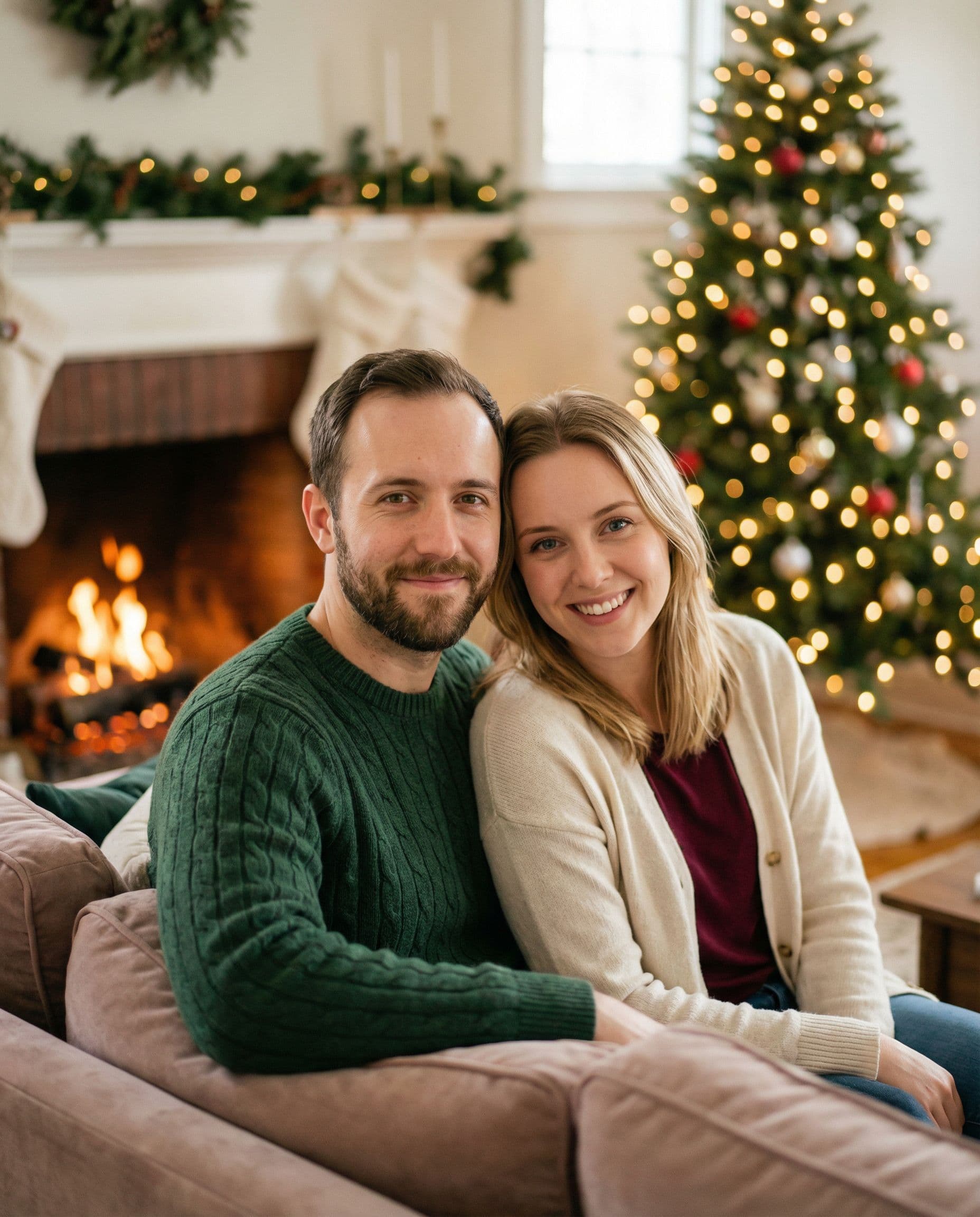
Prompt 2
A cozy fireside portrait
Use the attached photos as identity references for a realistic Christmas portrait. Seat us together beside a softly glowing fireplace, with a simple green garland and warm tree lights in the background. Dress us in ivory and burgundy knitwear. Keep faces clearly lit, expressions relaxed and skin texture natural. No lettering or card frame.
Make it work: Use a simple scene when facial likeness is your main concern. Keep the light on faces soft rather than asking for a very dark room.
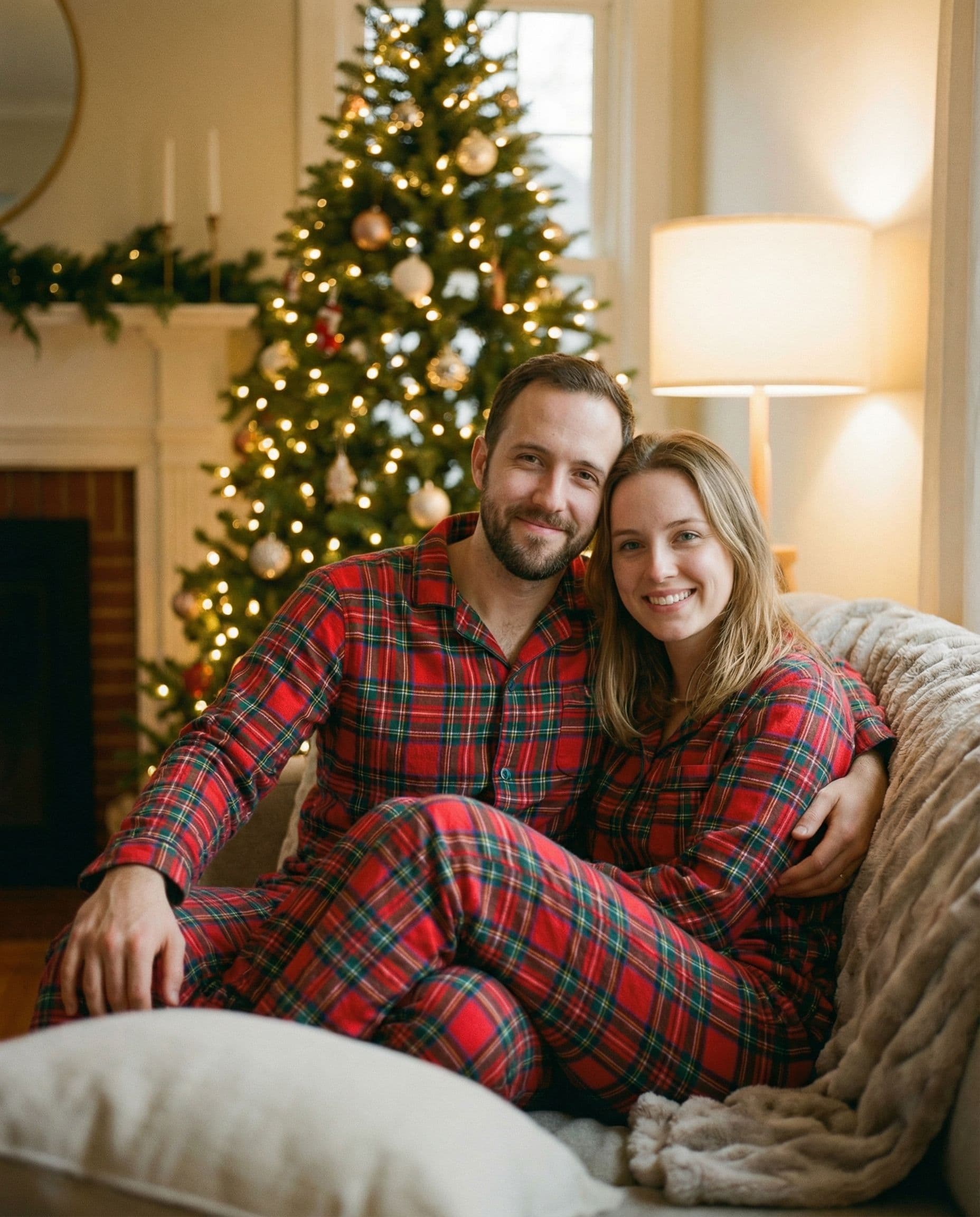
Prompt 3
Matching pajamas without matching schedules
Create a realistic Christmas morning portrait using the people in my reference photos. Preserve their recognizable faces and ages. Put us in coordinating red plaid pajamas, sitting together on a rug near a decorated tree. Add warm window light, a few wrapped gifts and relaxed smiles. Keep hands natural and the background uncluttered. No text.
Make it work: Matching does not have to mean identical. Ask for the same palette across several pajama styles if you want a more relaxed result.
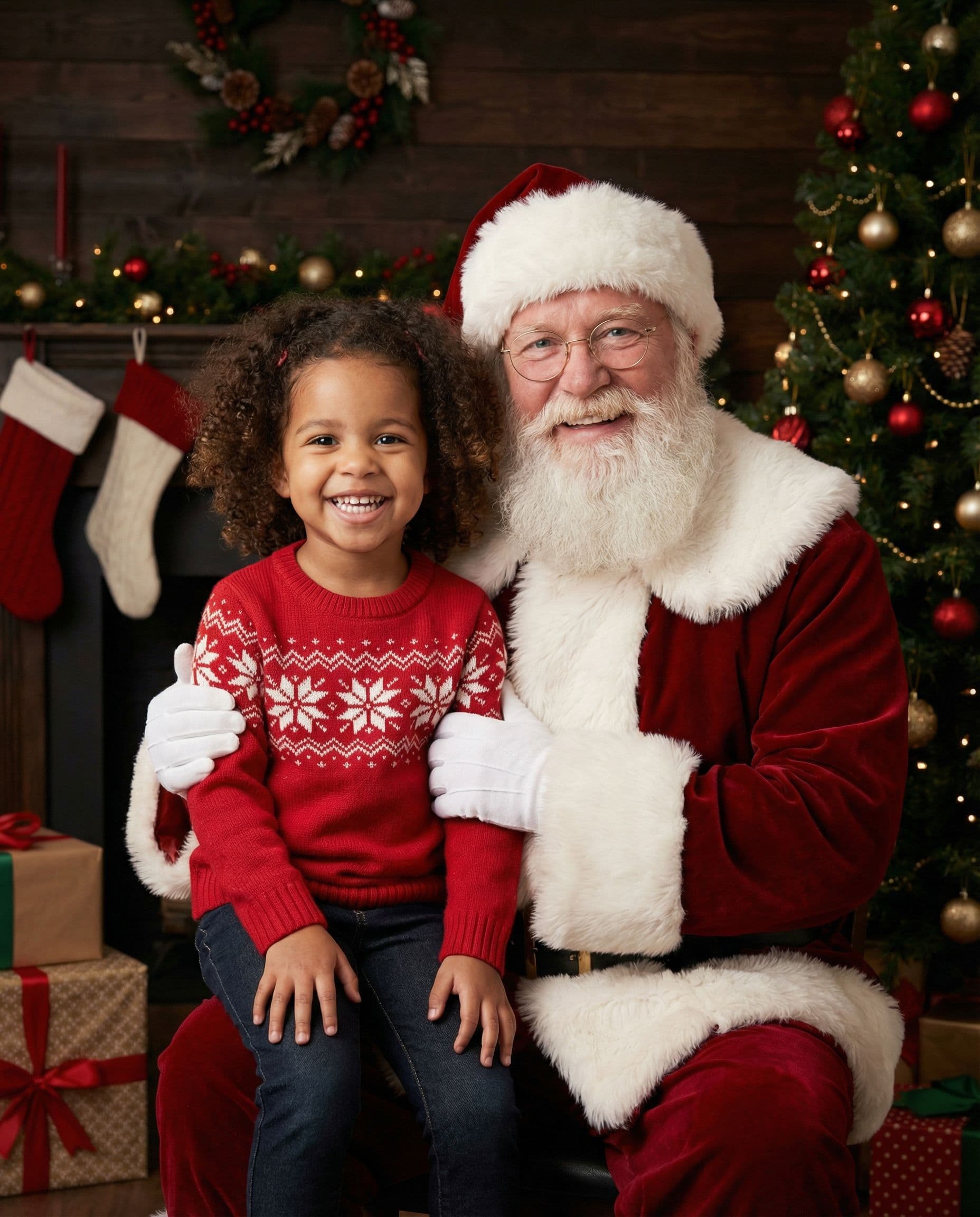
Prompt 4
A gentle portrait with Santa
Create a realistic festive portrait of the child in the reference photos beside a friendly Santa in a comfortable chair. Keep the child’s face and age recognizable. Use a softly lit Christmas tree, cream and red holiday clothes, natural expressions and a calm studio atmosphere. Leave room around both faces. No text, logos or decorative border.
Make it work: This creates an imagined portrait with Santa. It does not document a real visit. Pick clear, recent reference photos and check the child’s likeness in the preview.
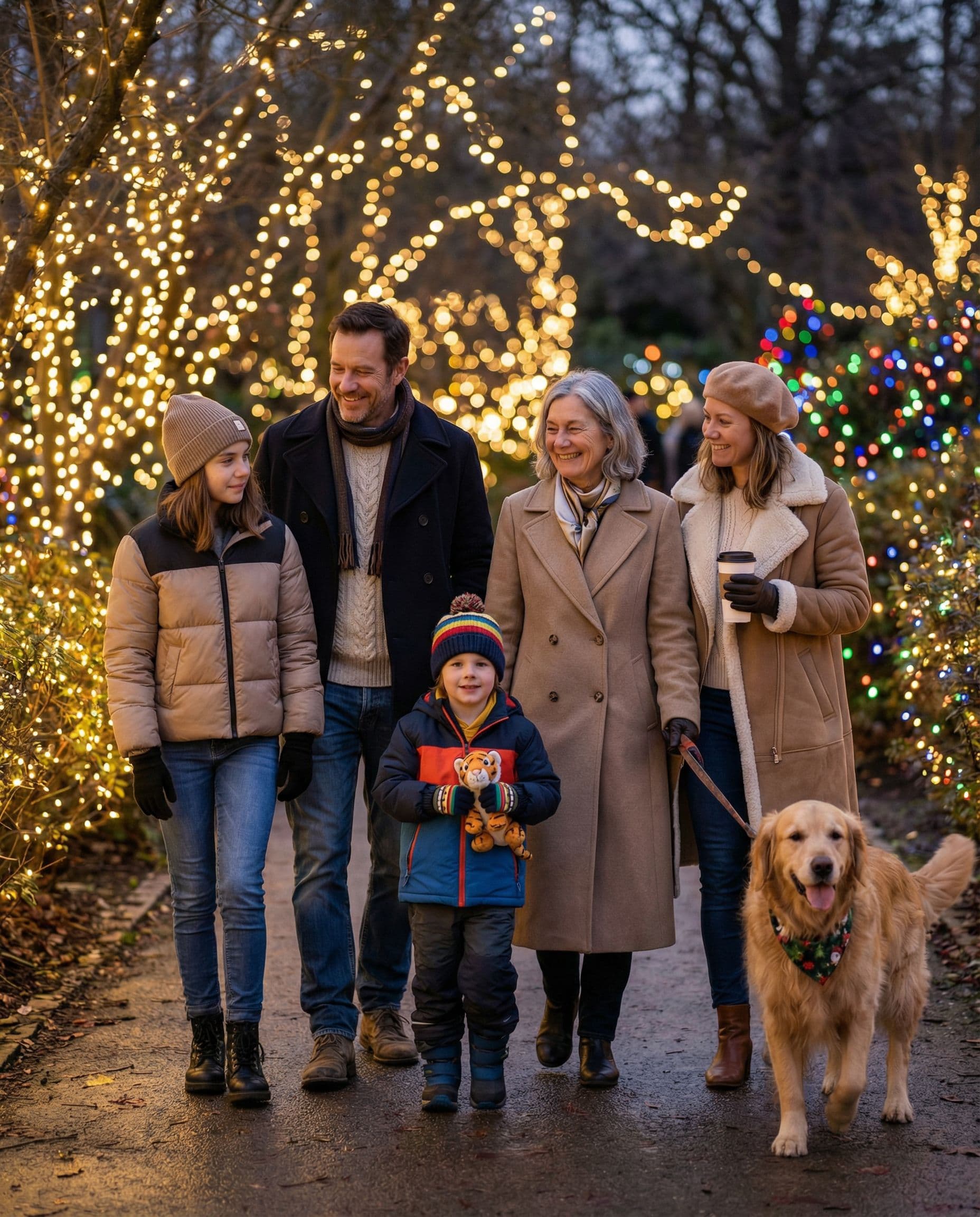
Prompt 5
A holiday lights stroll
Make a realistic family portrait from these references, keeping every person’s recognizable face and age. Show us close together on a street with warm holiday lights at dusk. Use navy, camel and cream winter layers, softly blurred lights behind us and gentle light on our faces. Keep the whole group in focus and leave space around the edges. No text.
Make it work: Dusk gives you light trails and a festive background without needing faces to disappear into darkness.
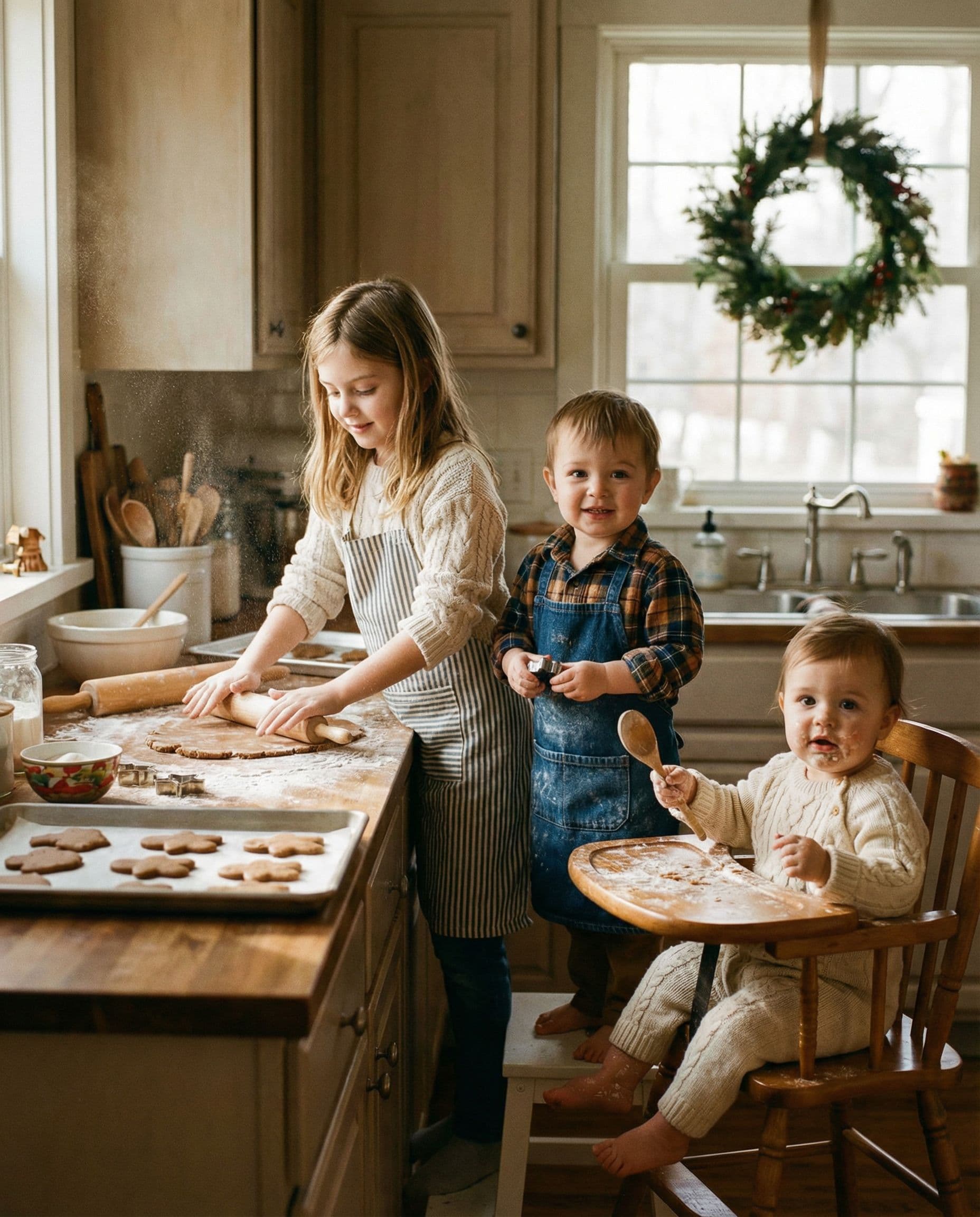
Prompt 6
Kids in a gingerbread kitchen
Use the attached reference photos to create a realistic Christmas portrait of the same children at a kitchen counter decorating gingerbread cookies. Keep their faces recognizable. Add simple cream aprons, a small plate of cookies, a wreath and soft window light. Keep the scene tidy and hands anatomically natural. No extra children, text or borders.
Make it work: A few cookies are easier to read than a counter full of tiny decorations. Inspect fingers and utensils closely before choosing the result.
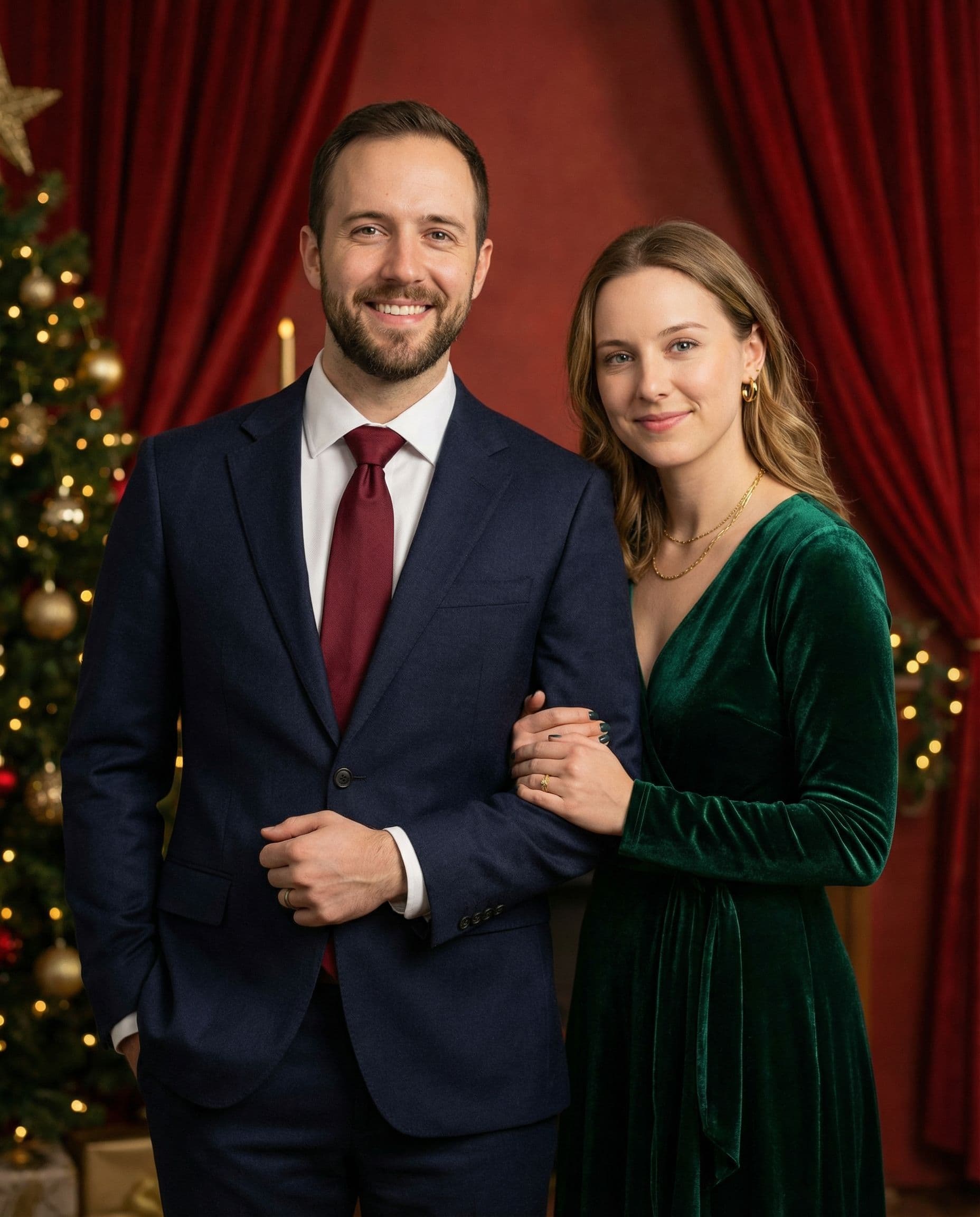
Prompt 7
A dressed-up Christmas portrait for two
Create a realistic Christmas studio portrait of the couple in these reference photos. Preserve their recognizable faces. Dress them in coordinated deep red and dark neutral evening outfits. Use a restrained evergreen and gold backdrop, soft flattering studio light and a relaxed close pose. Keep skin natural and leave room above their heads. No words or frame.
Make it work: Describe a color and level of formality rather than a complicated list of accessories. Check both faces before using the photo for a card.
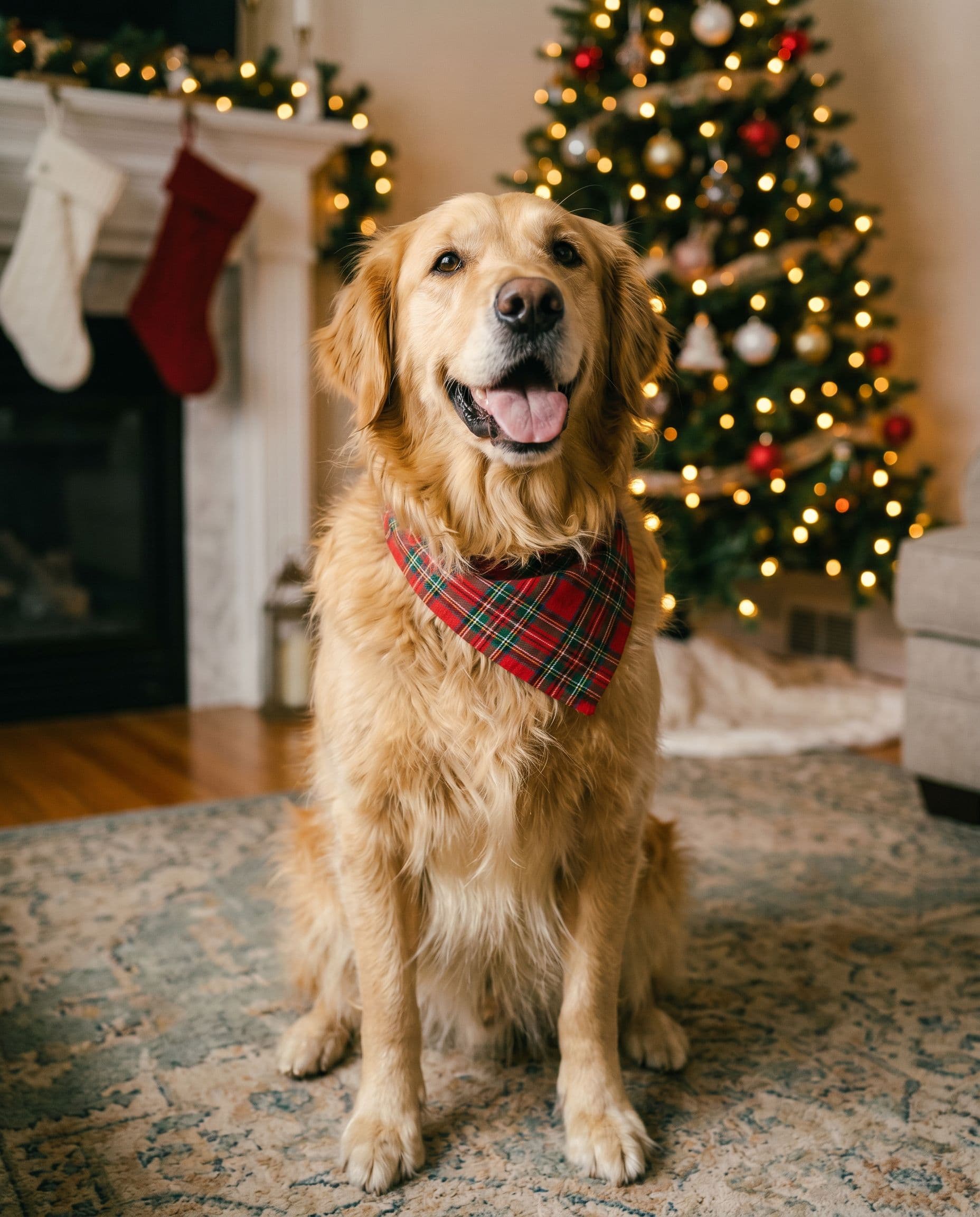
Prompt 8
A Christmas portrait with the family pet
Create a realistic Christmas portrait from my reference photos, preserving the pet’s recognizable markings, fur and proportions. Place the pet comfortably near a softly glowing Christmas tree with a small red bandana and warm natural light. If people are in the references, include them naturally beside the pet. Keep eyes sharp. No text or border.
Make it work: Use a reference where the pet’s face and markings are easy to see. A small bandana is simpler than a full costume.
Why did the AI change someone’s face?
A reference image guides generation but does not lock every feature. Small or shadowed faces, very different reference angles and crowded scenes can make a result less recognizable. Start with a simpler setting, choose clearer references, and inspect each person before accepting a photo. A free preview helps you decide whether this approach works for your family.
For more examples, see AI Christmas photos, family Christmas photo ideas and pictures with Santa. Full galleries start at $19 after the free preview.
Making a card? Compare card layouts before choosing the final crop.